English
 Deutsch











Make room availability and booking information easy to check at the entrance. Plan the rooms, displays and calendar connections your organisation needs, and define which room details appear on each screen.
Explore Related Solutions: Office Reservation · Room Information Displays · Contact
Bookreen Smart Office and Workspace Booking
Bookreen is a cloud-based platform for booking meeting rooms, desks, focus areas, parking spaces, lockers and shared resources in hybrid offices. Staff can use the mobile app, web interface, Microsoft Outlook or Google Calendar. Interactive floor plans help users find spaces by location, capacity and facilities, while QR codes support booking, check-in, check-out and verification of space usage.
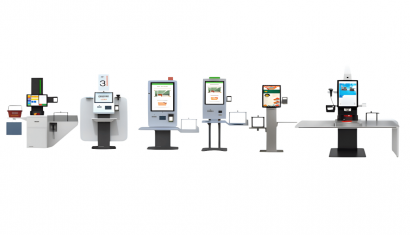
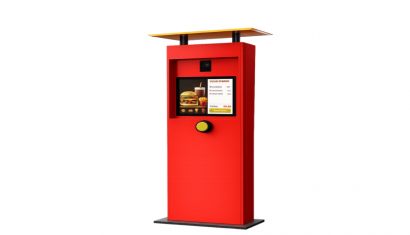
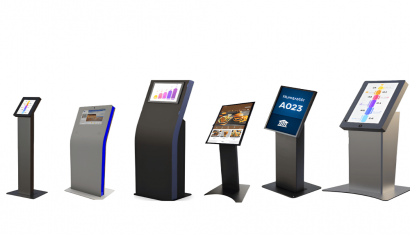
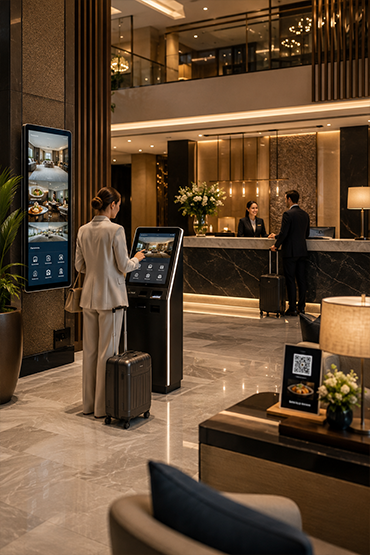
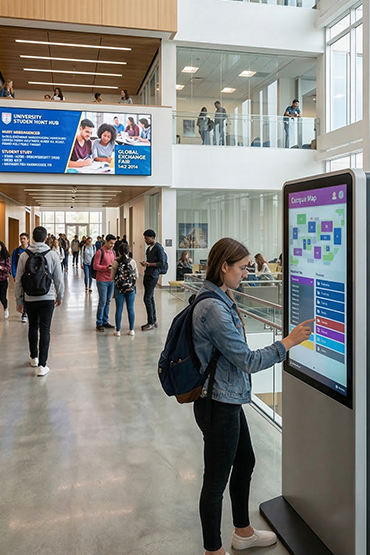
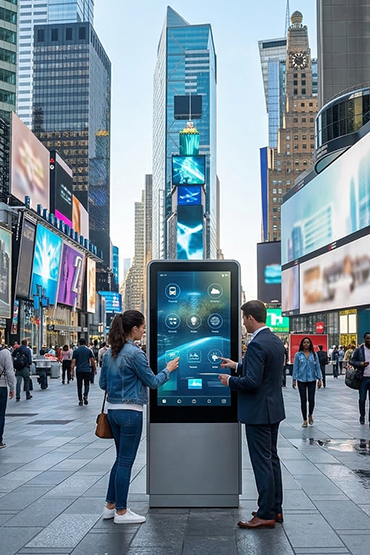
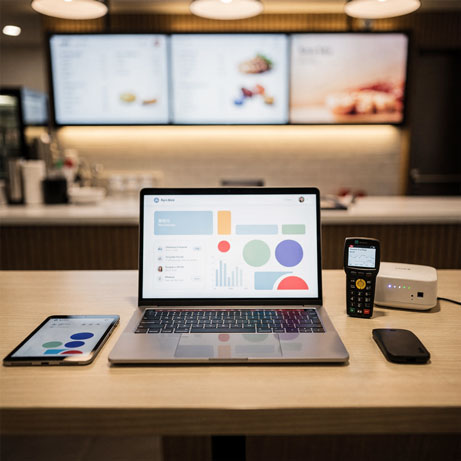
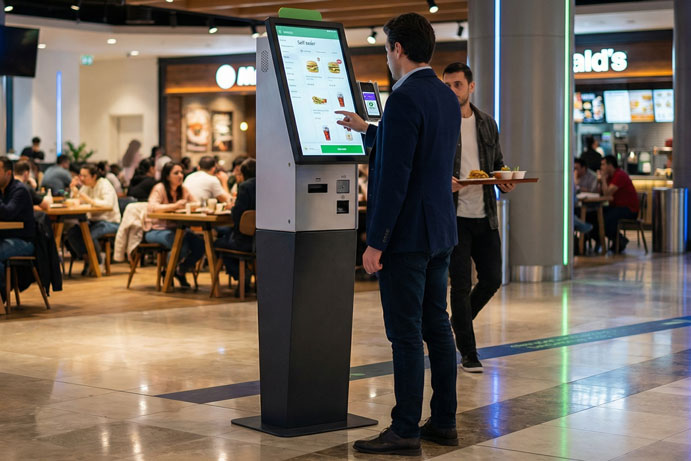
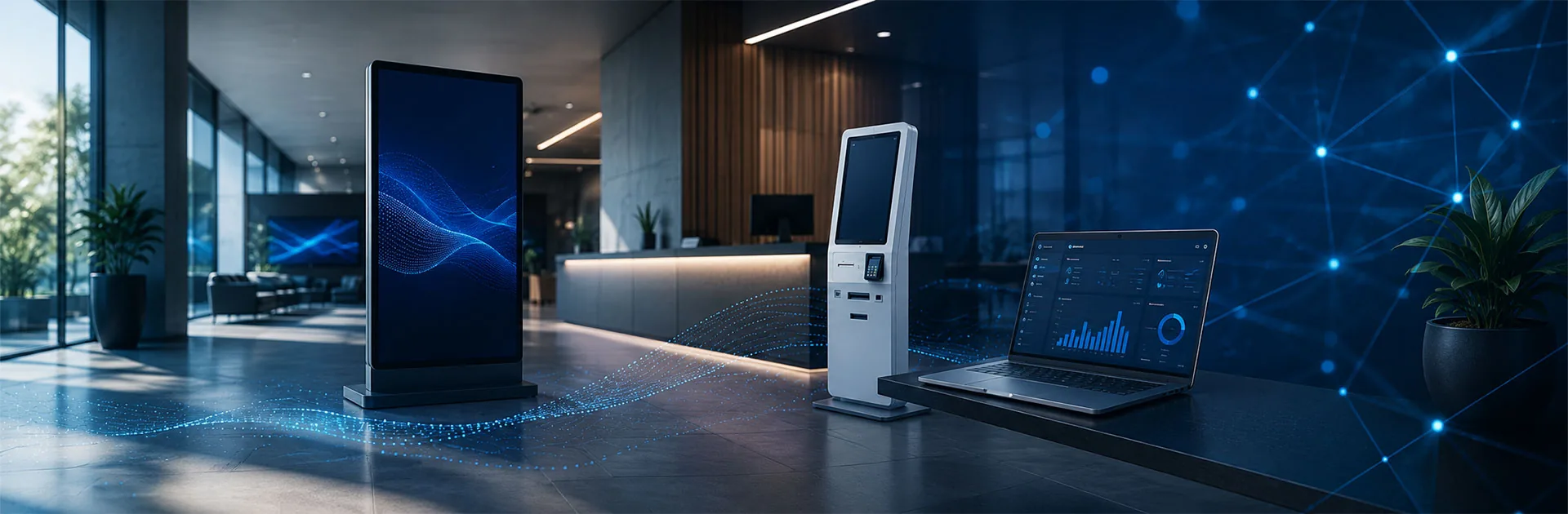
Meeting room and desk displays show availability at the point of use. Reception kiosks, wayfinding displays and IoT-enabled devices can support the flow of information around the office. A central management panel tracks bookings, live availability, occupancy and unused resources. Reports help organisations assess capacity across offices and locations using actual usage data.
Key features
- Desk and meeting room booking
- Mobile app, web interface and calendar access
- Microsoft Outlook and Google Calendar integration
- Interactive floor plans
- QR code booking, check-in, check-out and usage verification
- Support for meeting room and desk displays
- Reception kiosks and wayfinding solutions
- Parking, locker and shared-space management
- Live availability and occupancy monitoring
- Booking and unused-resource reporting
- Central management across multiple offices, floors and locations
RoomPaper Electronic Paper Room Information Displays
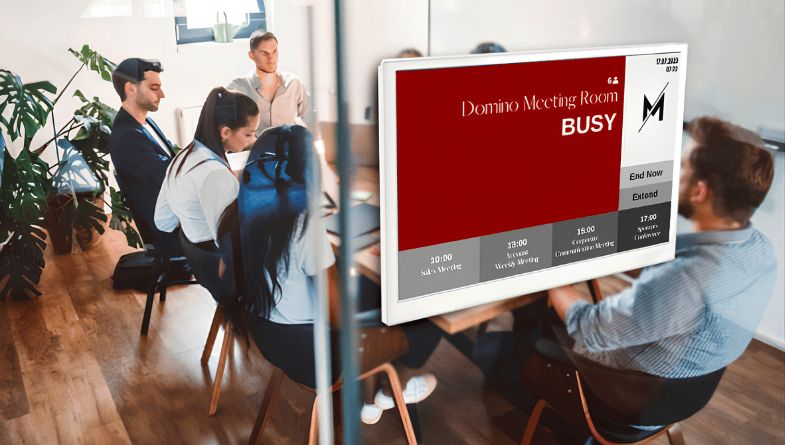
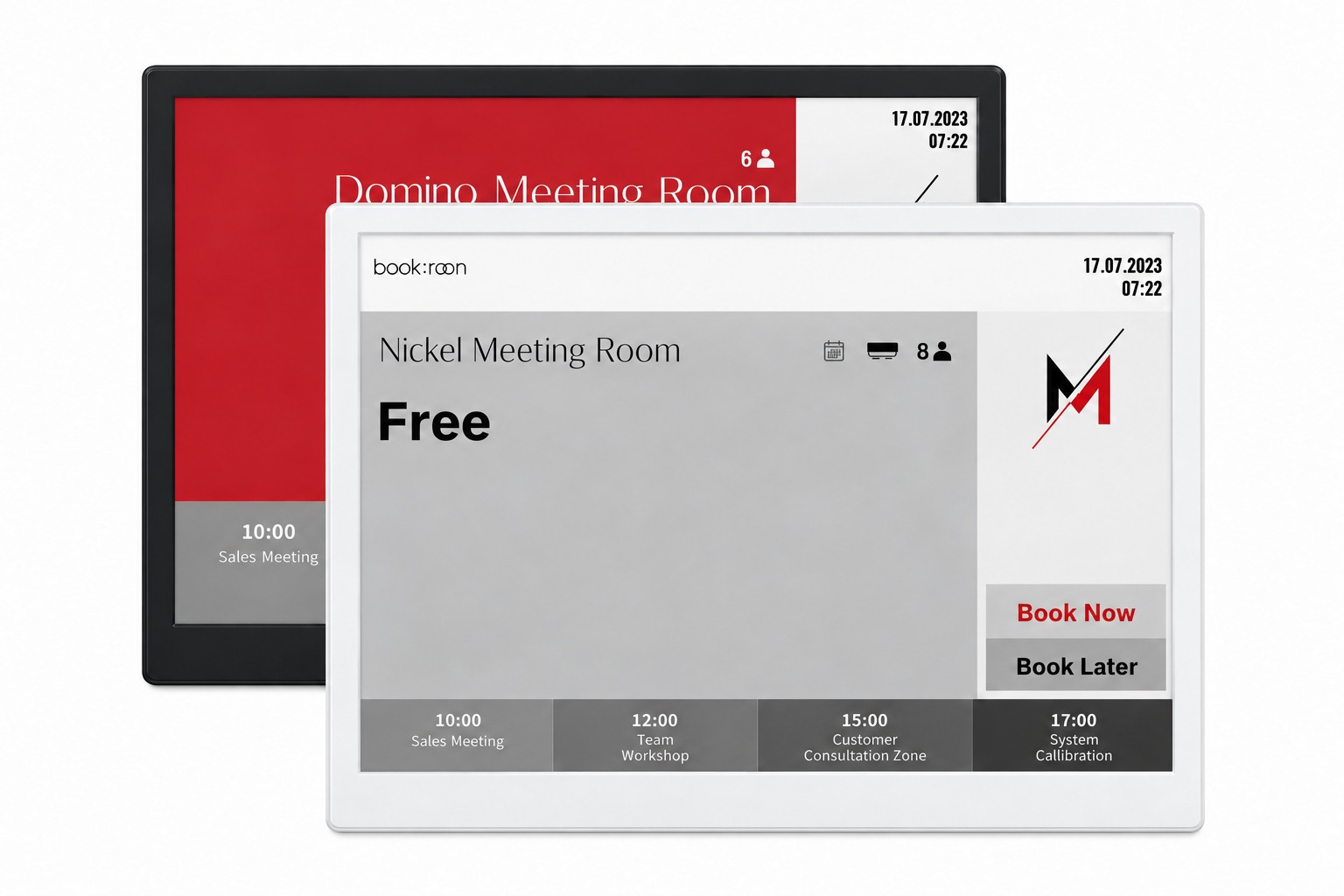
RoomPaper is a family of multicolour electronic paper displays that show room information, booking details and availability at the entrance. A rechargeable battery and wireless operation make it suitable for locations where running a power cable is difficult.
The paper-like display uses little energy and keeps room status easy to read. Use it outside meeting rooms, offices and shared spaces to help staff and visitors see which room they need and whether it is available.
Display and usage features
- 10.2-inch, 11.6-inch and 13.3-inch display options
- Multicolour electronic paper display
- Wireless operation with a rechargeable battery
- Room information, booking details and availability at the entrance
LCD Room Information Displays
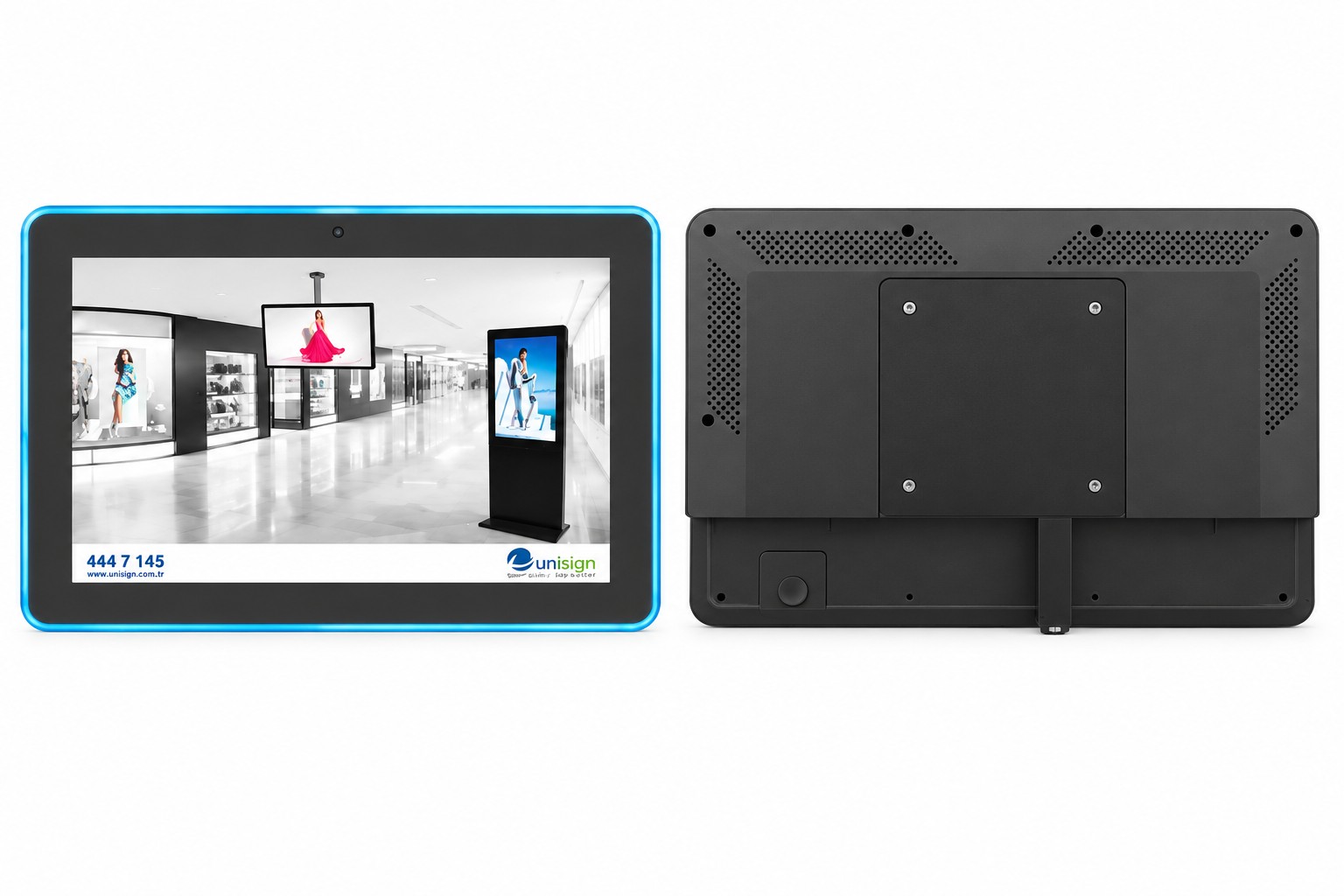
LCD room information displays show room details, availability and current usage status at the entrance. Surface-mounted, flush-mounted and behind-glass installation options suit different interiors.
Bookreen centrally manages room status and updates the information on the displays in real time. Interfaces can be adapted to your corporate identity to provide clear room information in offices, meeting areas and shared spaces.
Display and mounting options
- 11.1-inch, 12.1-inch, 13.3-inch, 15-inch, 17-inch, 18.5-inch and 21.5-inch display options
- Surface-mounted installation
- Flush-mounted installation
- Behind-glass installation
- Central room status management through Bookreen
- Real-time information updates and branded interface design
Frequently Asked Questions
What does Bookreen need from our booking setup?
List resources, user groups and the current calendar environment.
How should calendars and meeting privacy be checked?
Confirm supported connectors and the permissions they require. Define what a door display shows, how conflicts are handled and which meeting details stay private. Do not advertise unnamed universal calendar compatibility.
What does a room information display show?
A room information display can show the room name, availability, current or upcoming bookings and room details defined for the project. It helps staff and visitors check the room status at the entrance.
Can Bookreen also manage desk bookings?
Yes. Alongside meeting rooms, Bookreen supports booking desks, focus areas, parking spaces, lockers and other shared resources. Staff can choose a suitable workspace before arriving at the office.
Does Bookreen work with Outlook and Google Calendar?
Yes. Bookreen supports Microsoft Outlook and Google Calendar integration, allowing staff to create and manage bookings through their calendar systems.
Can QR codes be used for booking and check-in?
Bookreen supports QR code booking, check-in, check-out and verification of space usage. The QR workflow can be configured to match the way your office operates.
Which display options does RoomPaper offer?
RoomPaper offers 10.2-inch, 11.6-inch and 13.3-inch multicolour electronic paper displays. A rechargeable battery supports wireless use where running a power cable is difficult.
What determines the cost of Bookreen and room displays?
A quotation depends on user numbers, room and desk quantities, offices and locations, calendar integrations, display requirements, kiosks or IoT devices, reporting and support scope.
Briefly share your needs and our expert team will analyze the most suitable solution for you. We can schedule a project-specific demo, prepare a detailed quote, or review your technical questions together. We will contact you as soon as possible.









.png.webp&w=410&h=235 "DSFeed Content Management and Monitoring Service")