English
  Deutsch














Smart Restaurant Technologies
Integrated Digital Experience for Cafes and Restaurants
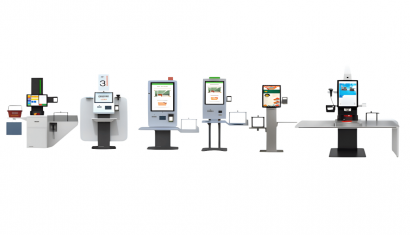
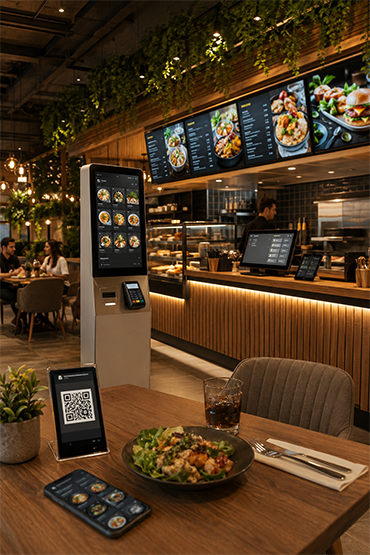
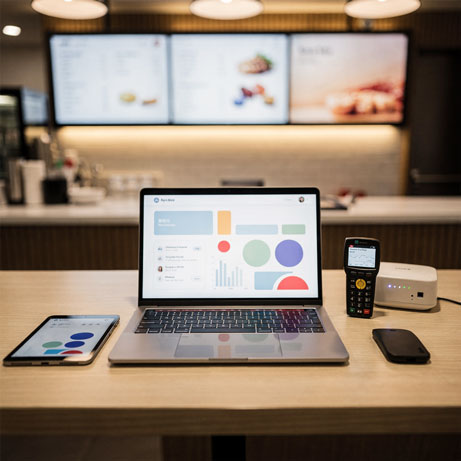
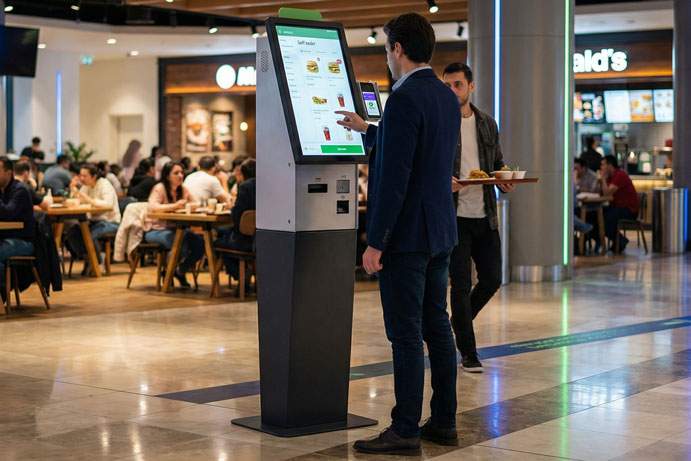
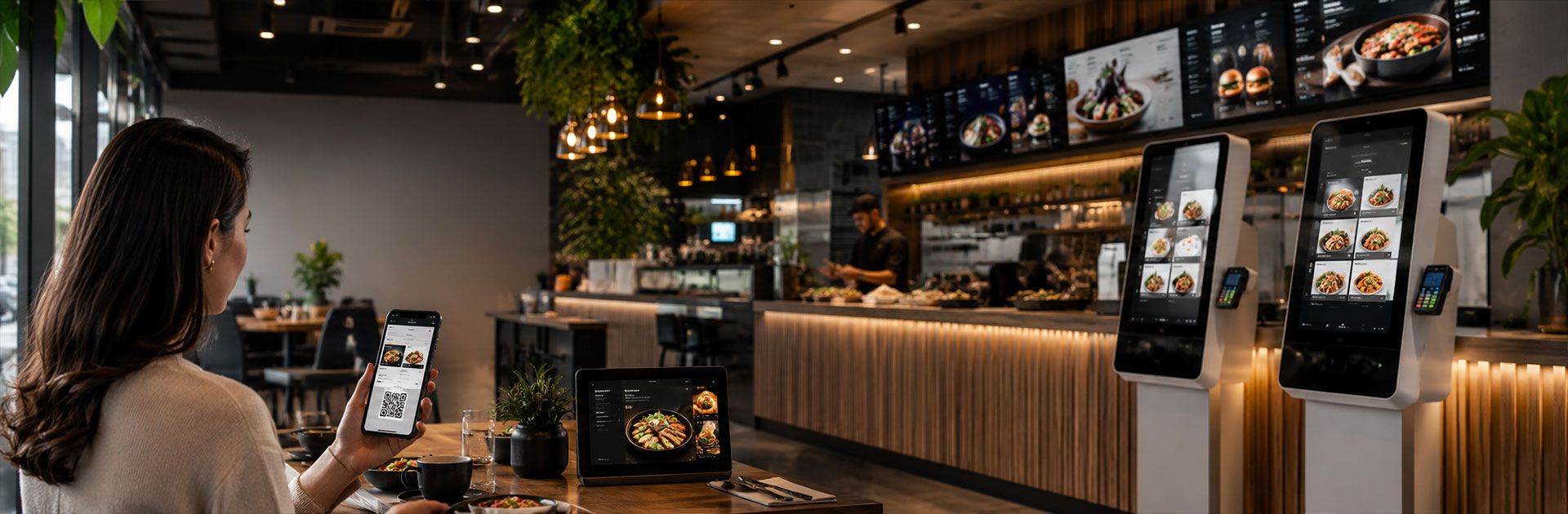
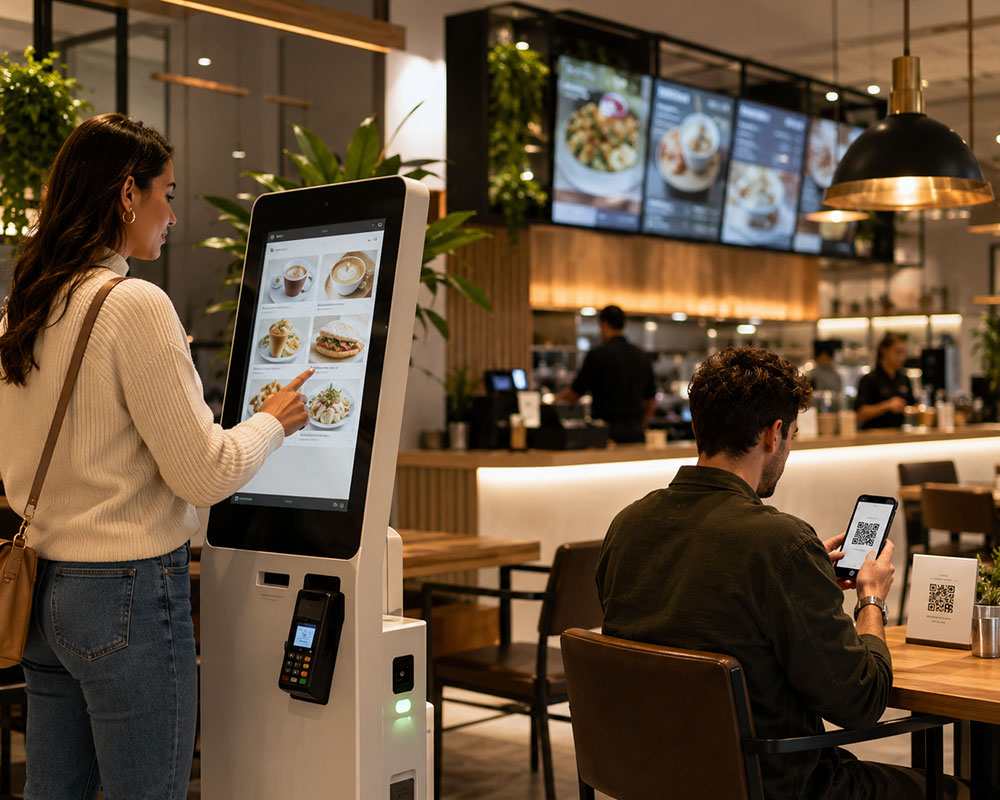
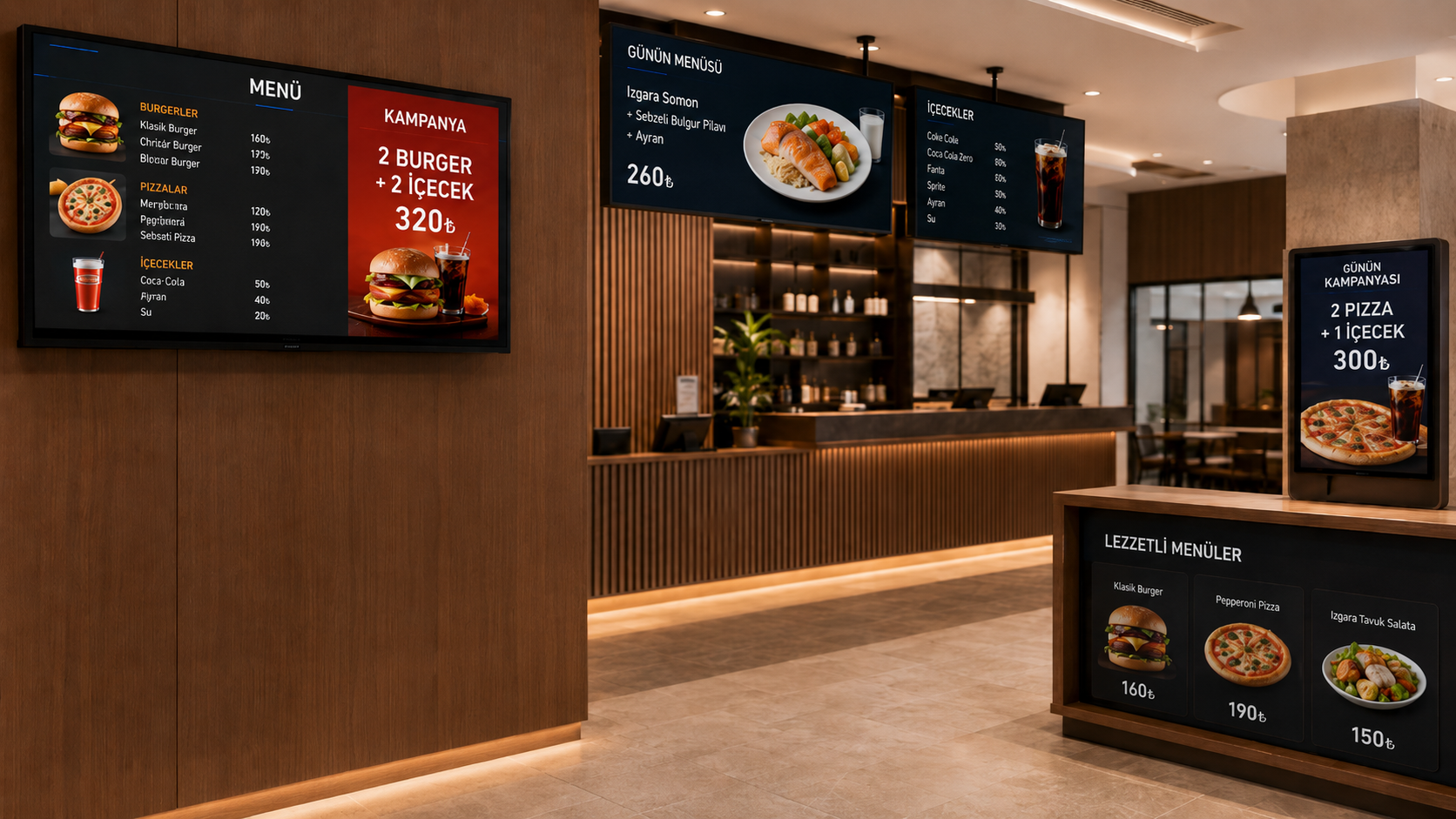
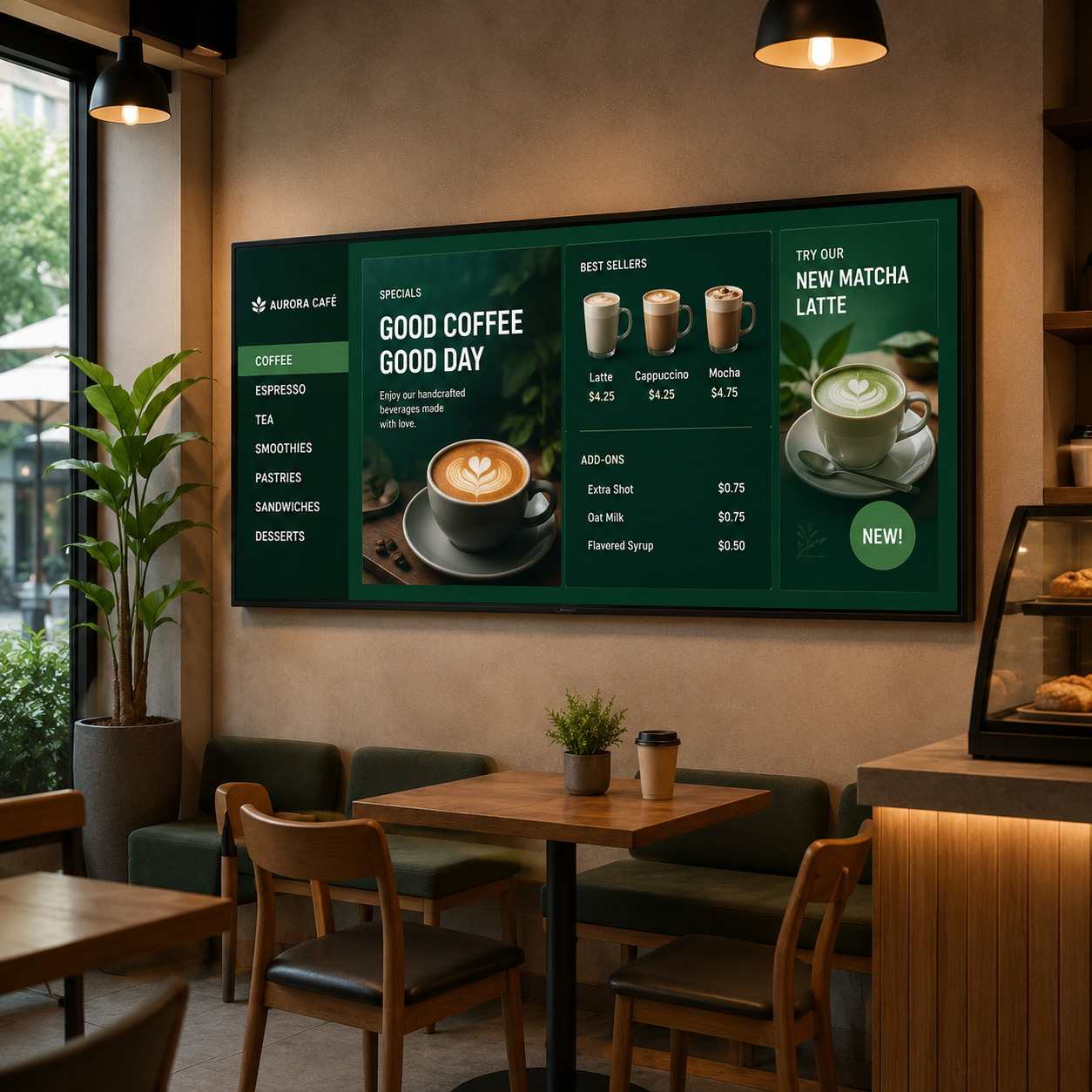
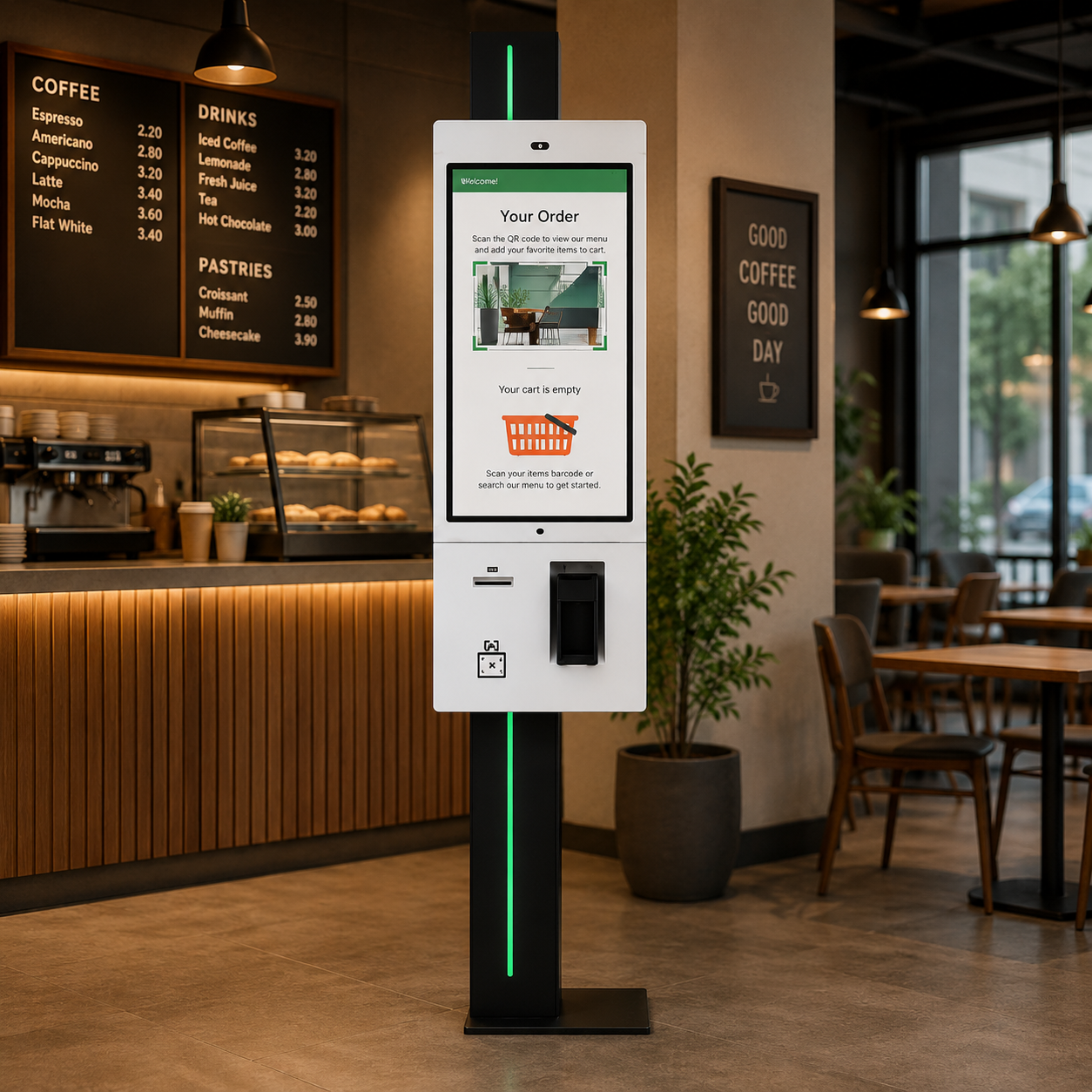
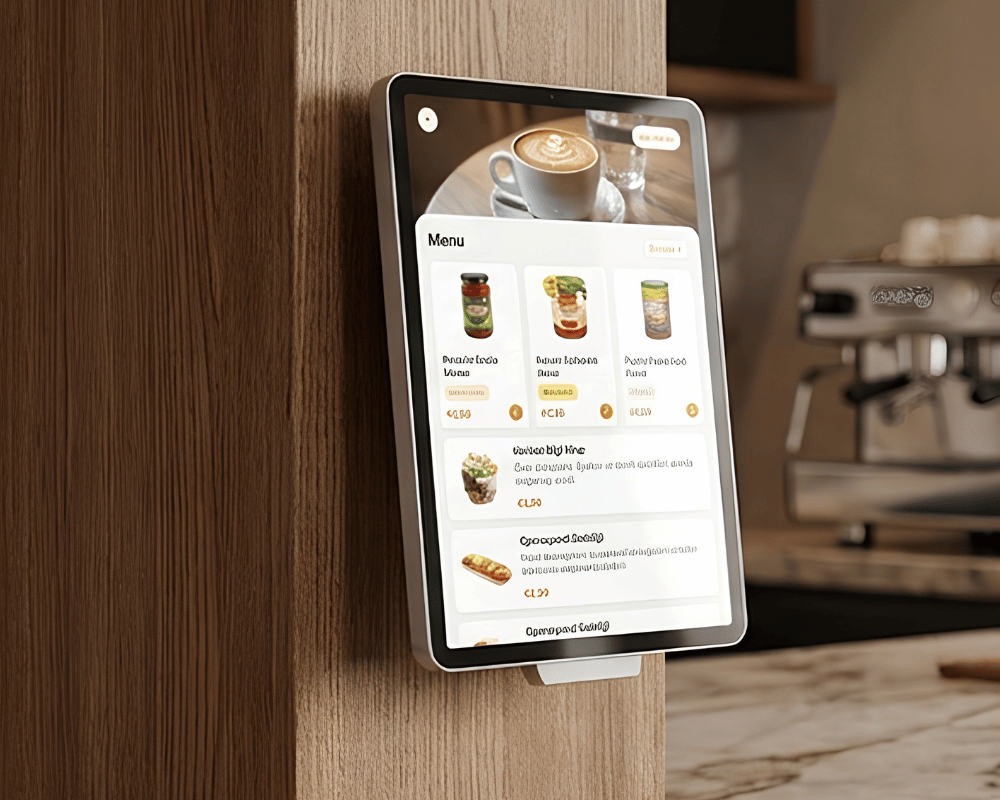
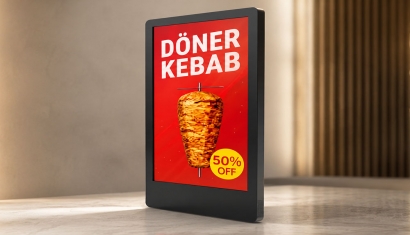
Digital menu boards help present the offer. Self-order kiosks provide a dedicated ordering point. QR and web menus offer another way to view information. These functions are related, but ordering, payments and kitchen integration are not automatically included in every menu product.
Menu displays and ordering touchpoints
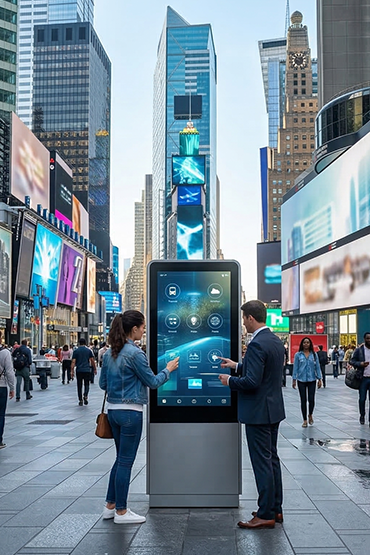
Specify your menu screens and self-order kiosk around the service you provide. Menu displays, players and software can be purchased separately. Kiosk components are also selected for the proposed configuration. Unisoft enters the initial kiosk menu; your team can manage later changes or choose additional paid assistance.
CMS training and documentation included
CMS user training and documentation are included in the quotation. Your team receives the information needed to use the content management system. Software updates and ongoing technical support are priced separately.
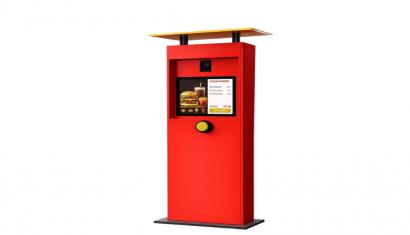
Explore Related Solutions: Menuboard Screens · Self Order Kiosk · QR menu · Drive Thru Order Kiosk · Costa Coffee Self Order Project
Menureen Ecosystem
Manage Order, Menu, and Screen Management from a Single Center
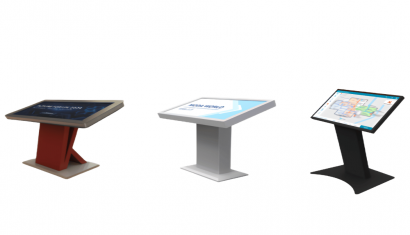
Menureen makes digital menu boards used in restaurants and cafes, self-order kiosks, QR menu solutions, desktop digital menus, and content management systems manageable from a single center.
Price changes, campaign announcements, product visuals, and menu contents can be updated instantly. Thus, businesses manage their operations faster, more controlled, and more efficiently.
Customer Experience Focused Technology
Offer Your Guests a Faster, Contactless, and More Modern Experience
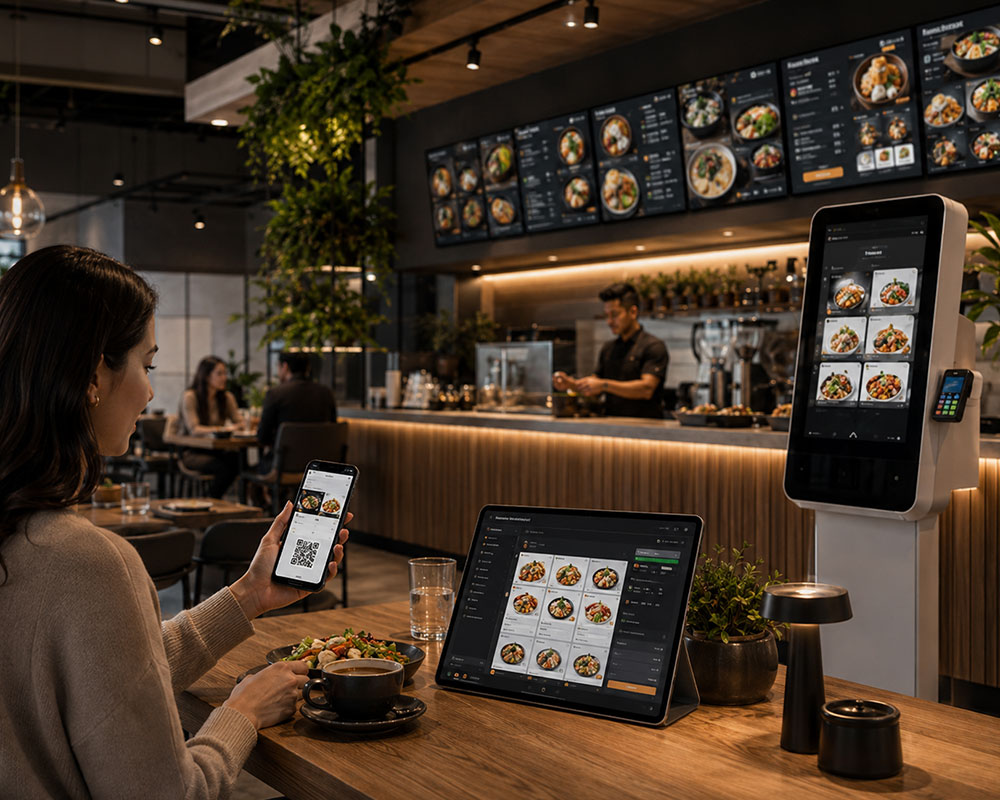
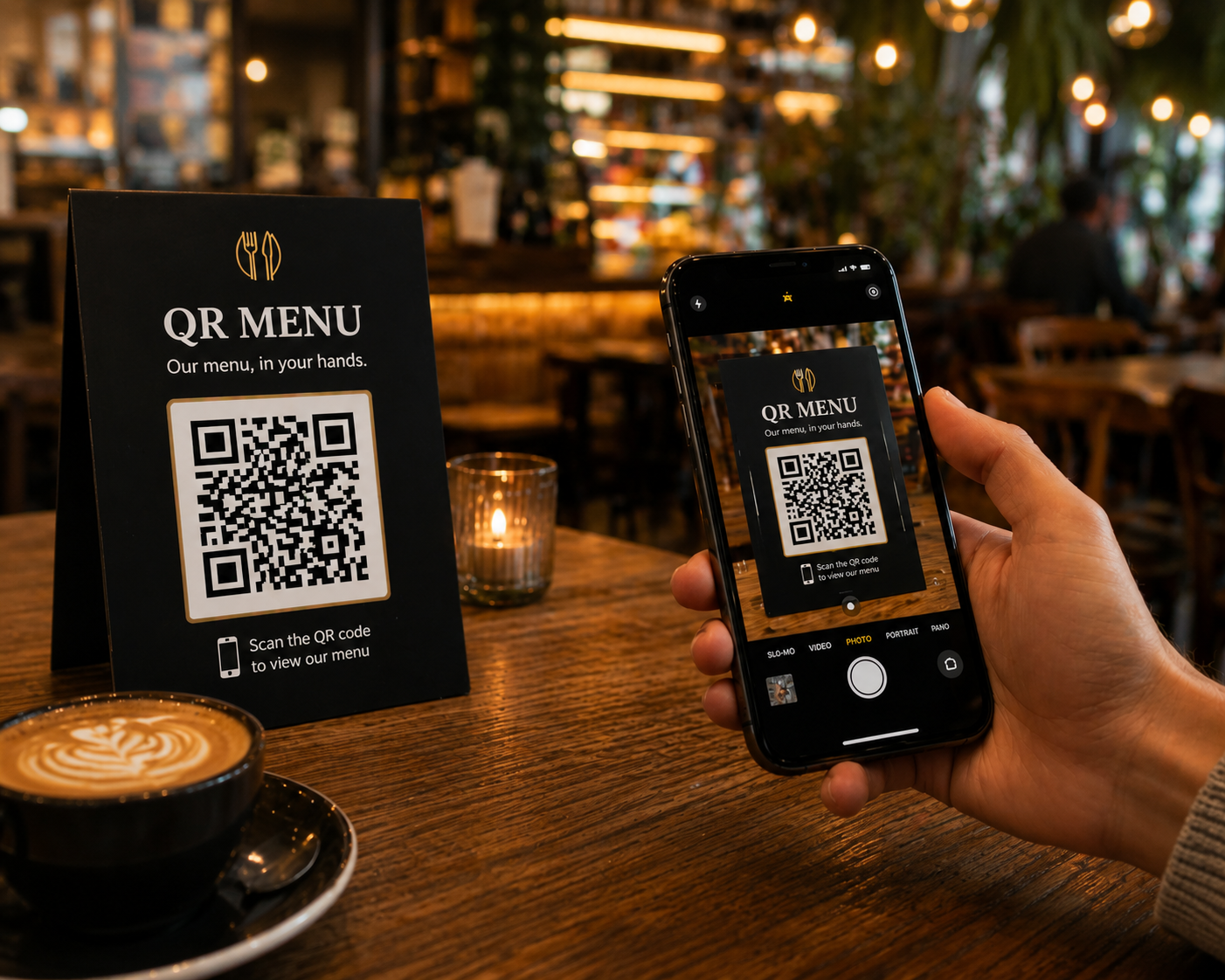
Thanks to self-service kiosk, mobile ordering, and QR menu solutions, customers can easily access menus, personalize their orders, and complete transactions faster.
With a contactless experience, multi-language support, visual product presentation, and user-friendly interfaces, the in-restaurant service process becomes smoother while customer satisfaction is strengthened.
Integrated Digital Platform
Digitalize Menu, Price, Campaign, and Content Processes
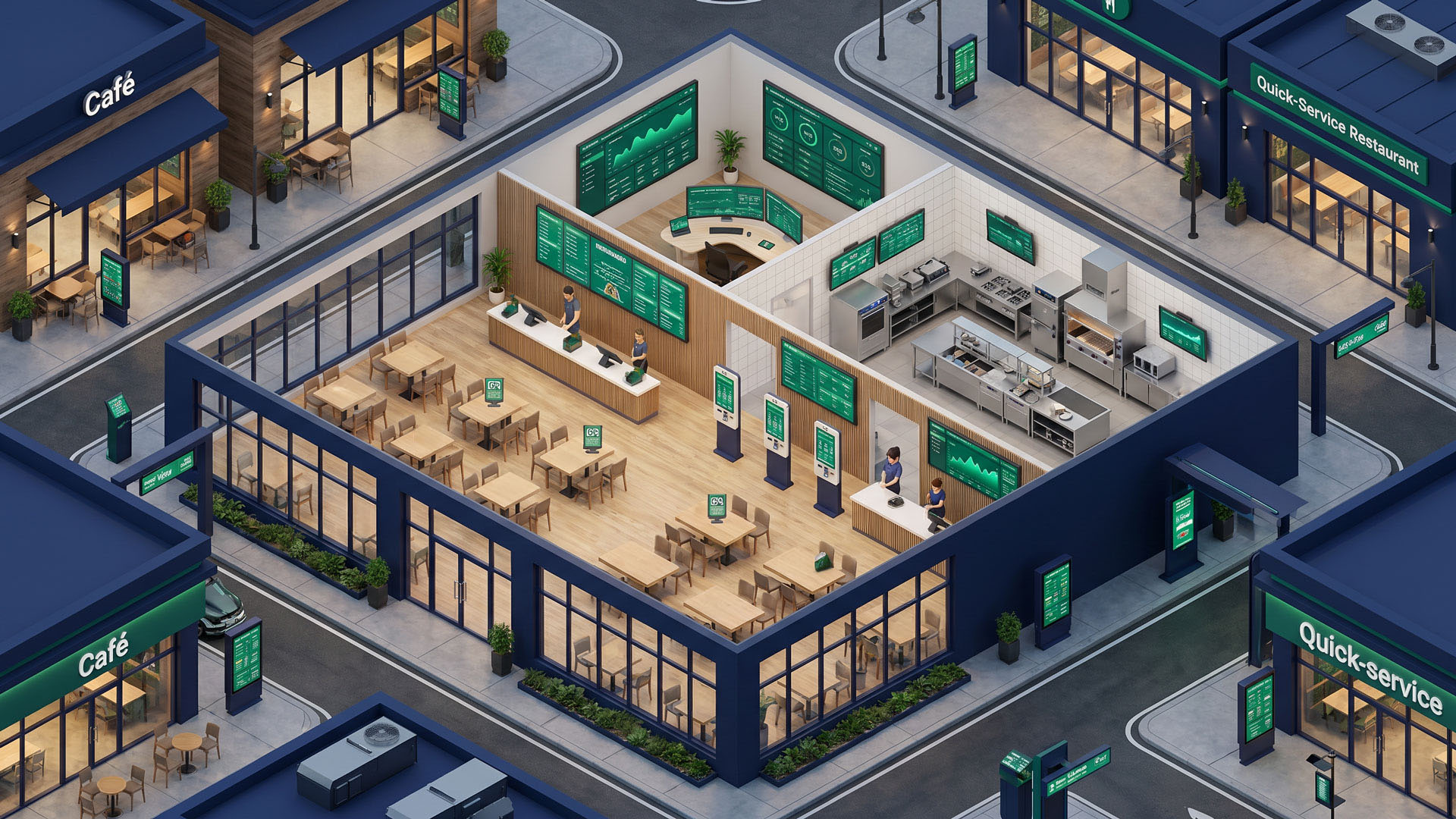
Menureen solutions are not just screen technology. They are a holistic digital transformation infrastructure that brings together restaurant operations, price management, content broadcasts, and customer interaction.
All touchpoints, from digital signage screens to drive-thru menuboard systems, electronic shelf labels to customer feedback solutions, can be managed through a centralized structure.
Current Situation
 Outdated Menu and Price Information
 Prolonged Ordering Processes During Peak Hours
 Printed Menu and Campaign Management Costs
 Scattered Screen, Content, and Branch Management
Pain Points in Cafes and Restaurants
When menu, price, order, and campaign processes in restaurants and cafes are managed from different channels, operations become complex. Updating printed menus, waiting lines at the checkout during peak hours, and the inability to broadcast campaigns at the same time across all screens directly affect the customer experience.
Impact in the Field
01
Customer Loss
Slow ordering, outdated menus, and complex price information reduce customer satisfaction.
Slow ordering, outdated menus, and complex price information reduce customer satisfaction.
02
Operational Slowdown
Manually updated menus and checkout congestion slow down the service flow.
Manually updated menus and checkout congestion slow down the service flow.
03
Increased Workload
Manually making price, campaign, and content updates increases the operational load of the staff.
Manually making price, campaign, and content updates increases the operational load of the staff.
04
Low Digital Experience
Non-interactive, static, and scattered communication structure weakens brand perception and sales potential.
Non-interactive, static, and scattered communication structure weakens brand perception and sales potential.
So, is it possible to make this entire process faster, smarter, and more centralized?
Unisoft Solution
End-to-End Digital Transformation for Cafes and Restaurants
Unisoft Menureen solutions combine order management, digital menu presentation, price updating, self-service experience, content management, and customer feedback processes into a single platform.
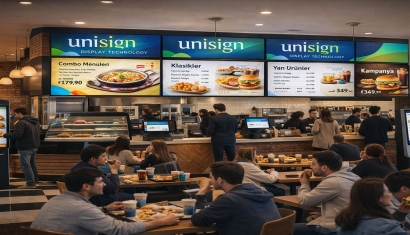
Thanks to self-order kiosks, QR menu solutions, digital signage screens, drive-thru menuboard systems, electronic desktop menus, and DSFEED content management, businesses achieve a faster, more controlled, and scalable structure.
02 — QR Menu Solutions
03 — Digital Signage and Menu Board Systems
04 — Price Management and ESL Solutions
05 — Drive-Thru and Doorfront Interactive Solutions
06 — Content, Feedback, and Loyalty Management
Designing Digital Guest Journeys
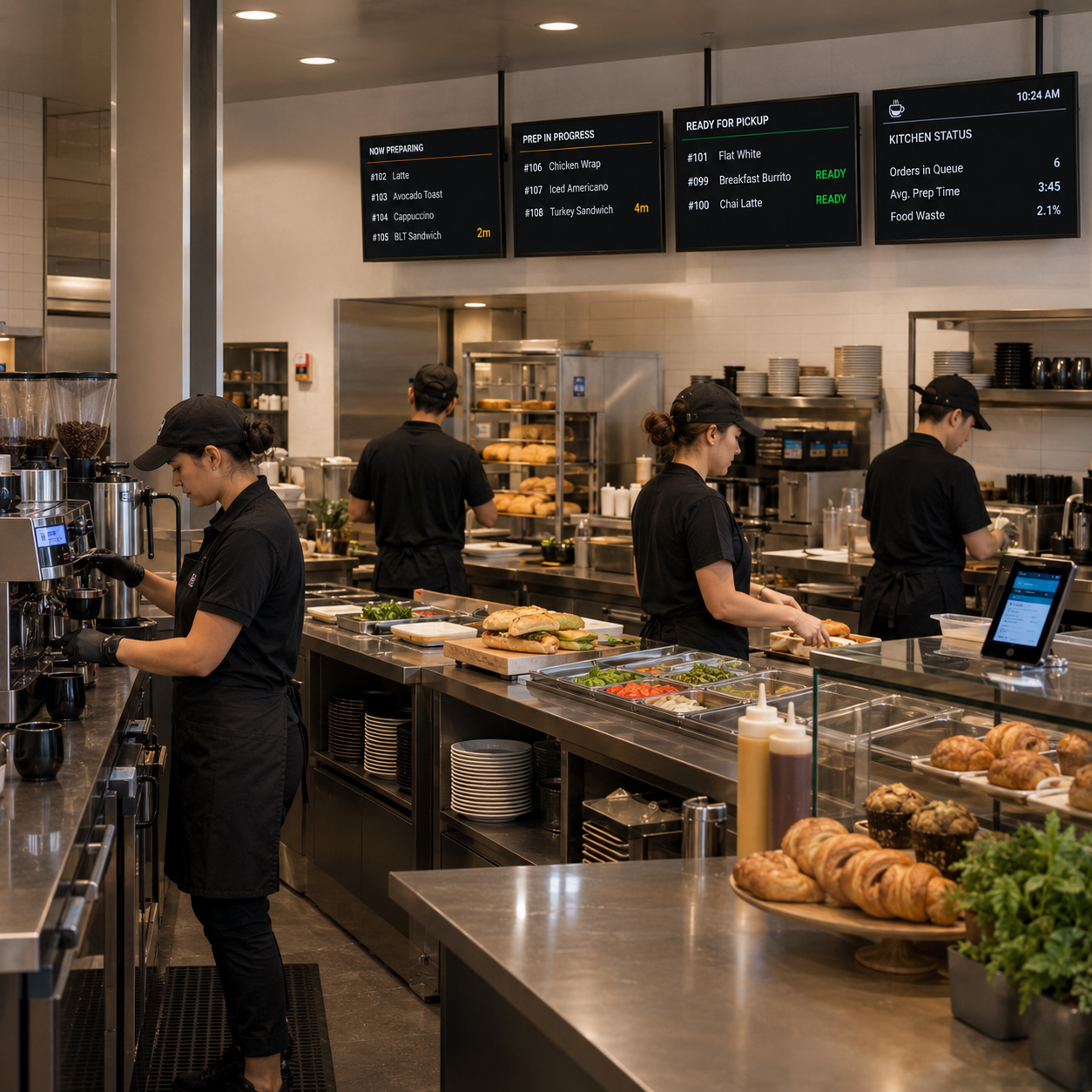
From the moment your guest steps inside until they complete their order and leave, we communicate through screens, accelerate the ordering experience with self-service solutions, digitize kitchen operations, analyze behaviors, and create flawless service experiences with connected technologies.
Digital Screen Systems
Price Management
Order Management
Service Management
Platform Capabilities
Technologies Enhancing the Restaurant Digital Experience
Digital infrastructures combining menu, order, price, and content processes under a centralized structure enable restaurants and cafes to work faster, more controlled, and more efficiently.

Central Content Management
Manage all screen, menu, and campaign content from a single panel and update it instantly.

Contactless Order Experience
Offer customers a fast and secure transaction experience with QR menu, mobile ordering, and kiosk solutions.

Real-Time Price Update
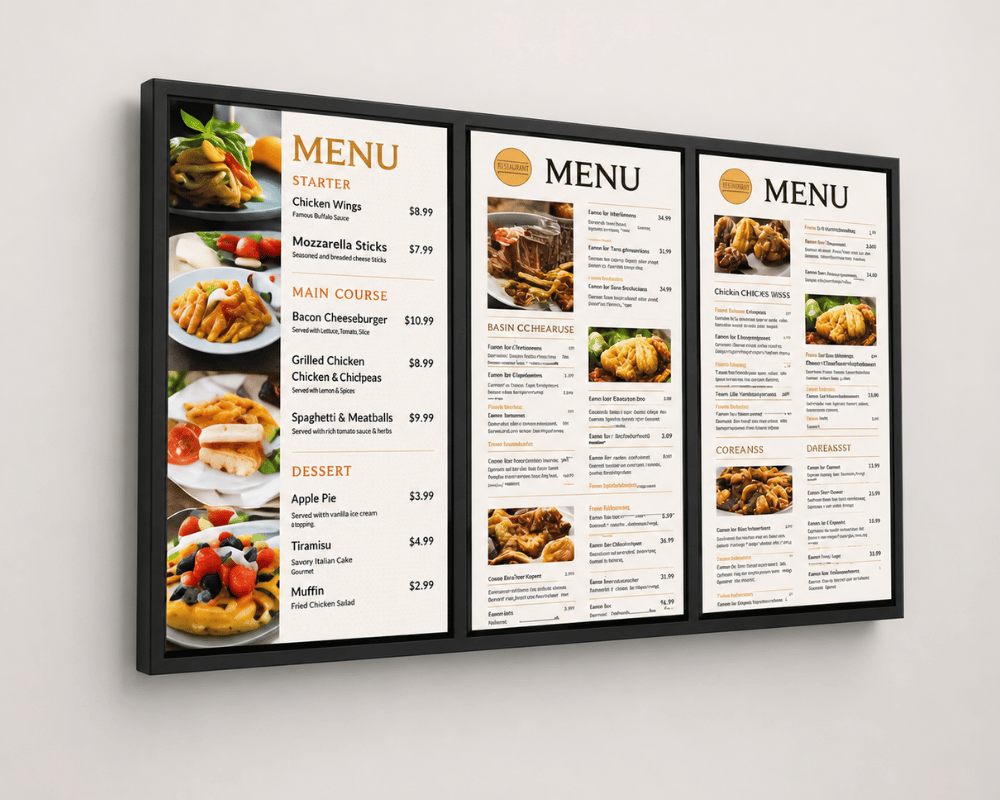
Keep price information on menus, ESL, price checkers, and digital screens instantly updated.

POS and System Integration
Thanks to infrastructure integrated with POS systems, order, price, and content processes proceed seamlessly.
.png.webp "Menuboard (2).png")
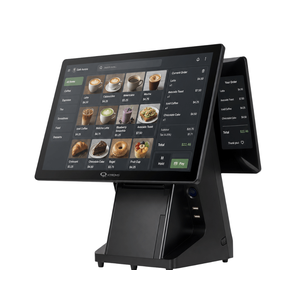
Experience
We Make the Restaurant Experience Faster, More Digital, and More Controlled
Unisoft establishes a more orderly, measurable, and effective digital experience infrastructure in cafes and restaurants with self-service kiosk, QR menu, digital signage, price management, and central content management solutions.
+
Years of Experience
Digital transformation expertise in cafe, restaurant, and retail areas
+
Project Deliveries
Strong implementation experience across different sectors and scales
+
Country Experience
Global installation and adaptation capability
24/7
Operations Support
Uninterrupted service and sustainable system management
Categories
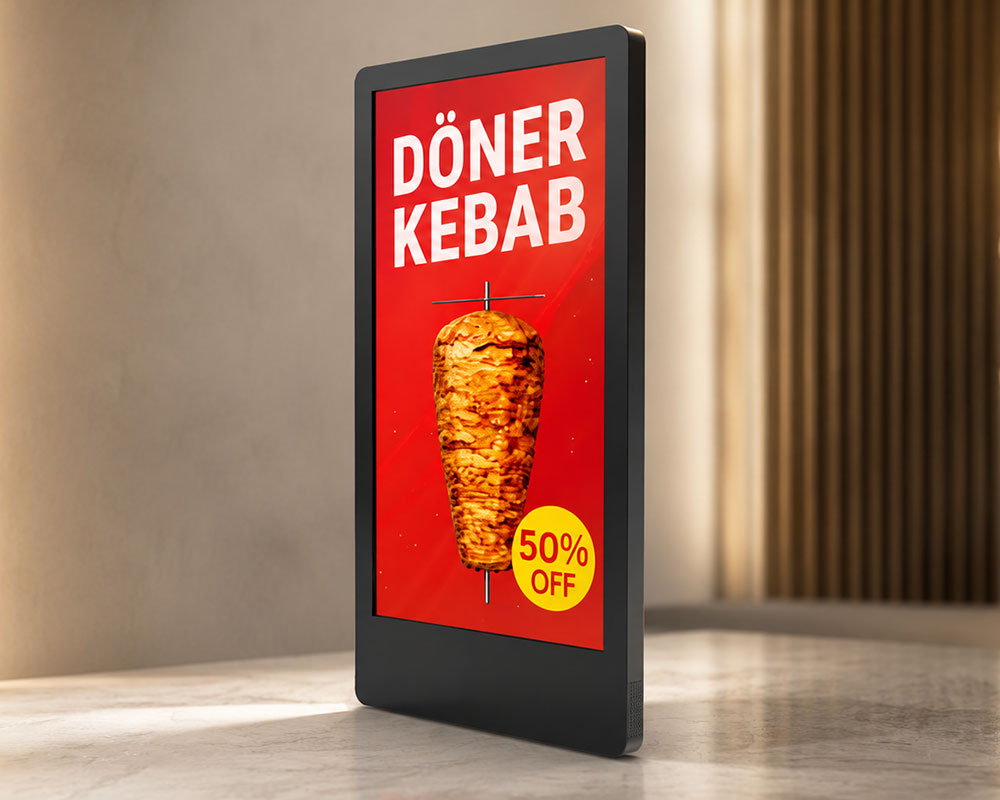
Make Your Menus and Campaigns Visible from the Outside
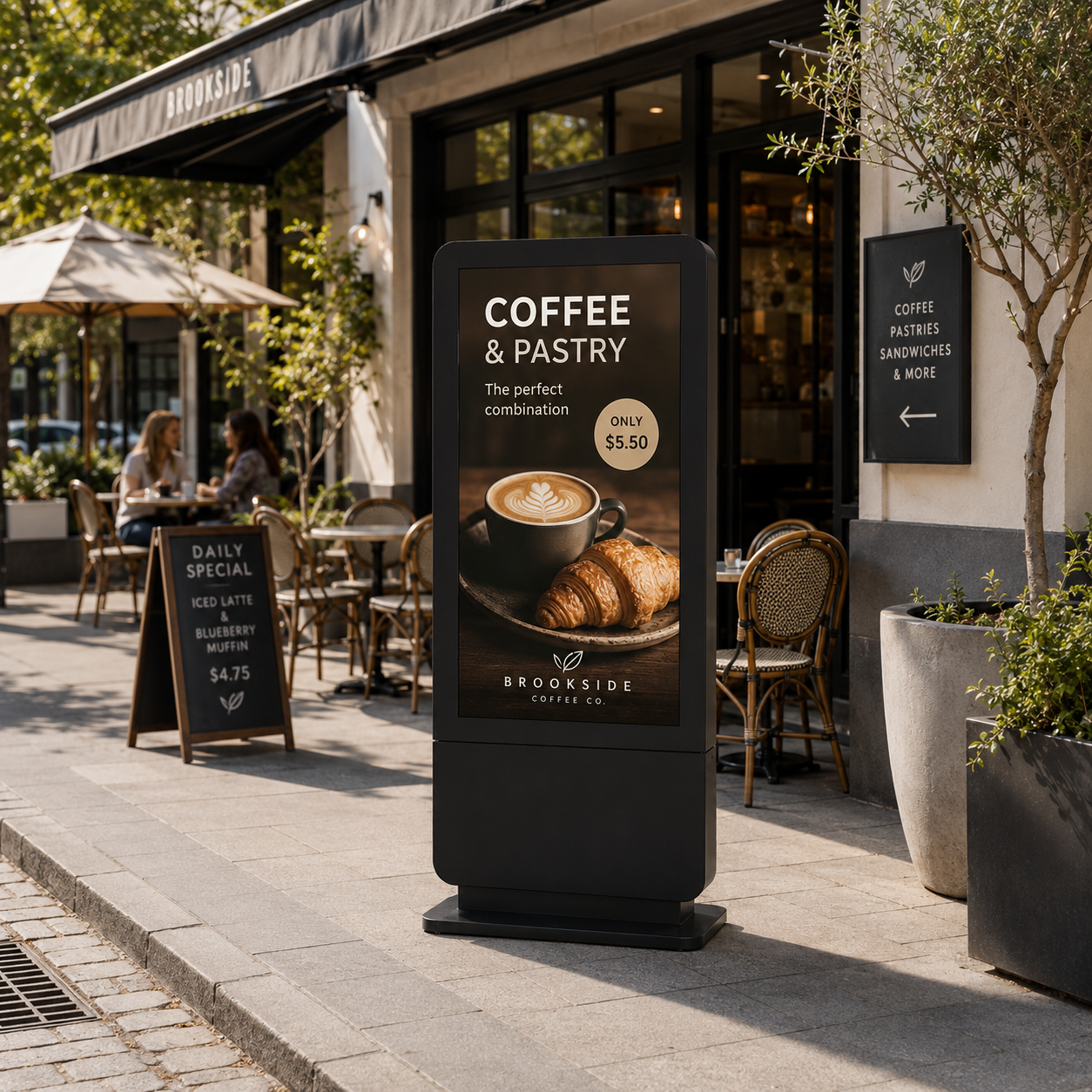
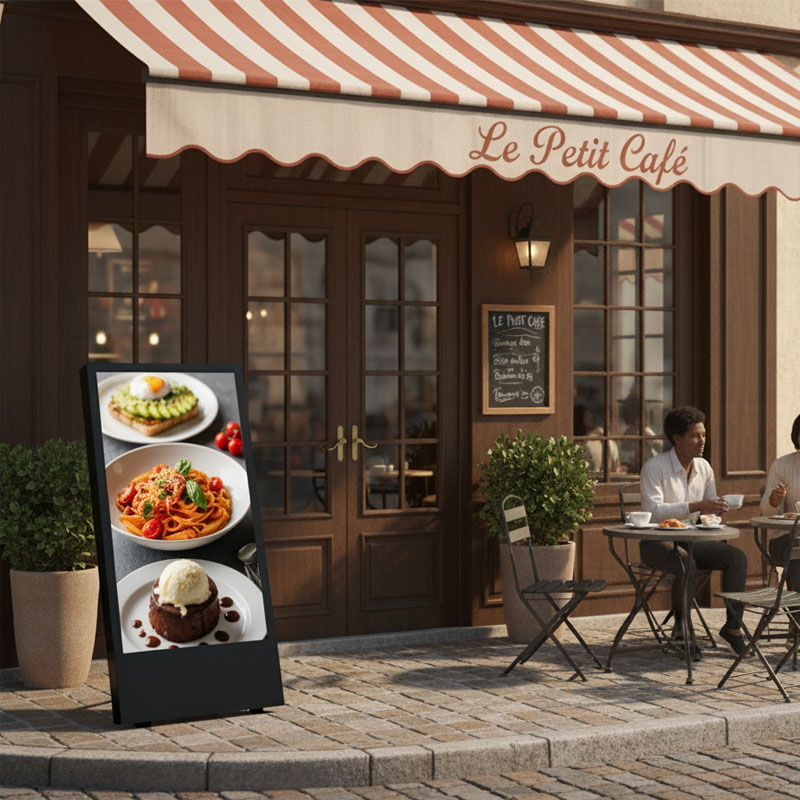
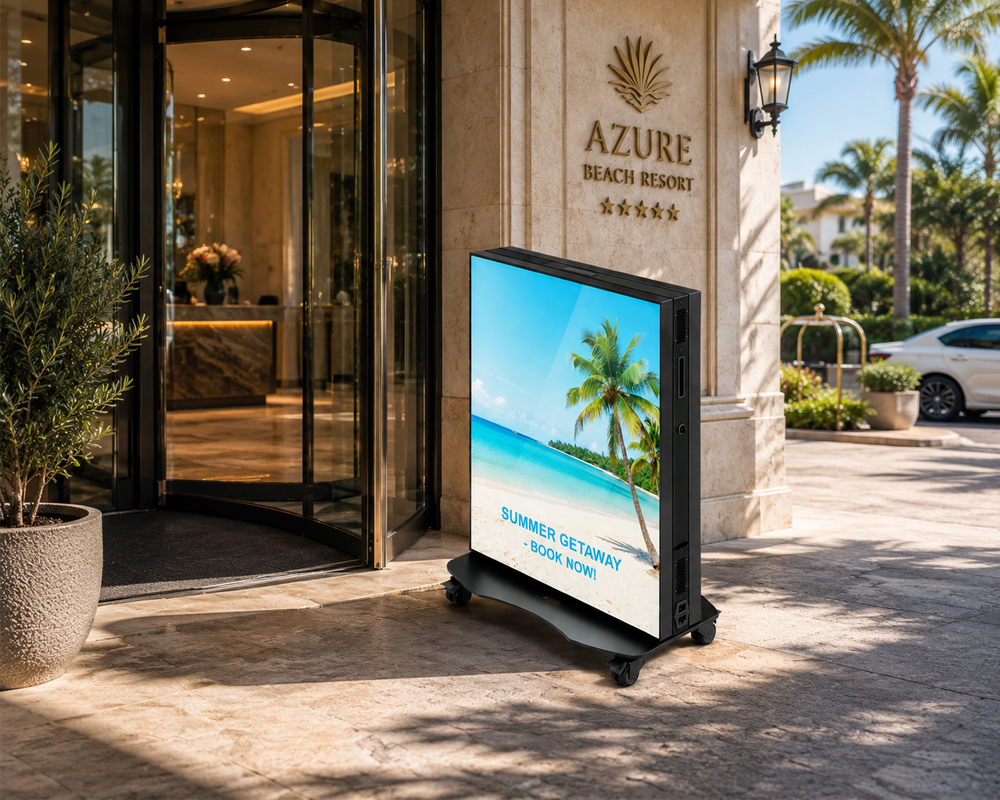
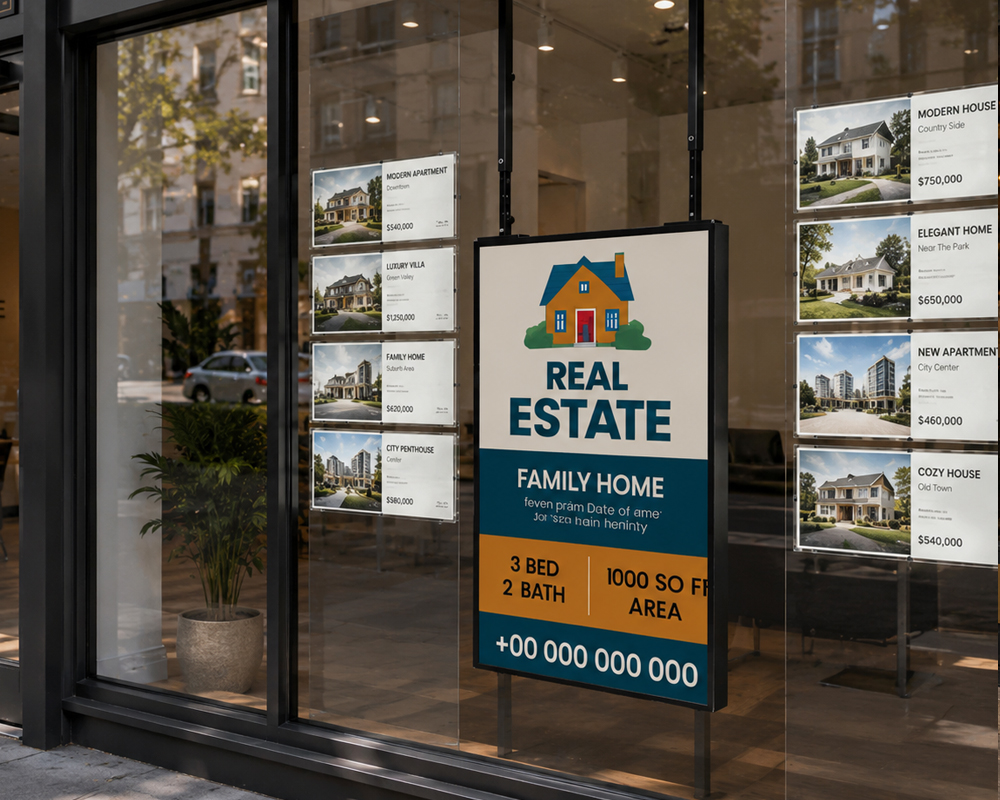
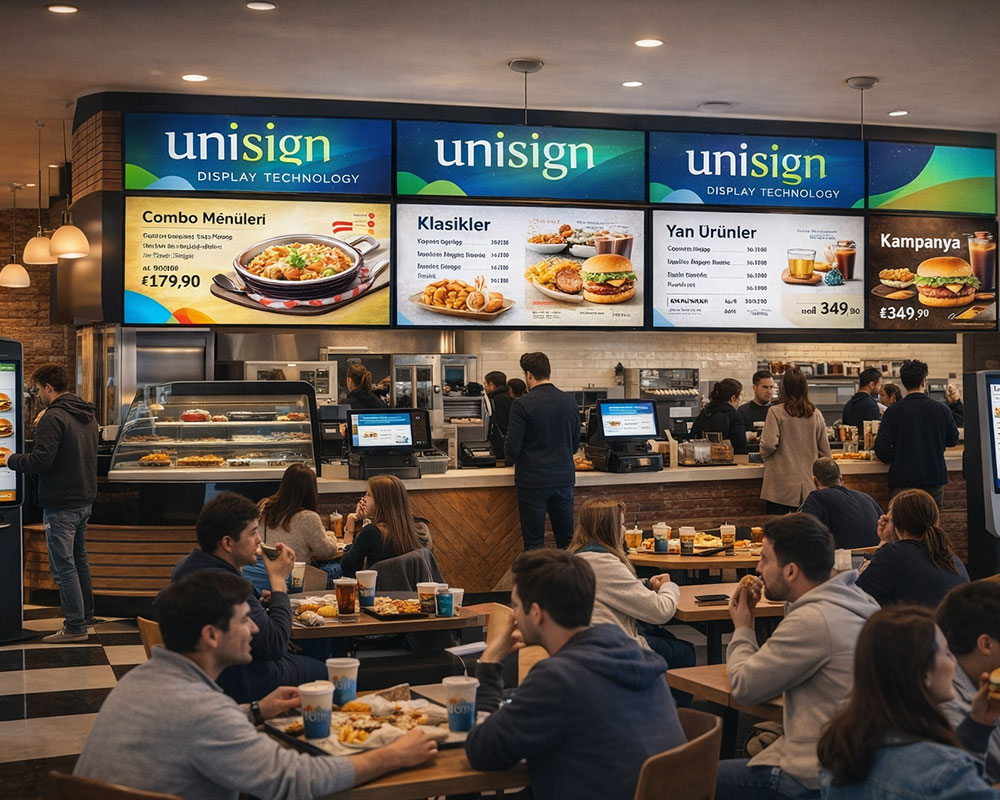
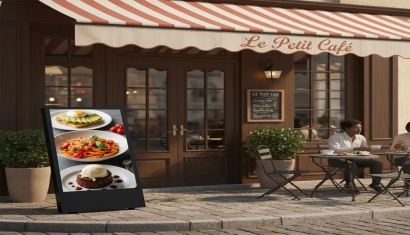
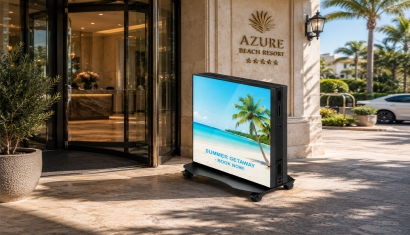
Outdoor digital screen solutions are one of the most effective ways to attract potential guests passing by your restaurant and cafe and invite them inside. Highlight your flavors at first glance with dynamic content, live visuals, and instant campaign announcements. Support your sales while keeping your business's communication up-to-date, professional, and impressive thanks to their weather-resistant structures, high-visibility screen technologies, and centralized content management.
01
/
03
Categories
Let Janus Welcome Your Guests, You Focus on the Experience
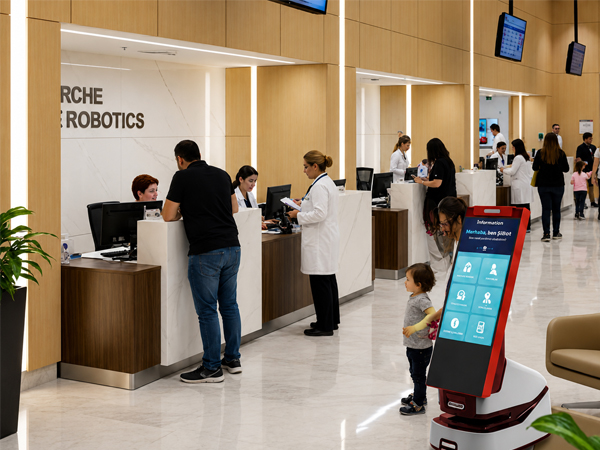
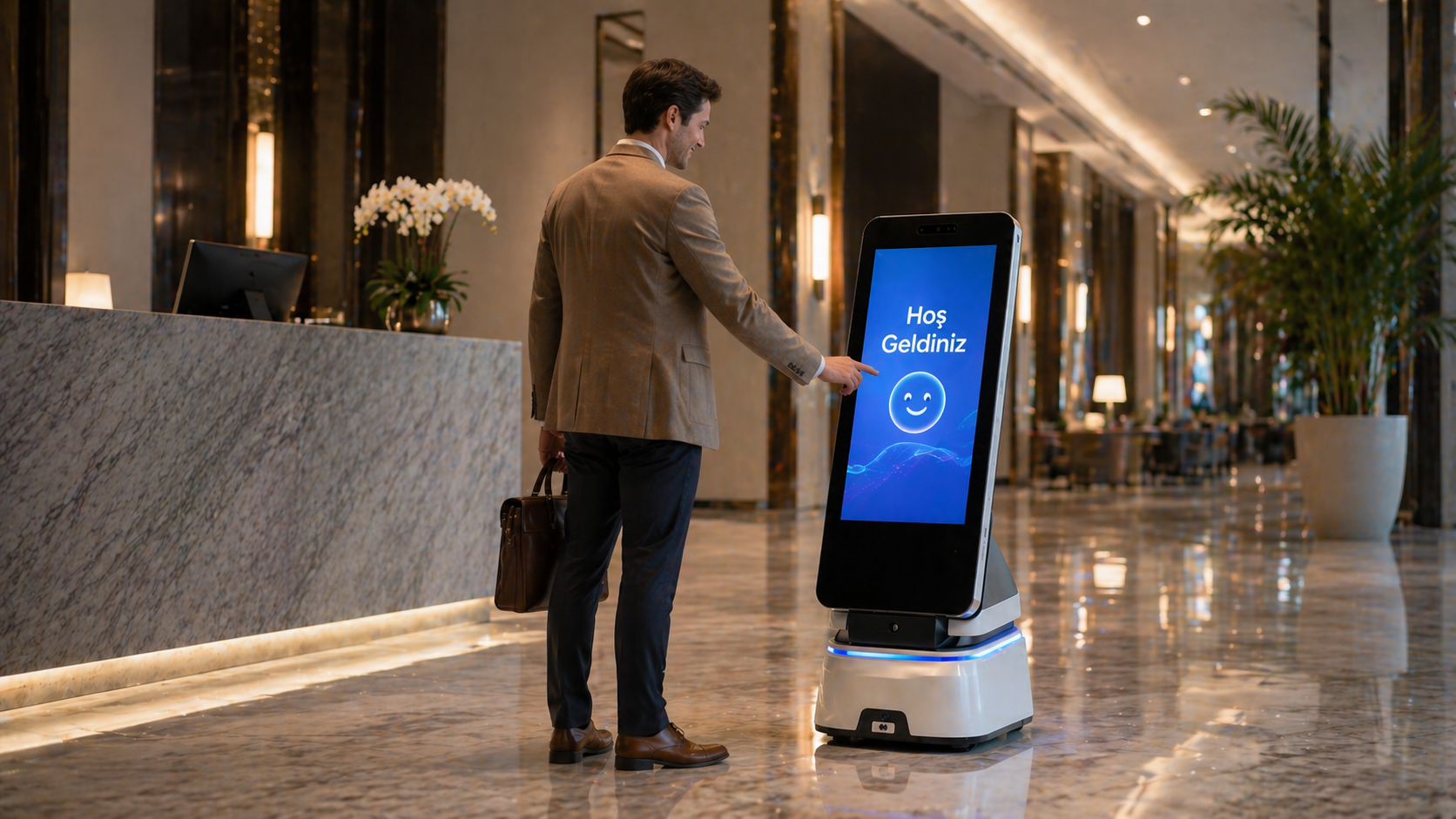
With the Janus Smart Welcome Assistant Robot, it is an innovative digital greeting solution that strengthens the guest experience in restaurants and cafes from the very first moment. It can greet guests, share campaign and menu information, support payment processes, and instantly answer frequently asked questions. With its AI-supported structure, it provides uninterrupted service 24/7 while reducing staff intensity and increasing operational efficiency. With its modern design and interactive structure, it gives your business a technological identity while offering your guests a fast, professional, and memorable welcome experience.
01
/
01
Categories
Indoor Welcome and Communication
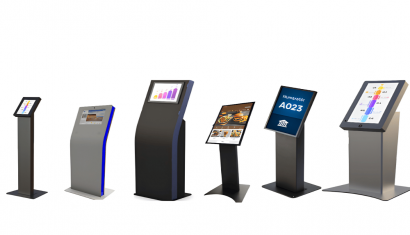
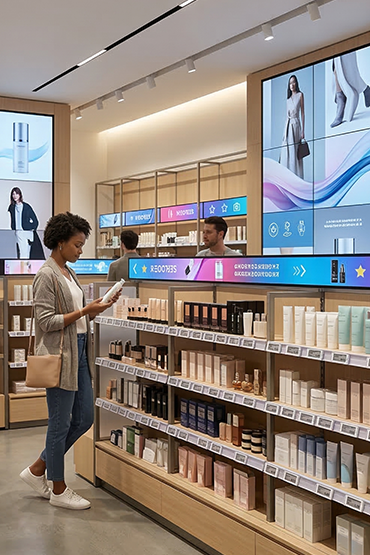
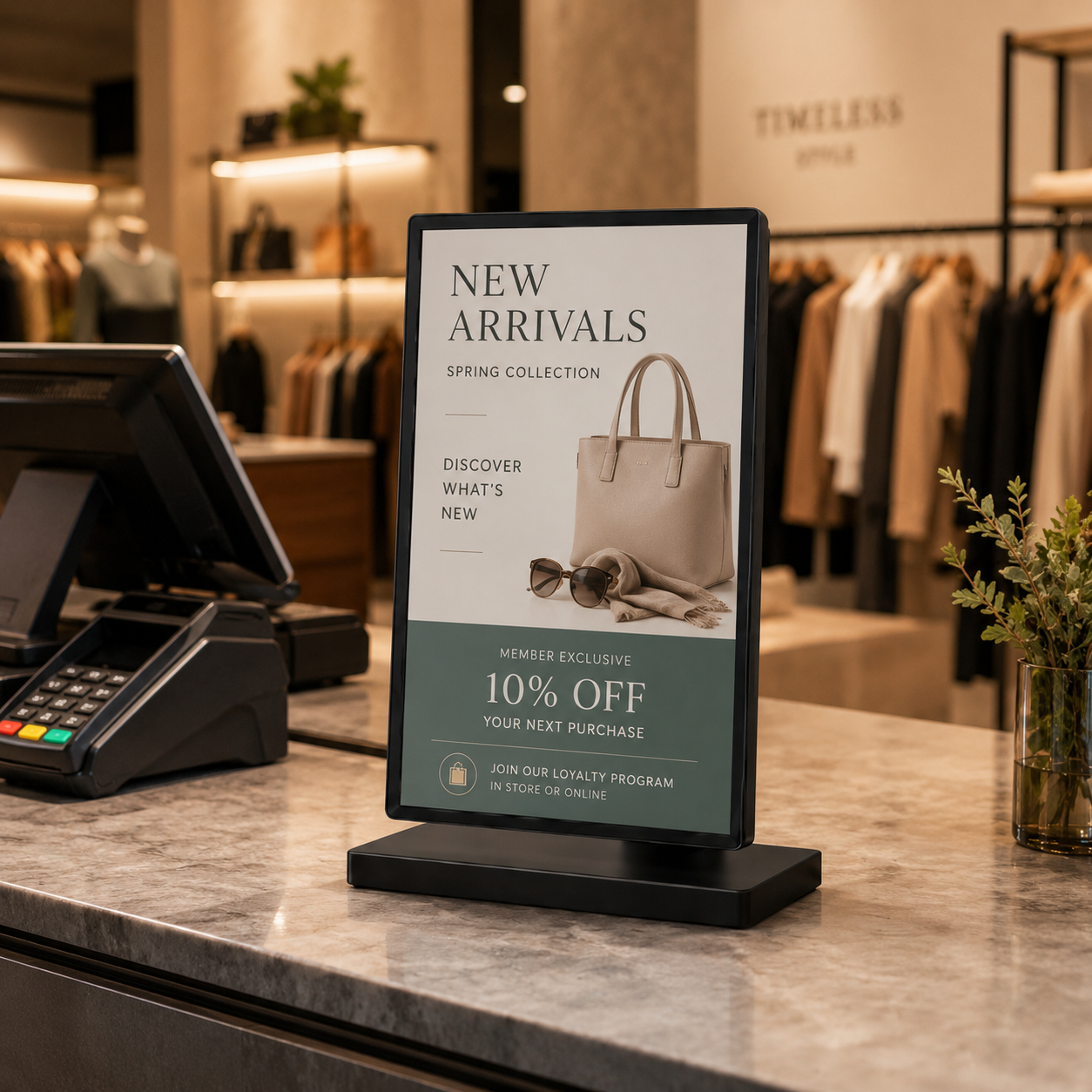
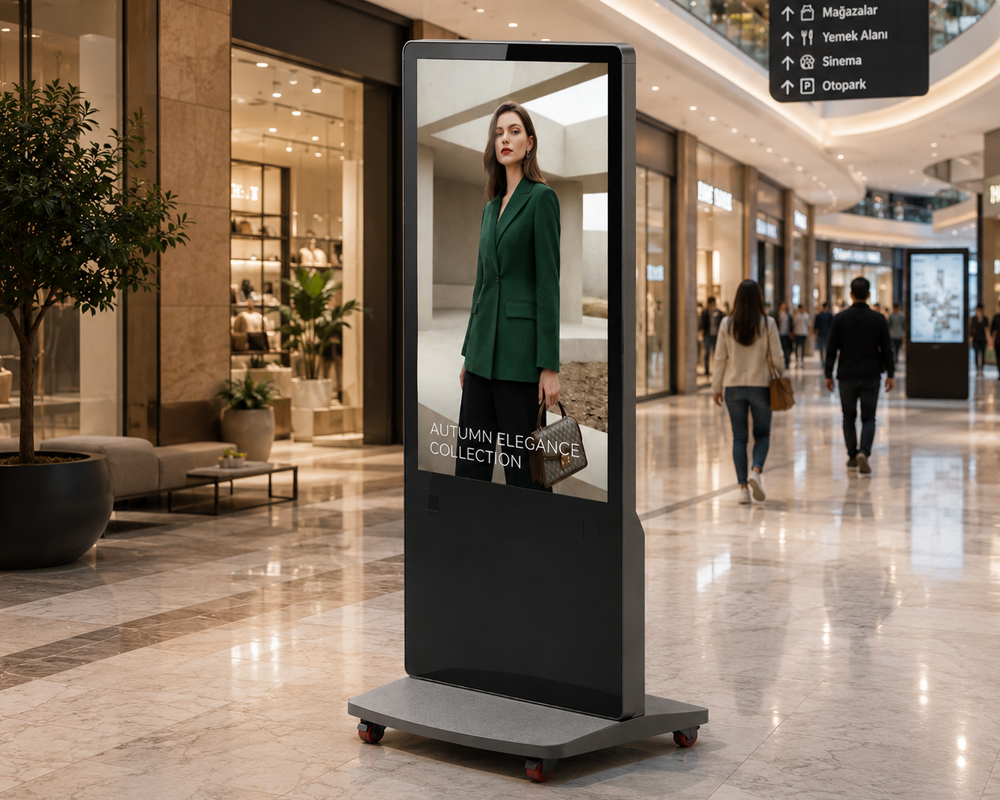
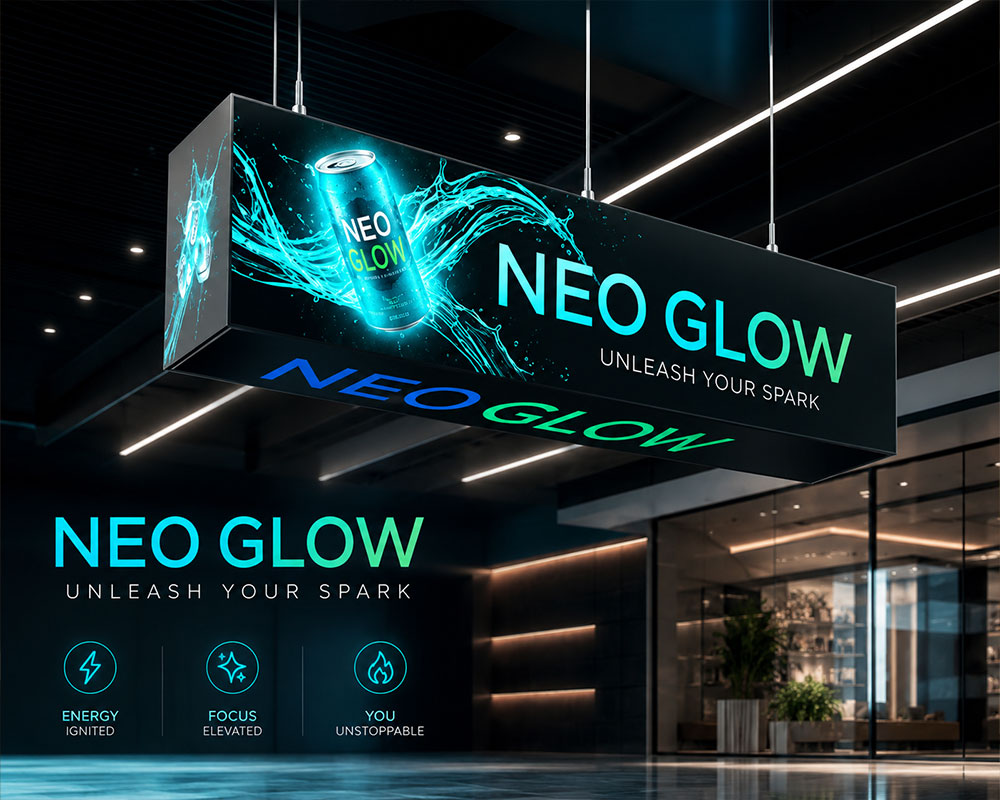
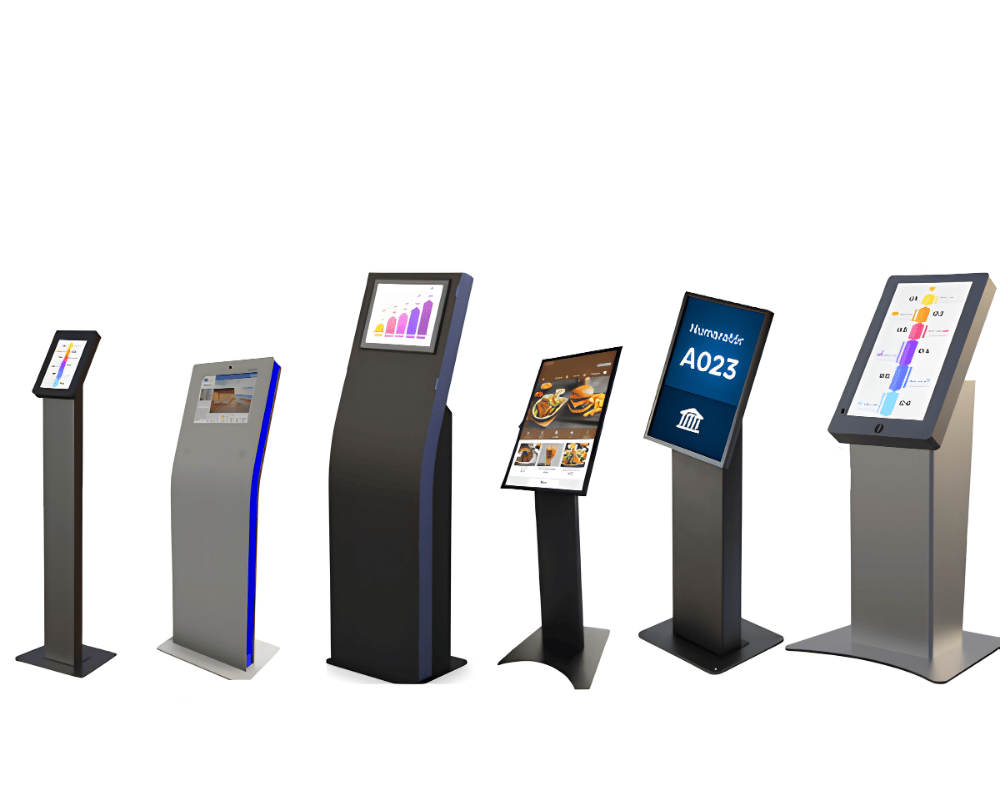
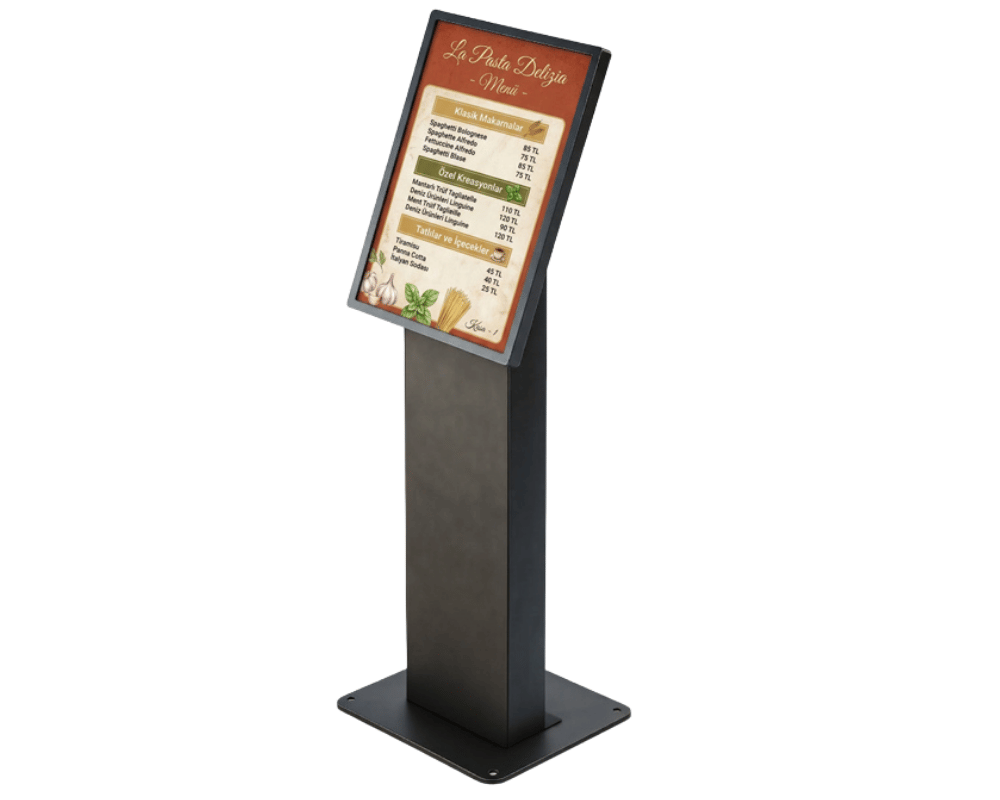
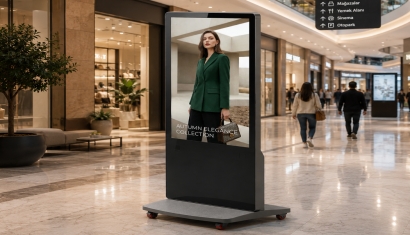
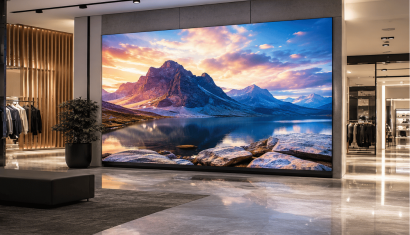
More Visibility, More Orders Increase the communication power of your restaurant and cafe with indoor digital screen and totem solutions. Deliver your menus, campaigns, new products, and brand messages to your guests at the right time. Manage all your screens from a single point thanks to centralized content management, update your contents instantly, and add a modern touch to the atmosphere of your venue. Transform every point from welcome areas to waiting points, front-of-house counters to seating areas into an effective communication channel.
01
/
05

Categories
Next-Generation Restaurant Experience with Interactive Technologies
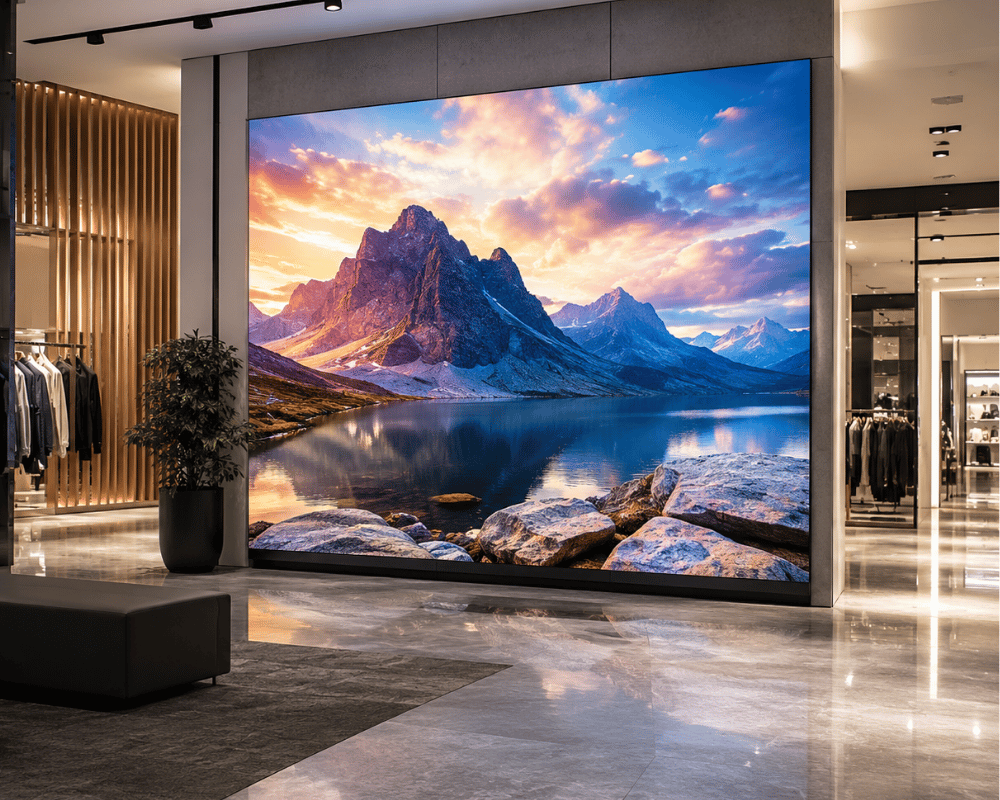
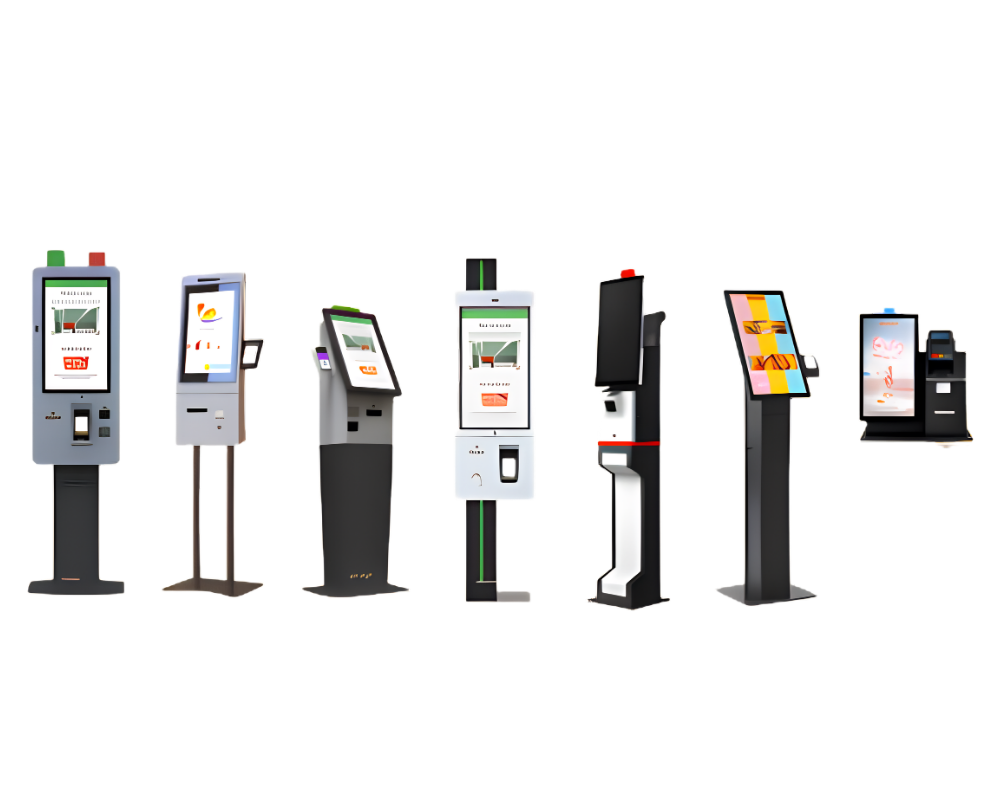
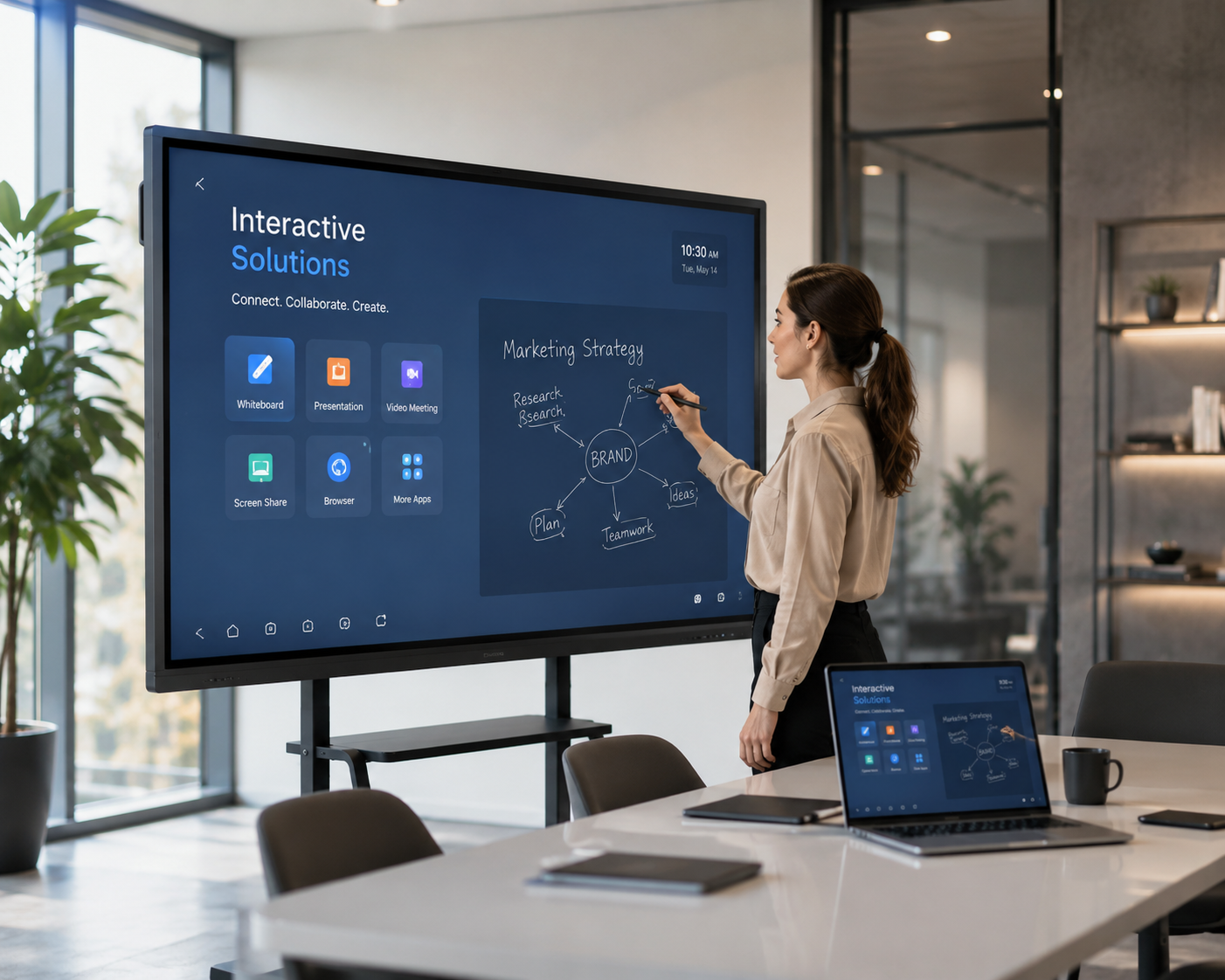
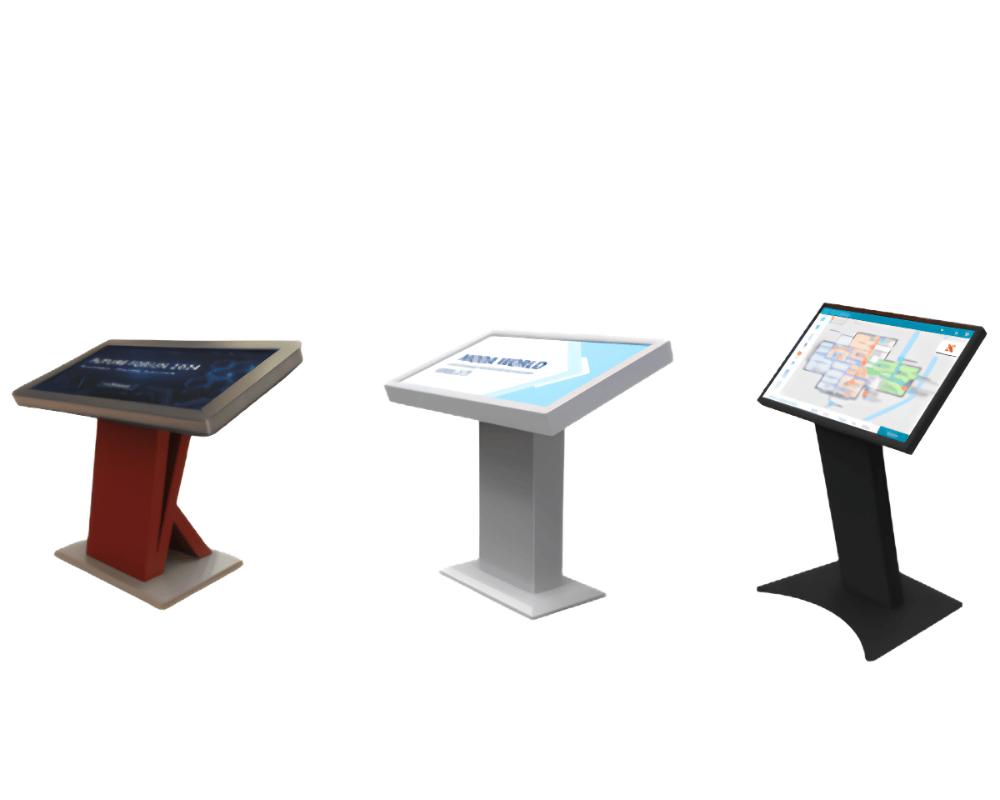
More Visibility, More Orders Increase the communication power of your restaurant and cafe with indoor digital screen and totem solutions. Deliver your menus, campaigns, new products, and brand messages to your guests at the right time. Manage all your screens from a single point thanks to centralized content management, update your contents instantly, and add a modern touch to the atmosphere of your venue. Transform every point from welcome areas to waiting points, front-of-house counters to seating areas into an effective communication channel.
01
/
04
Categories
Manage Your Menus and Prices with a Single Touch
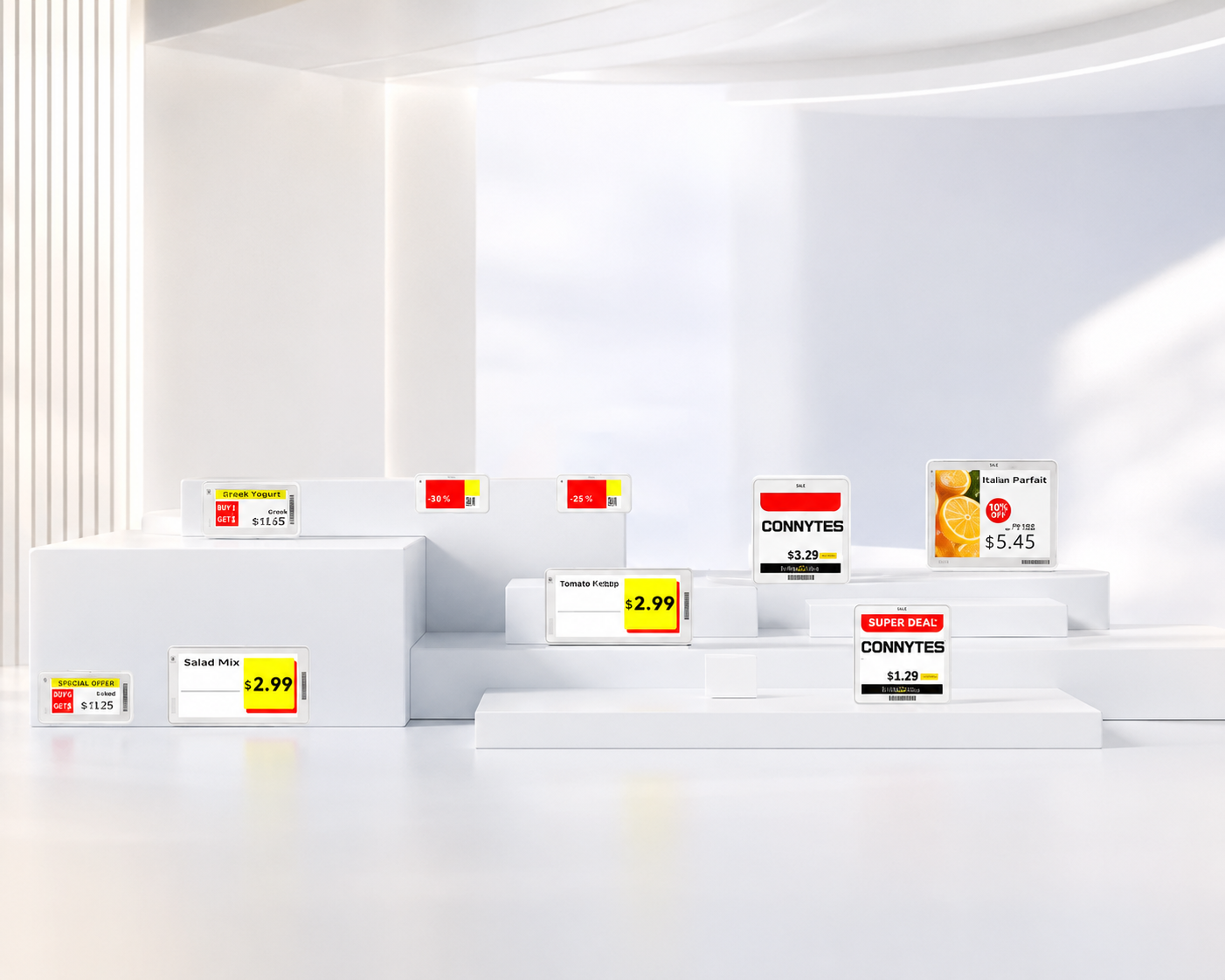
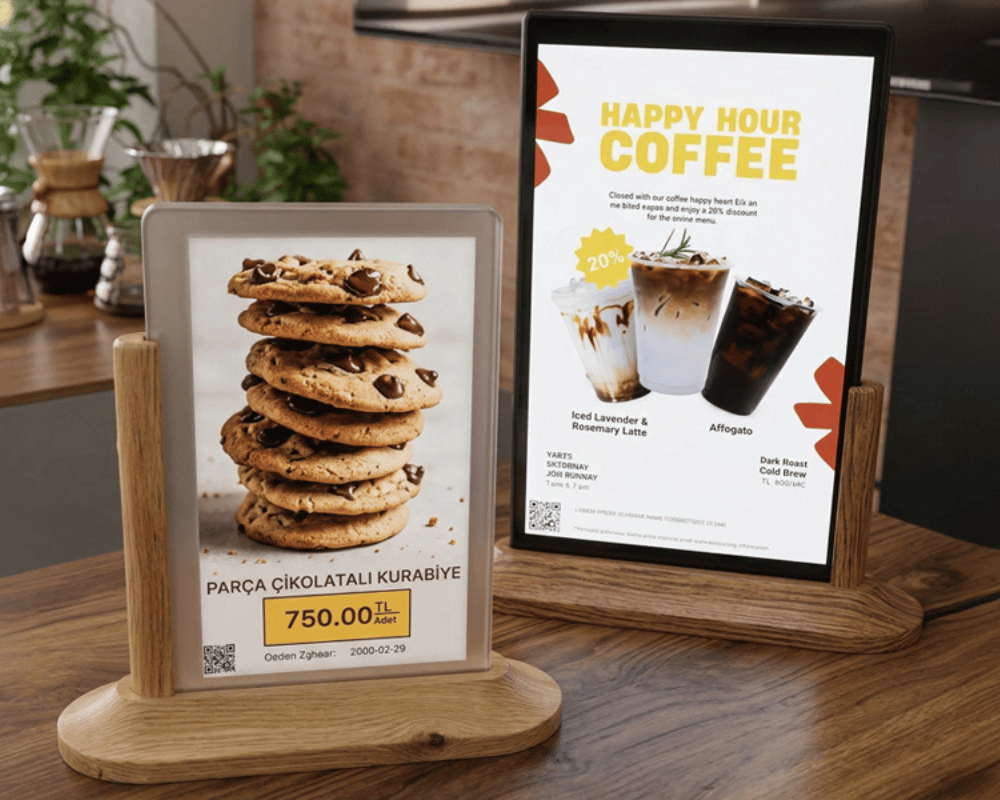
Manage all your content from a single center, from product prices to campaigns, daily menus to special offers. Thanks to digital menuboards, smart menu solutions, and electronic price tags, reflect changes on all your screens in seconds, reduce operational load, and always offer up-to-date information to your guests. Strengthen your brand consistency and sales performance while saving time.
01
/
07
Categories
All Digital Communication on a Single Platform
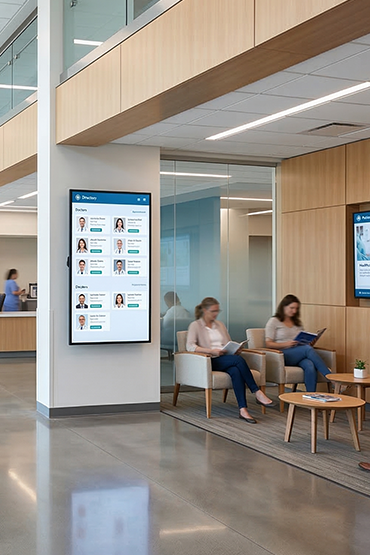
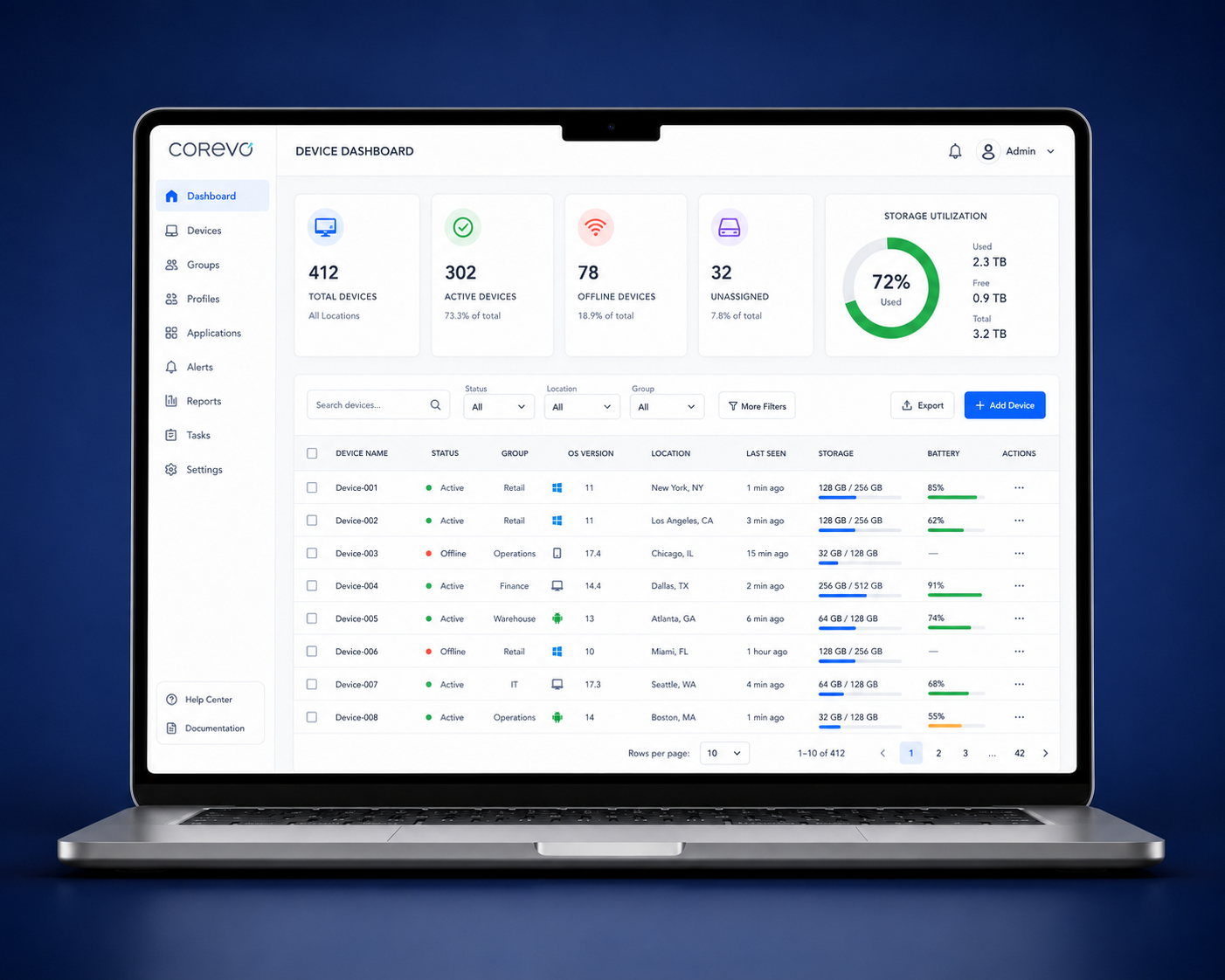
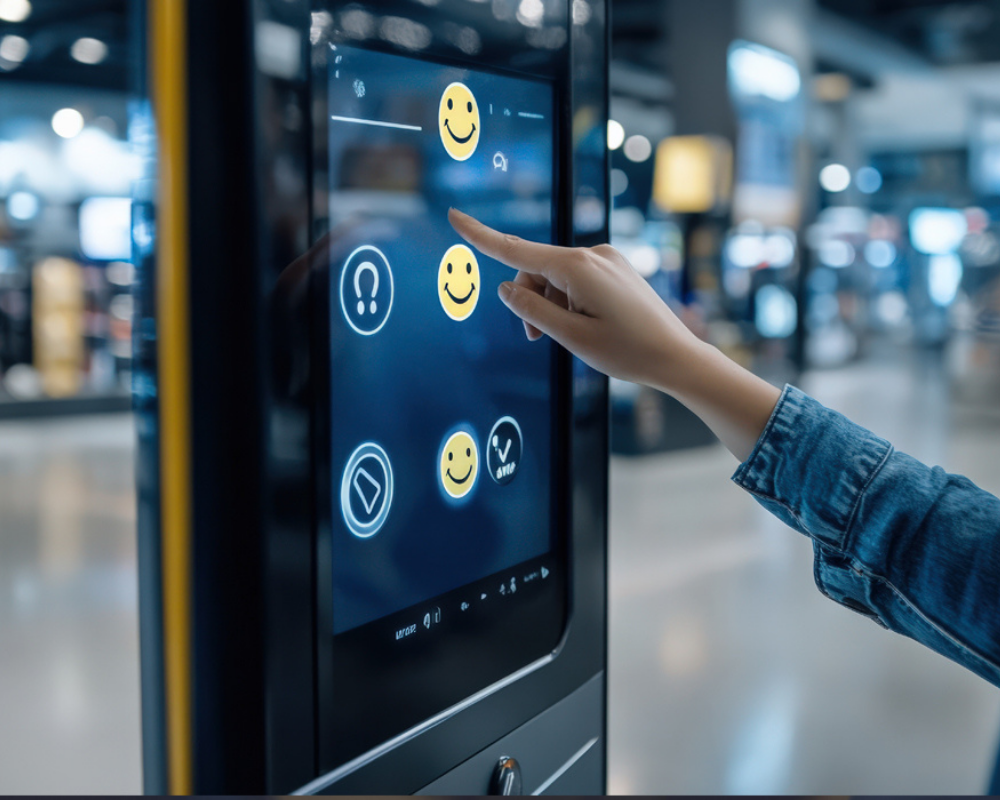
The Corevo platform combines screen management, announcement systems, survey solutions, and analytics technologies in a single center. All digital communication processes within the hospital can be managed centrally, contents can be updated instantly, and the visitor experience can be optimized. Thanks to the digital infrastructure specially developed for health institutions, a stronger, faster, and more efficient communication experience is created. • Instant announcement and broadcast control with central digital content management • Data and visitor analytics • Survey management
01
/
02
Categories
Single Platform, Unlimited Management Possibility
Corevo Platform brings solutions such as digital screen management, customer feedback, corporate radio, and camera analytics under one roof. It makes your operations easier by allowing you to centrally manage all your branches and locations, increases efficiency, and helps you deliver a stronger guest experience.
01
/
02
Frequently Asked Questions
Do menu screens include ordering and payment?
Digital menu boards help present the offer; self-order kiosks provide a dedicated ordering point. QR and web menus offer another way to view information. These functions are related, but ordering, payments and kitchen integration are not automatically included in every menu product.
How should a restaurant plan the ordering journey?
Map the journey from arrival to collection. Decide where staff support is needed, how unavailable items are handled and which information changes by service period or site. For a UK project, include EPOS details and any England-specific menu-information requirements that apply to the business.
What should we share for a restaurant project?
Begin with a menu, counter layout and the peak-service tasks you want to improve.
Who sets up menu content for screens and kiosks?
Unisoft handles the initial kiosk menu entry. Menu-screen content can be prepared by your team or through an additional paid service. Later changes can be managed by your team, with paid assistance available.
Can I buy menu screens, players and software separately?
Yes. These components can be purchased separately and specified through different service models. The quotation sets out the components selected for your project.
Is the printer or payment terminal included with every kiosk?
No fixed bundle is assumed. Kiosk hardware, ordering software, a printer and a payment terminal are selectable components. The quotation identifies what is included in your chosen configuration.
Can a kiosk connect to our existing POS system?
Lotus Pecas is among our kiosk integration options. Share the exact POS product and version so the required order flow can be reviewed for your project. This is not a claim of compatibility with every EPOS system.
What happens to menu content if the internet connection is lost?
Previously published menu content continues to display, but new content updates are not received during the interruption.
Who carries out installation?
Our team installs in Central London and the surrounding five-mile area. We work with local partners elsewhere in the UK and also provide remote installation support. The arrangement is confirmed using your project address.


Request a Quote
Briefly share your needs and our expert team will analyze the most suitable solution for you. We can schedule a project-specific demo, prepare a detailed quote, or review your technical questions together. We will contact you as soon as possible.







.png.webp&w=410&h=235 "DSFeed Content Management and Monitoring Service")