English
 Deutsch


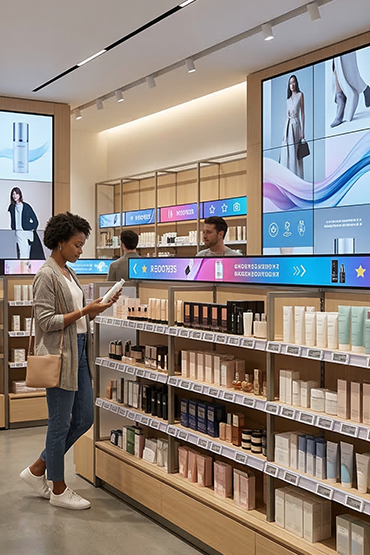
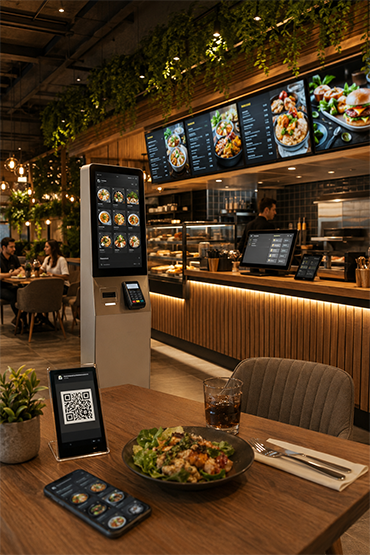
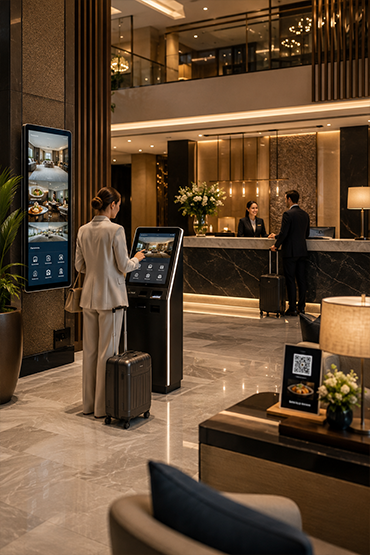
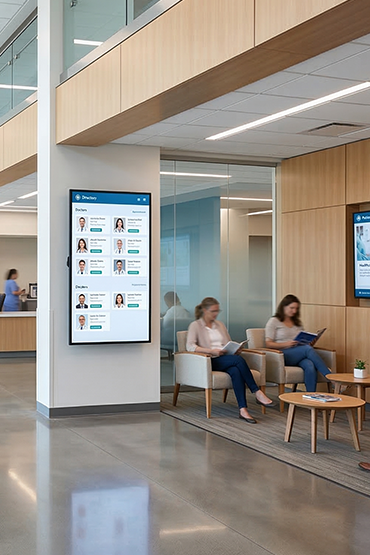











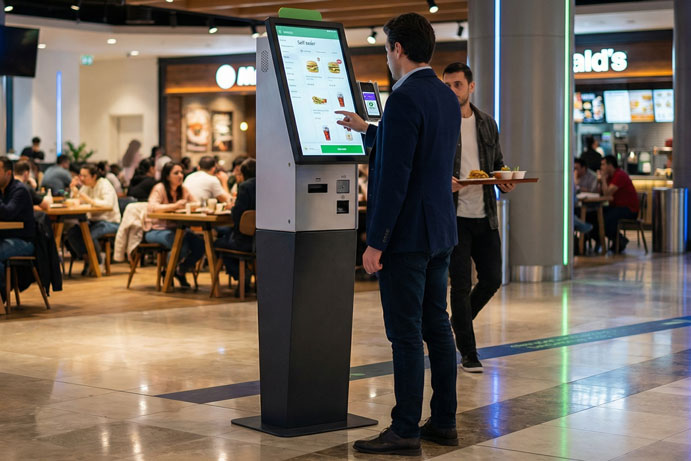
A quick top-up shop and a full trolley put different demands on the checkout area. Start with how customers arrive, where they put their shopping and how they ask for help. The aim is a clear route from scanning to payment without a queue blocking the shop floor.
Unisoft offers self-checkout kiosk configurations for retail stores and supermarkets. Choose the hardware around the basket, then agree how your EPOS software, payments and colleagues will support the journey. A pilot can help you assess completion times and the points where customers need assistance.
Explore our retail and store solutions or view the Karaca self-checkout project for a separate project example.
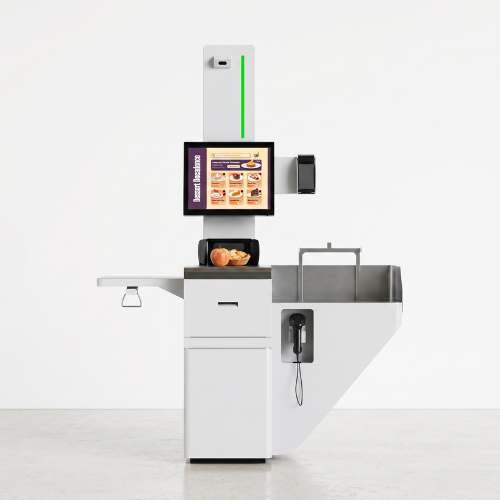
Give basket shoppers a clear route to payment
For a supermarket or busy retail shop, a self-service checkout should make each step easy to understand: place the basket, scan the items, complete payment and collect the receipt. Plan space for packing as well as the kiosk itself, so the next customer can approach without crowding the person finishing their shop.
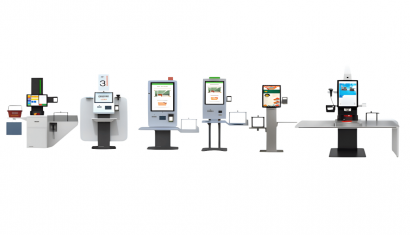
The Bursa model offers 19-inch and 21.5-inch touchscreens, an integrated barcode reader, a product weighing unit and a thermal receipt printer. These are configuration facts, not a claim that every payment or EPOS system is already supported.
When evaluating this format, check scanning reach, receipt access and the route to a colleague. Measure whether the completed setup helps customers move through your checkout area more smoothly.

Support the busy periods in your store
Queues often build when several shoppers reach the tills together. A useful self-checkout plan considers basket size, payment time and how quickly a colleague can help, rather than treating the number of kiosks as the only measure of capacity.
The Mersin configuration combines 21.5-inch or 23.8-inch screen options with barcode scanning and a weighing system. Its payment setup needs to be agreed alongside the software and terminal selected for the project.
Use a representative trading period to compare queue length and completed transactions with your current arrangement. Keep an assisted option clear for customers who need it. This gives your team practical evidence before you decide how many checkout positions to introduce.
Keep instructions visible and assistance close
Customers should be able to follow the checkout process without searching for the next step. Larger displays may suit a layout where on-screen instructions need more space, but screen size alone does not determine how easily a shopper can complete a transaction.
The Samsun model has 27-inch and 32-inch display options, with a single-sided or optional double-sided screen arrangement. The range description includes barcode scanning, weighing and payment infrastructure. Confirm the final hardware and software combination for your store.
Agree where colleagues will stand and how they will respond when a scan or payment needs attention. This is assisted self-service: the customer operates the checkout while your store team remains part of the customer journey.
Make limited checkout space work for smaller shops
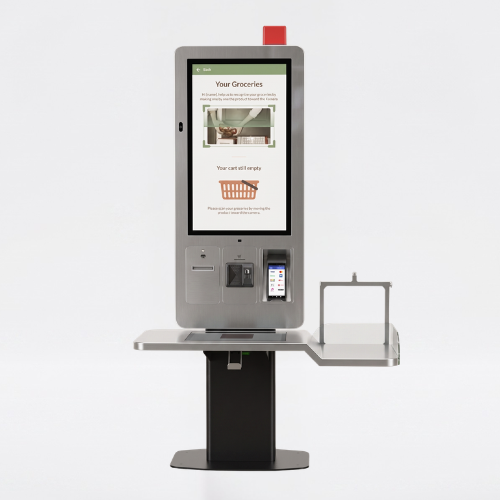
A convenience store has to balance selling space, queues and the route to the exit. Before choosing a compact kiosk, consider where a shopper can put a basket and pack purchases without obstructing customers using the staffed till.
With 17-inch and 19-inch screen options, the Aydın model is described for small and medium retail spaces. Its published configuration includes barcode scanning and a product weighing unit, with payment arrangements confirmed for the installation.
Check the complete footprint, including peripherals and customer standing space. For speciality retail, also review the products being scanned and any assistance they require. Suitability should be assessed against the shop layout and stock, rather than assumed from the display size.
Plan a practical rollout, one store format at a time
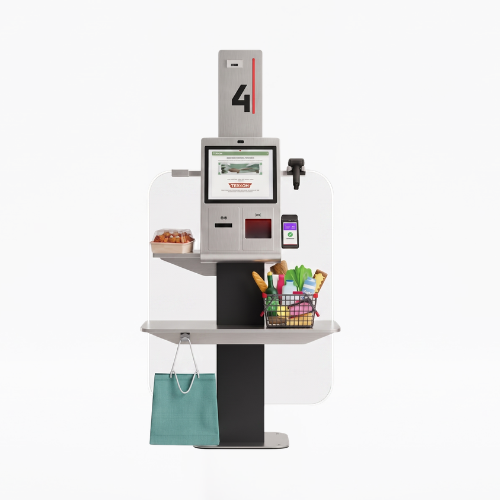
A successful first installation should tell you what can be repeated and what needs to change in the next shop. Record the layout, colleague routines, receipt handling and payment requirements before extending self-checkout across several stores.
The Rize model provides 21.5-inch and 23.8-inch screen options, adjustable trays, an integrated bagging area and desktop or floor-standing arrangements. These physical options can be reviewed against the way baskets and purchases move through each checkout area.
Confirm peripheral compatibility, EPOS connections and the support scope before ordering. Centralised management depends on the chosen software and network arrangement; it should be agreed for the project. Share your store layout and request a quotation.

FAQ
Can self-checkout help reduce queues in a UK shop?
It can provide another way for customers to complete their shopping, but the result depends on basket size, layout, payment speed and available help. Test a representative busy period and compare waiting times and completed transactions before planning a wider rollout.
Will colleagues still need to assist customers?
Plan for colleague assistance as part of the checkout operation. Shoppers may need help with scanning, payment or an unfamiliar step. Decide how customers will request help and how the team will cover the area; a kiosk does not by itself define the staffing model.
Can the kiosk work with our existing EPOS and payments?
Compatibility must be checked for the selected hardware, checkout software and payment terminal. Share your EPOS platform, payment arrangements and receipt requirements with Unisoft. Do not assume a particular provider or integration is included in every configuration.
Which format should a convenience store consider?
Start with the available floor space and typical basket. Compact screen options are available, but leave room for packing, passing customers and colleague access. Confirm the full unit dimensions and peripherals against your layout before choosing a model.
What should we include in a self-checkout quotation request?
Include the number and type of shops, typical basket size, proposed checkout layout, EPOS and payment setup, required peripherals and intended rollout dates. Installation, software licences, training and support should be itemised in the agreed project scope.
Briefly share your needs and our expert team will analyze the most suitable solution for you. We can schedule a project-specific demo, prepare a detailed quote, or review your technical questions together. We will contact you as soon as possible.









.png.webp&w=410&h=235 "DSFeed Content Management and Monitoring Service")