English
  Deutsch

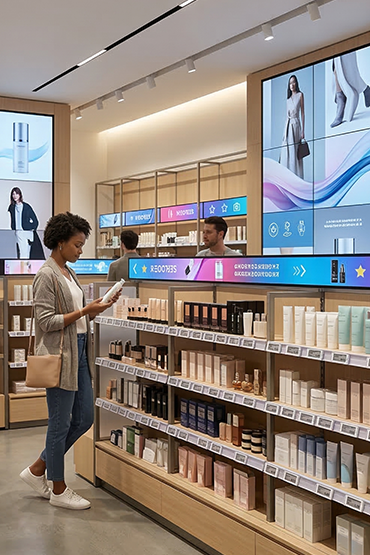
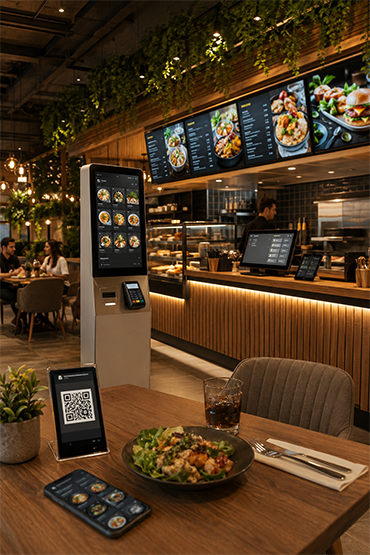
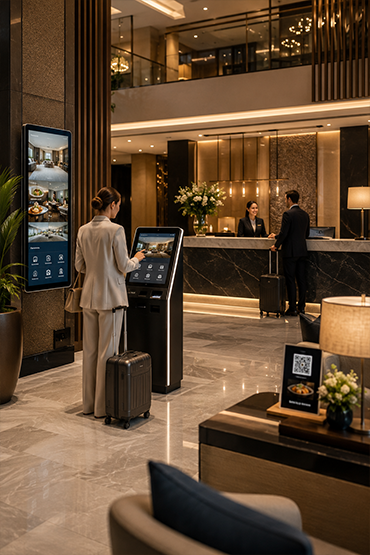
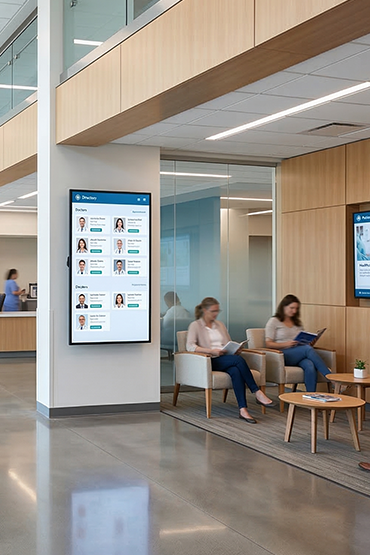













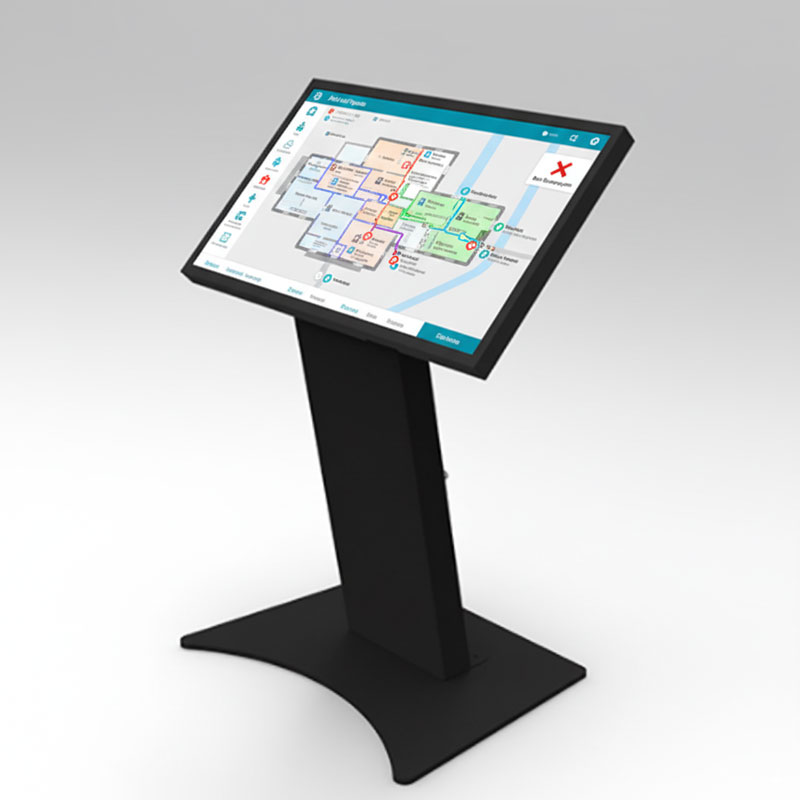
Confirm the actual model dimensions, screen angle and intended seating or standing arrangement. Test the application for the proposed interaction pattern. Payment, ordering and multi-user features are separate requirements, not automatic consequences of a table format.
Explore Related Solutions: Interactive Solutions · Contact
Desk A
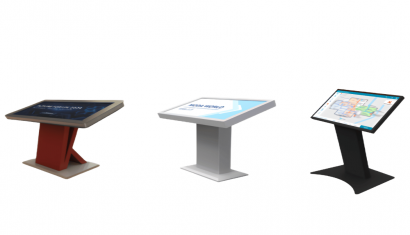
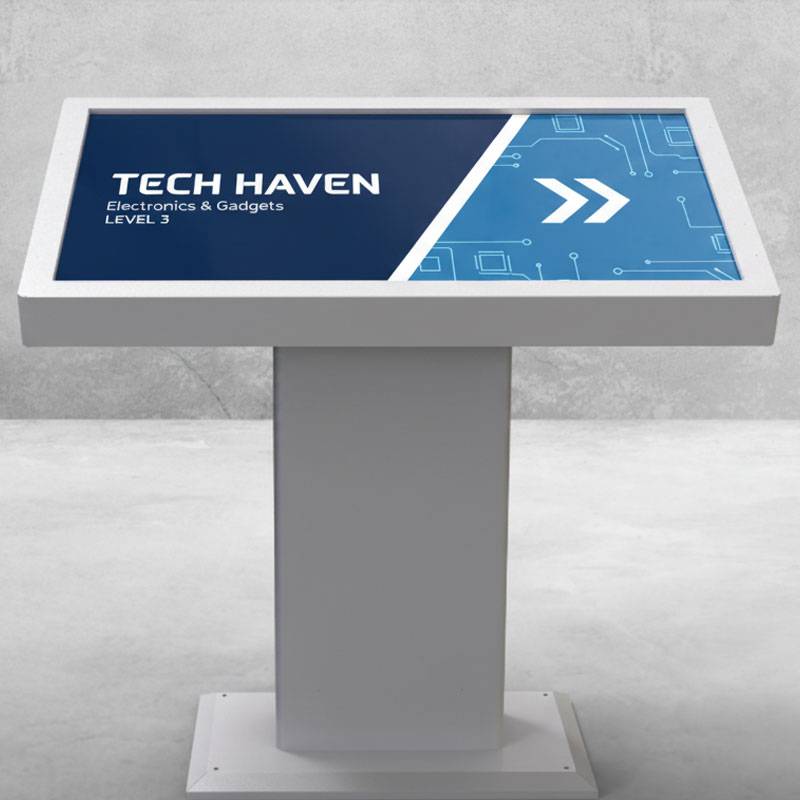
Desk A is a table-style kiosk with 32-inch, 43-inch and 55-inch screen options. It provides a touch point for information, directions and self-service tasks.
PCAP touch supports on-screen input. Android and Windows setups are available within the range. Confirm the app, hardware and daily running hours for the selected model.
Highlights
- 32”, 43” and 55” screen size options
- PCAP multi-touch screen technology
- Android and Windows system compatibility
- Table-type desk kiosk ergonomic design
- Industrial durable body structure
- 7/24 uninterrupted commercial use support
- Sturdy base providing stable and secure use
- High touch sensitivity
- Fast response time
- Structure suitable for corporate use
- Solution suitable for retail use
- Easy installation and integration advantage
Desk B
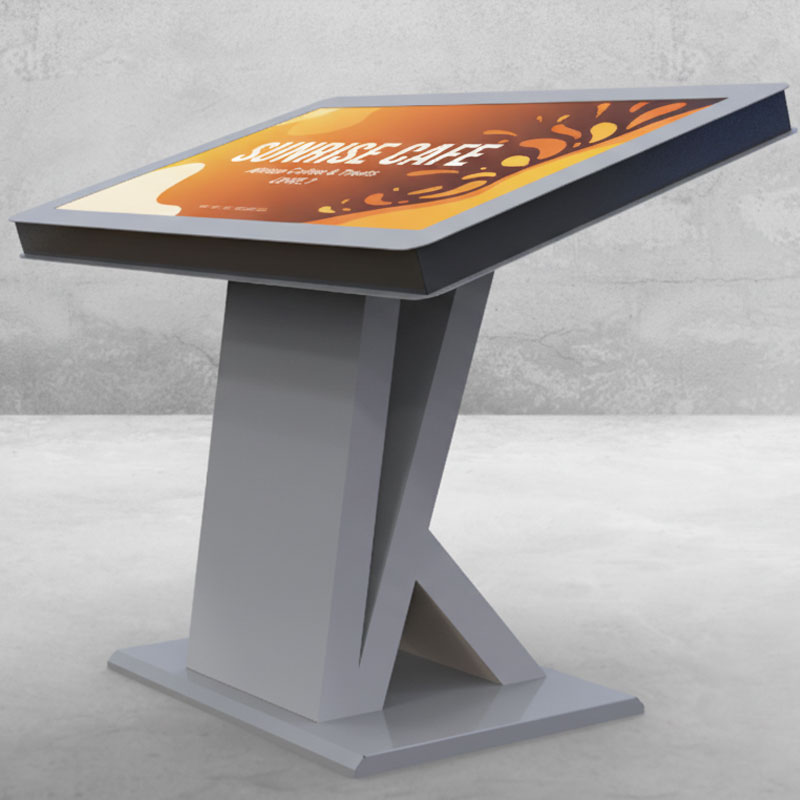
Desk B has a backward-tilted screen for table-style use. Screen options are 32, 43 and 55 inches. The angle helps position the display for the person using it.
Review Android and Windows options against the chosen app. Check reach, glare and comfort at the site. Confirm the model's 24/7 rating and the support plan before rollout.
Highlights
- 32” – 55” screen size options
- PCAP multi-touch screen technology
- Android and Windows system compatibility
- Ergonomic backward-tilted design
- Backward-tilted usage structure
- Enhanced viewing angle
- Design increasing user comfort
- Structure suitable for 7/24 industrial use
- High image quality
- Clear screen performance
- Robust and durable kiosk body
- Structure suitable for flexible usage scenarios
- Design suitable for corporate areas
- Ideal solution for use in retail areas
Desk C
Desk C uses a forward-leaning table design. Screen options range from 21.5 to 55 inches. PCAP touch lets visitors use the chosen app at the kiosk.
Review Android and Windows options and the app requirements together. Portrait or landscape layouts should match the content. Test screen reach and viewing angle at the planned position.
Highlights
- Screen size options between 21.5” – 55”
- 21.5”, 27”, 32”, 43” and 55” model options
- PCAP multi-touch screen technology
- Android and Windows system compatibility
- Forward-leaning ergonomic design
- Forward-leaning usage structure
- Enhanced user interaction
- Design increasing user comfort
- Horizontal and vertical usage support
- Structure suitable for 7/24 industrial use
- Durable and stable kiosk body
- Structure suitable for wide usage scenarios
- Solution suitable for corporate areas
- Ideal usage for retail and public areas
FAQ
What is Table Kiosks and what is it used for?
Table Kiosks is a professional solution used for restaurants, retail, showrooms, reception desks and tabletop self-service or product-information points. The correct setup should be defined by evaluating the use case, target users, site conditions and required software/hardware components together.
Where is Table Kiosks used?
Table Kiosks can be considered for restaurants, retail, showrooms, reception desks and tabletop self-service or product-information points. Viewing or interaction distance, operating hours, physical placement and day-to-day needs should be reviewed before deployment.
What is the difference between a table kiosk and a floor-standing kiosk?
A table kiosk is compact and sits on a counter or desk, while a floor-standing kiosk uses independent floor space. The right choice depends on task, ergonomics, available space and peripheral requirements.
Can Table Kiosks be centrally managed or integrated with other systems?
With suitable software, network connectivity and integration infrastructure, Table Kiosks can be included in centralized management or third-party data workflows. Supported connections and integrations should be verified against product documentation and the project scope.
What affects Table Kiosks pricing?
Pricing can vary according to model and hardware configuration, display or device size, software/licensing requirements, peripherals, integrations, installation, quantity and support scope. A project-specific quotation is more accurate once the use case is defined.
Briefly share your needs and our expert team will analyze the most suitable solution for you. We can schedule a project-specific demo, prepare a detailed quote, or review your technical questions together. We will contact you as soon as possible.








.png.webp&w=410&h=235 "DSFeed Content Management and Monitoring Service")