English
  Deutsch














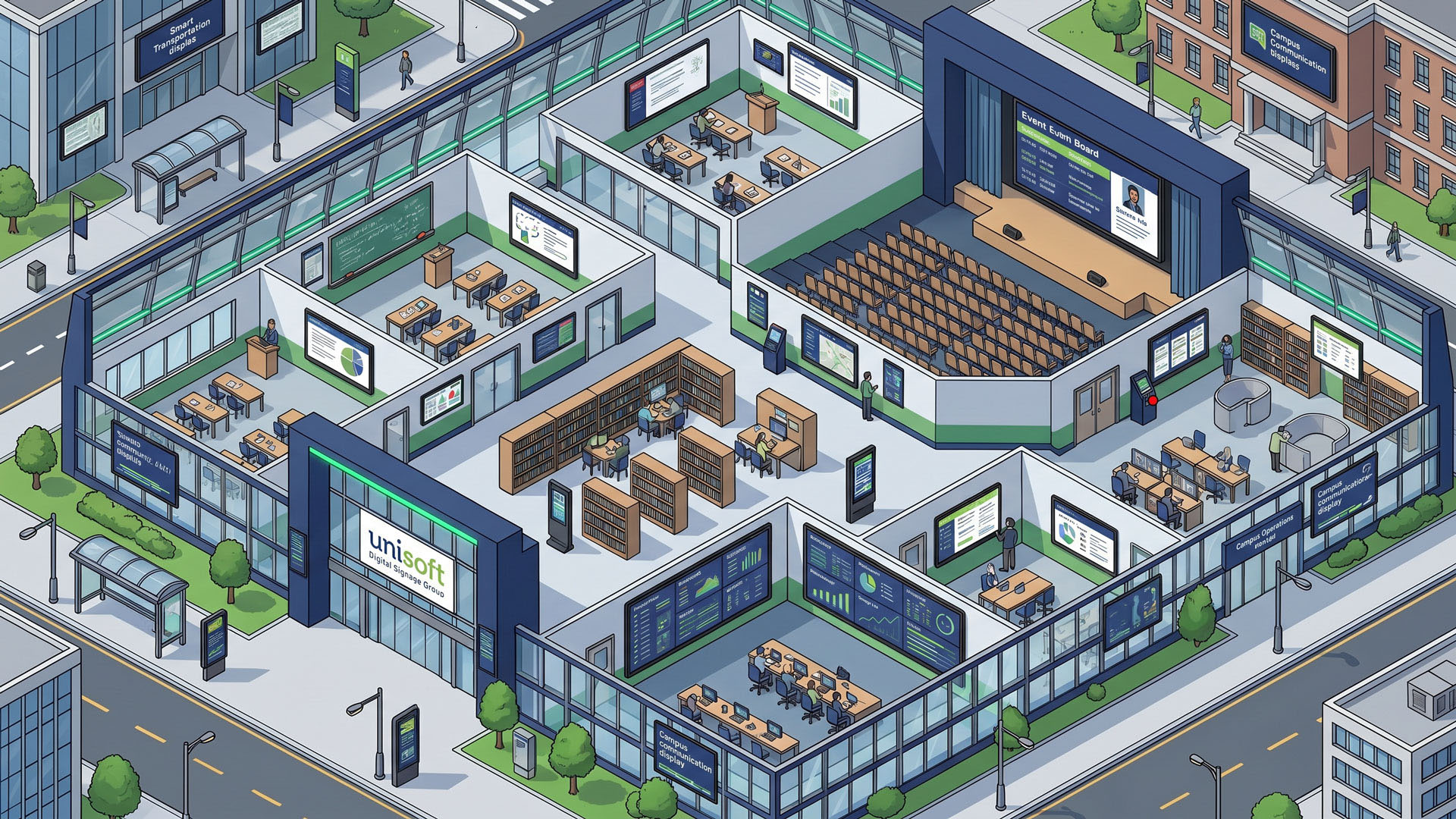
Smart Campus Ecosystem
Redesign the Digital Experience on Campuses
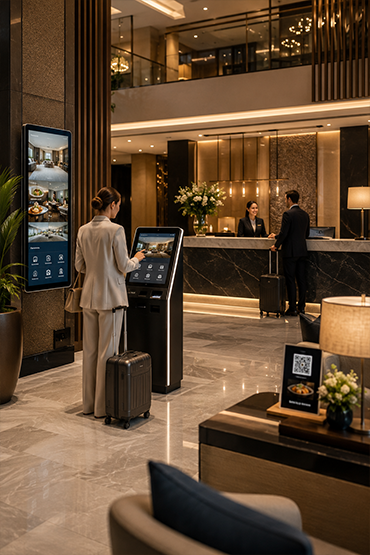
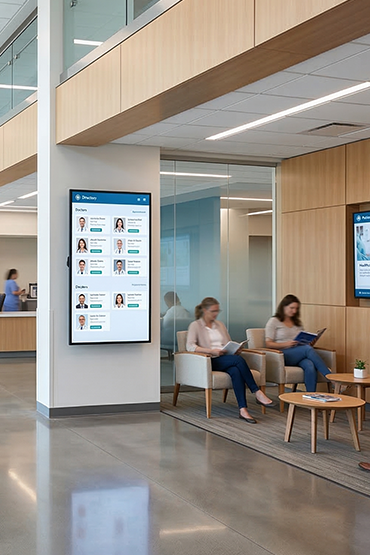
Different areas need different messages: reception welcomes visitors, common spaces show notices and room entrances identify their purpose. Define who owns each message and when it expires.
Explore Related Solutions: Professional Monitor · Interactive Displays · Room Information Displays · Digital Signage Software · Contact
Student Experience-Oriented Technology
Create Eye-Catching and Engaging Campus Experiences
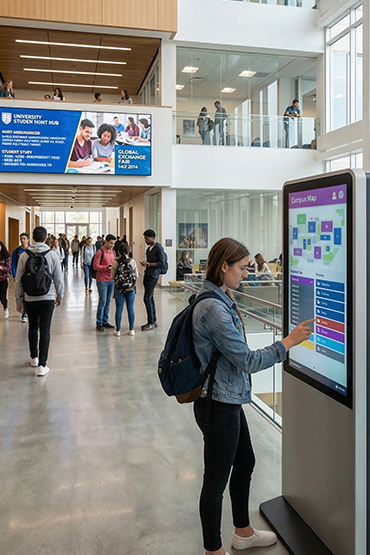
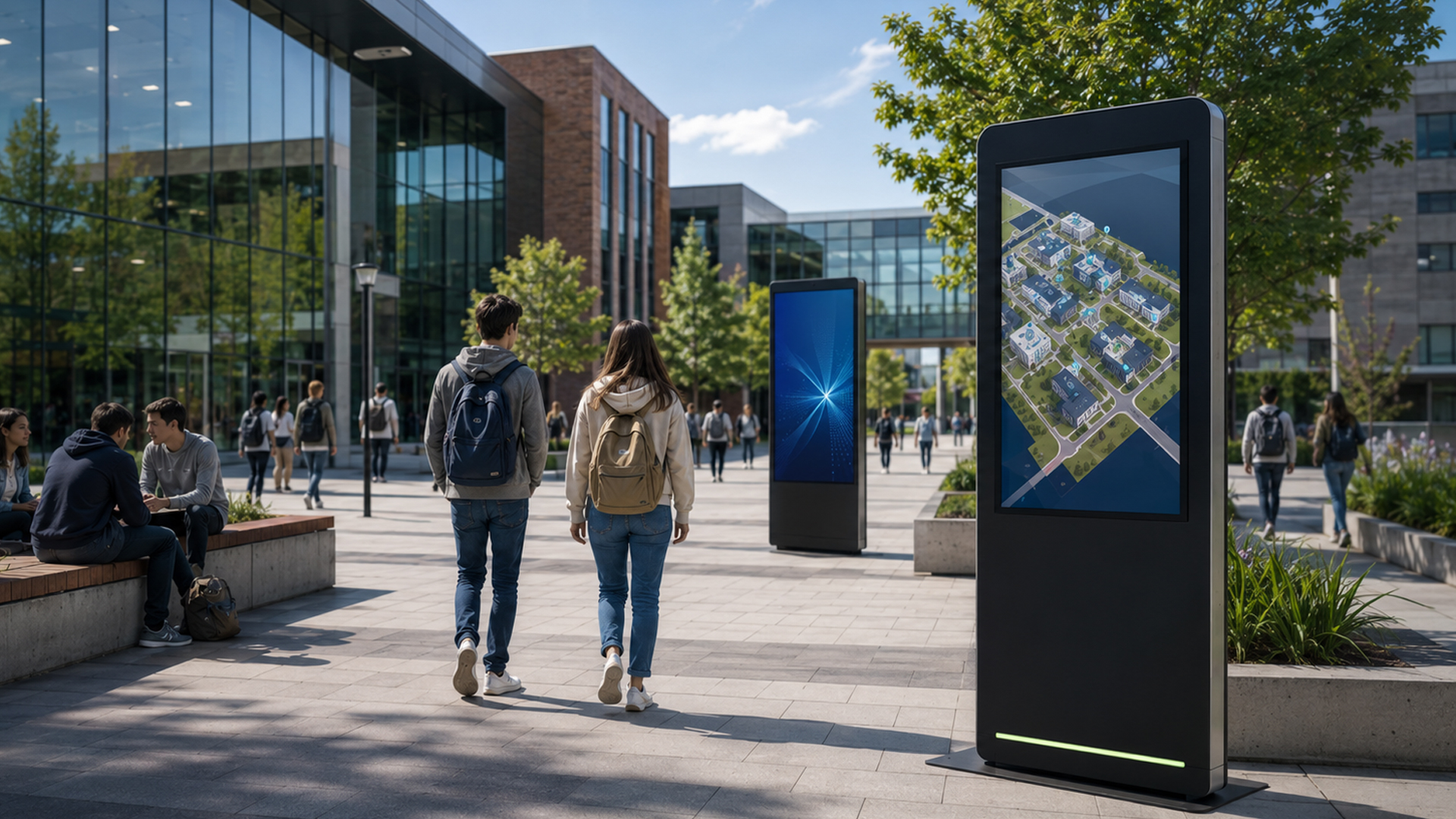
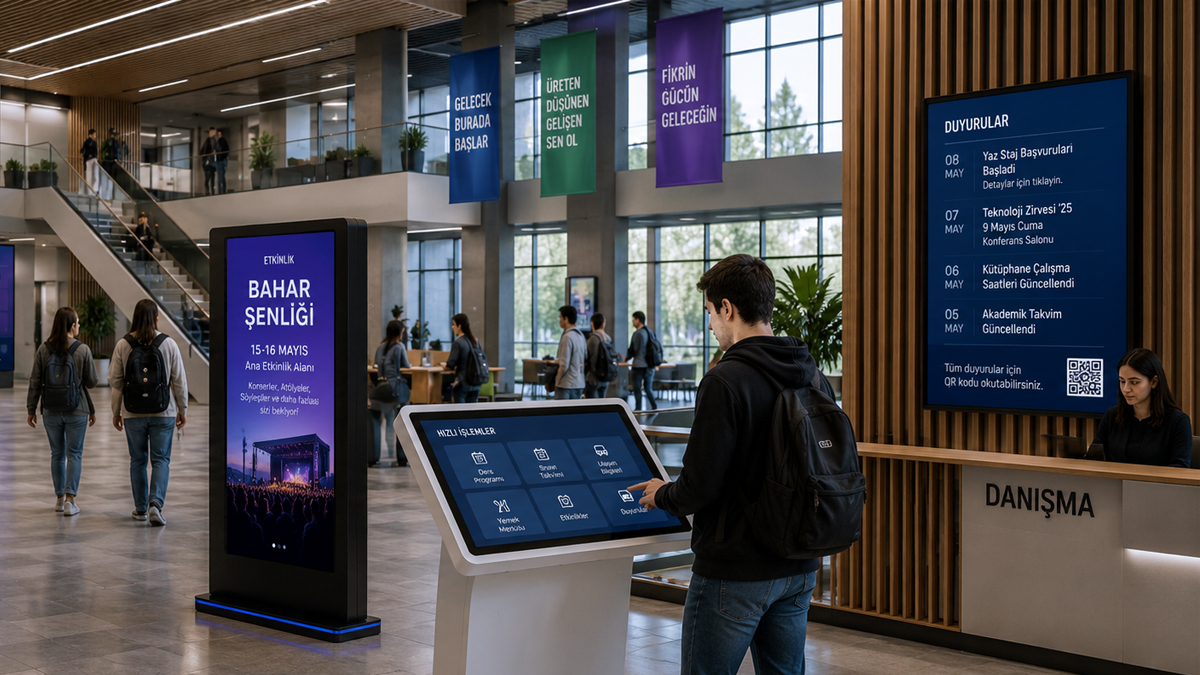
Use campus screens for events, notices and directions. Place each message where students and visitors need it.
Name the person who approves updates. Set an end date for each event notice so old information does not remain on screen.
Smart Campus Management
Manage All Campus Operations from a Single Platform
Plan screen groups for each campus building. Agree which messages come from a central team and which can be changed locally.
Check the chosen software and any timetable feed. Keep a clear process for approval, updates and removal of old content.
Problem
Separate notices can leave students unsure where to go or what has changed.
Campus notices, maps and event updates often come from separate teams. A student may see different information in two buildings. Staff also need a clear way to remove old notices.
72%
Communication chaos due to fragmented information processes
4X
Low student engagement due to unupdated contents
Solution
One content plan. Clear updates. A connected campus.
Plan campus screens, kiosks and maps around a shared content process. Decide who writes each message and who approves it. Confirm which tools can share data before choosing the setup.
- Centralized content management
- Real-time announcement management
- Multi-campus control from a single panel
- Integrated digital student experience
- Data-driven campus management
Smart Campus Solutions
Technologies Enhancing the Campus Experience
Help students find places, read notices and use self-service points. Choose each tool for the task and location.
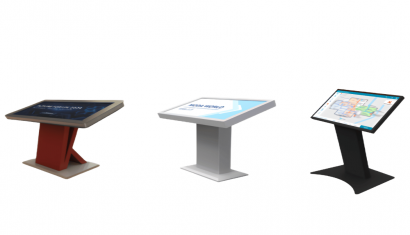
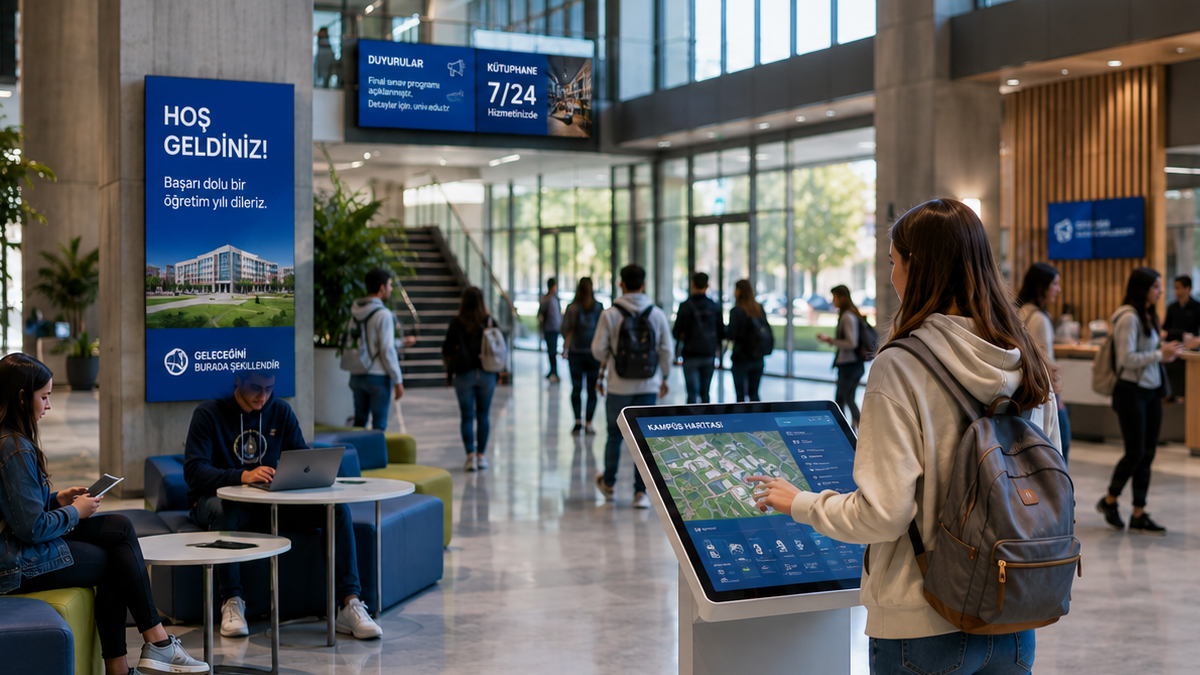
Interactive Campus Maps
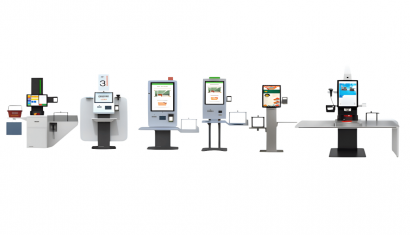
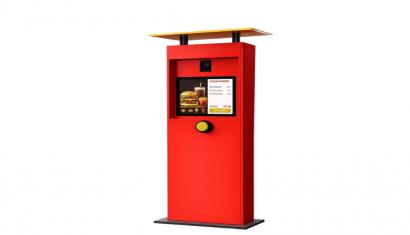
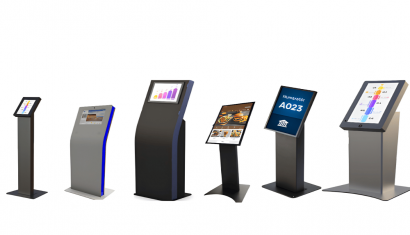
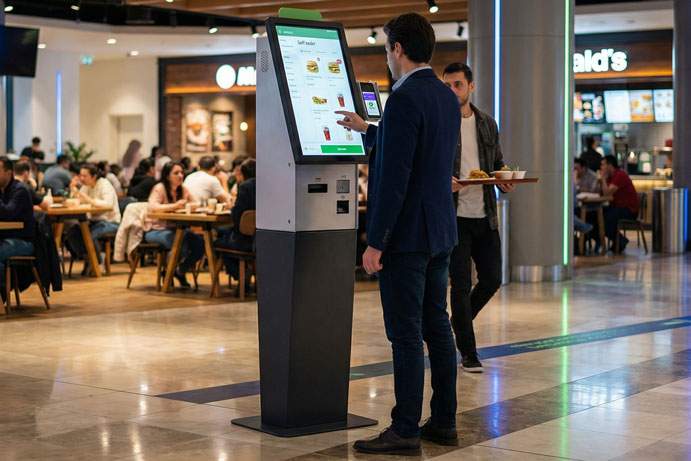
Self-Service Kiosk Solutions
Event and Announcement Management
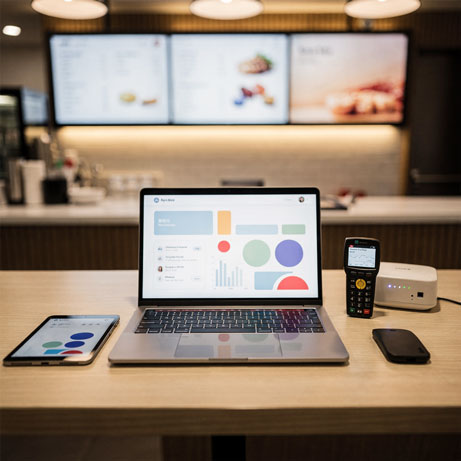
Digital Classroom & Information Displays
Artificial Intelligence & Smart Assistant Solutions
Digital Transformation Solutions in Campus Management
Connect campus screen content through a clear publishing plan. Make notices easy to find, read and keep up to date.
Centralized Content Management
Real-Time Announcements
Smart Campus Technologies
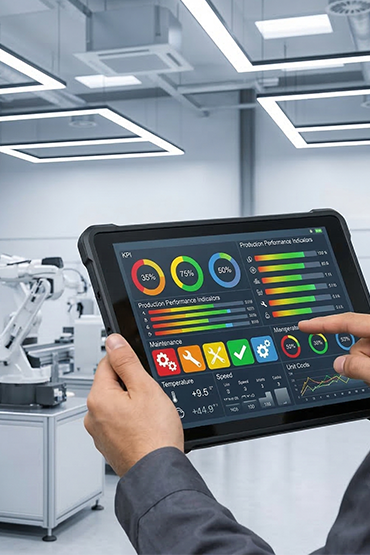
Data & Analytics Management
Platform Capabilities
Technologies Empowering Smart Campus Operations
Plan how screens, kiosks and maps will be managed. Set staff roles and check the data feeds needed for each task.
.png.webp "Centralized Content Management")
Centralized Content Management
Plan and update screen content from one place. Set access rights for each team.

Real-Time Announcement Management
Schedule event and seminar notices for the screens that need them.
.png.webp "Interaction Technologies")
Interaction Technologies
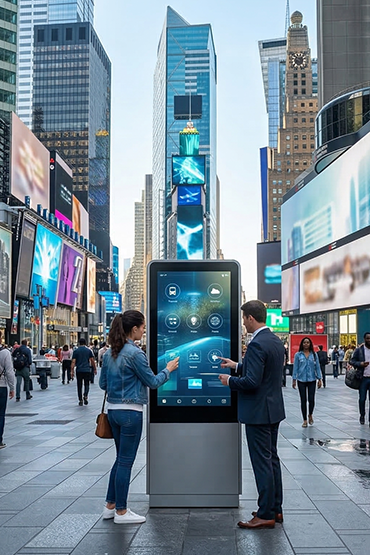
Use touch kiosks and maps to help students find information.
.png.webp "Data & Analytics Management")
Data & Analytics Management
Define the data you need before choosing analytics. Check privacy and consent needs.
Experience
Making the Campus Experience Smarter, More Connected, and More Measurable.
Unisoft helps plan campus screens, touch kiosks and digital maps. Start with the places students need to find and the notices they need to read. Then agree the tools, content and staff roles.
20+
Years of Experience
Experience in campus display projects and digital signage.
3000+
Project Deliveries
Digital display projects across educational sites.
25+
Country Experience
Work across countries, with setup and content needs reviewed for each site.
24/7
Operational Continuity
Plan screen schedules, upkeep and support for the agreed hours.
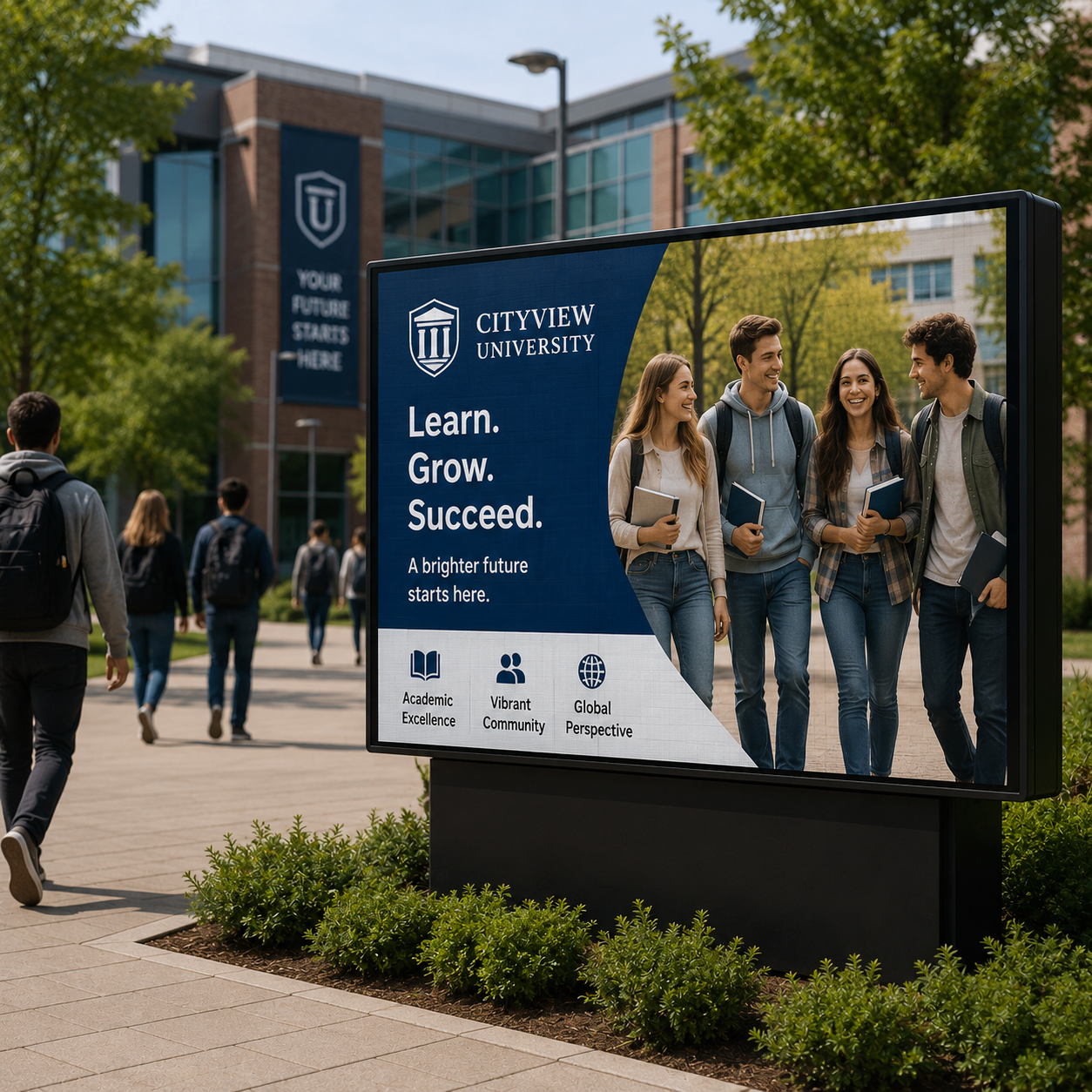 Outdoor LED Module
Outdoor LED Module
Outdoor LED Module
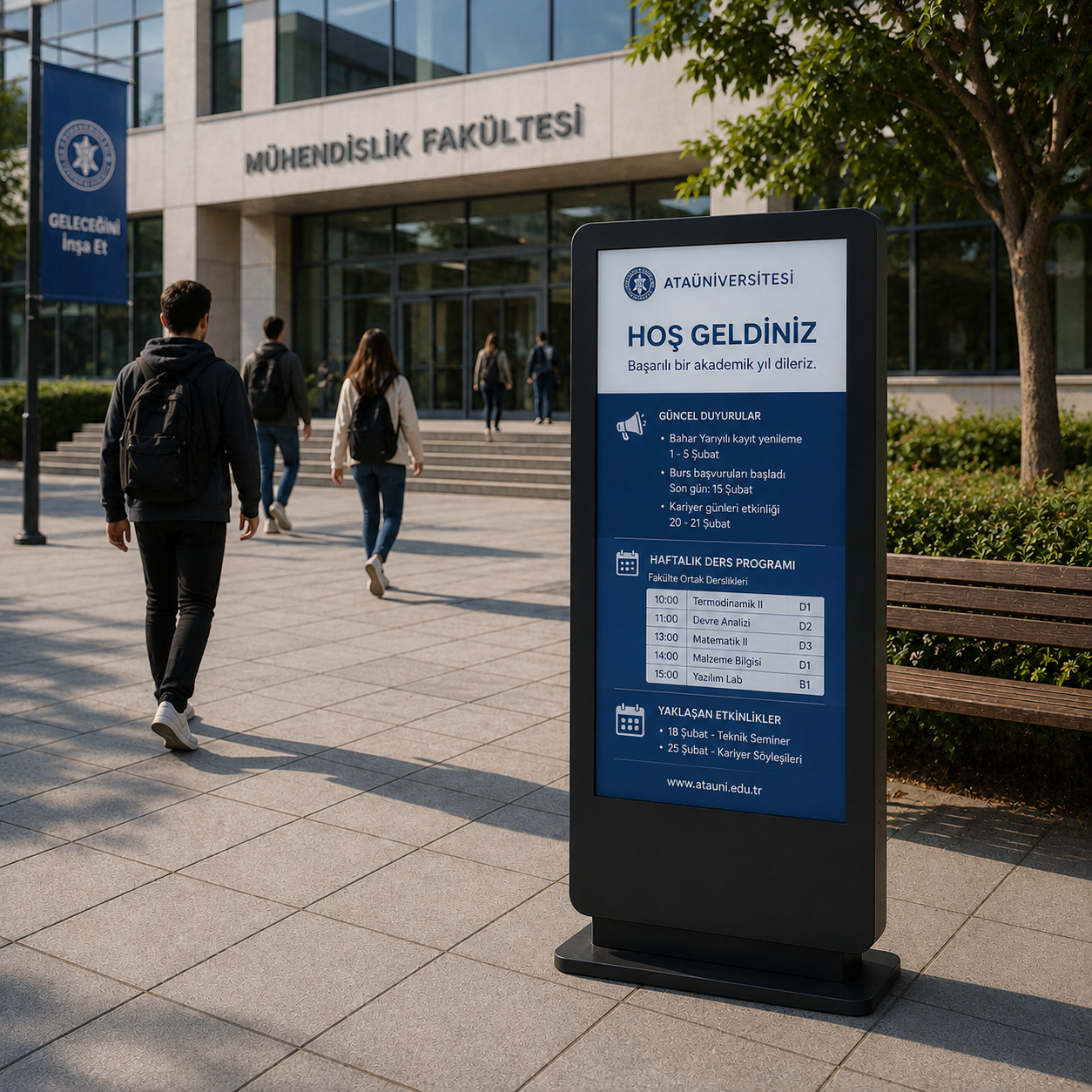 Outdoor Totem
.png.webp "Bigsize (3).png") Big Size Pro Display
Big Size Pro Display
Big Size Pro Display
Big Size Pro Display
Big Size Pro Display
Big Size Pro Display
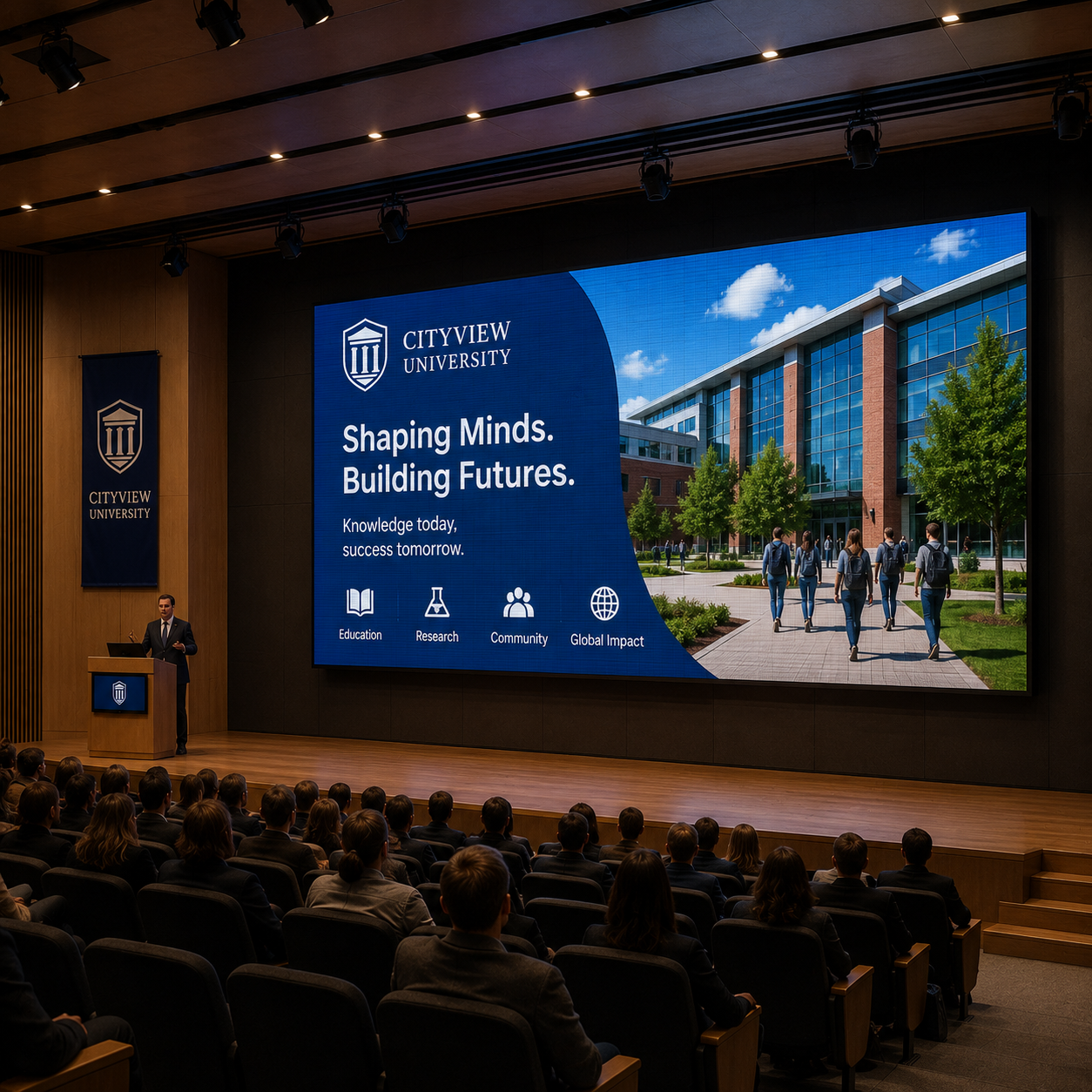 Indoor LED Module
Big Size Pro Display
Indoor LED Module
Big Size Pro Display
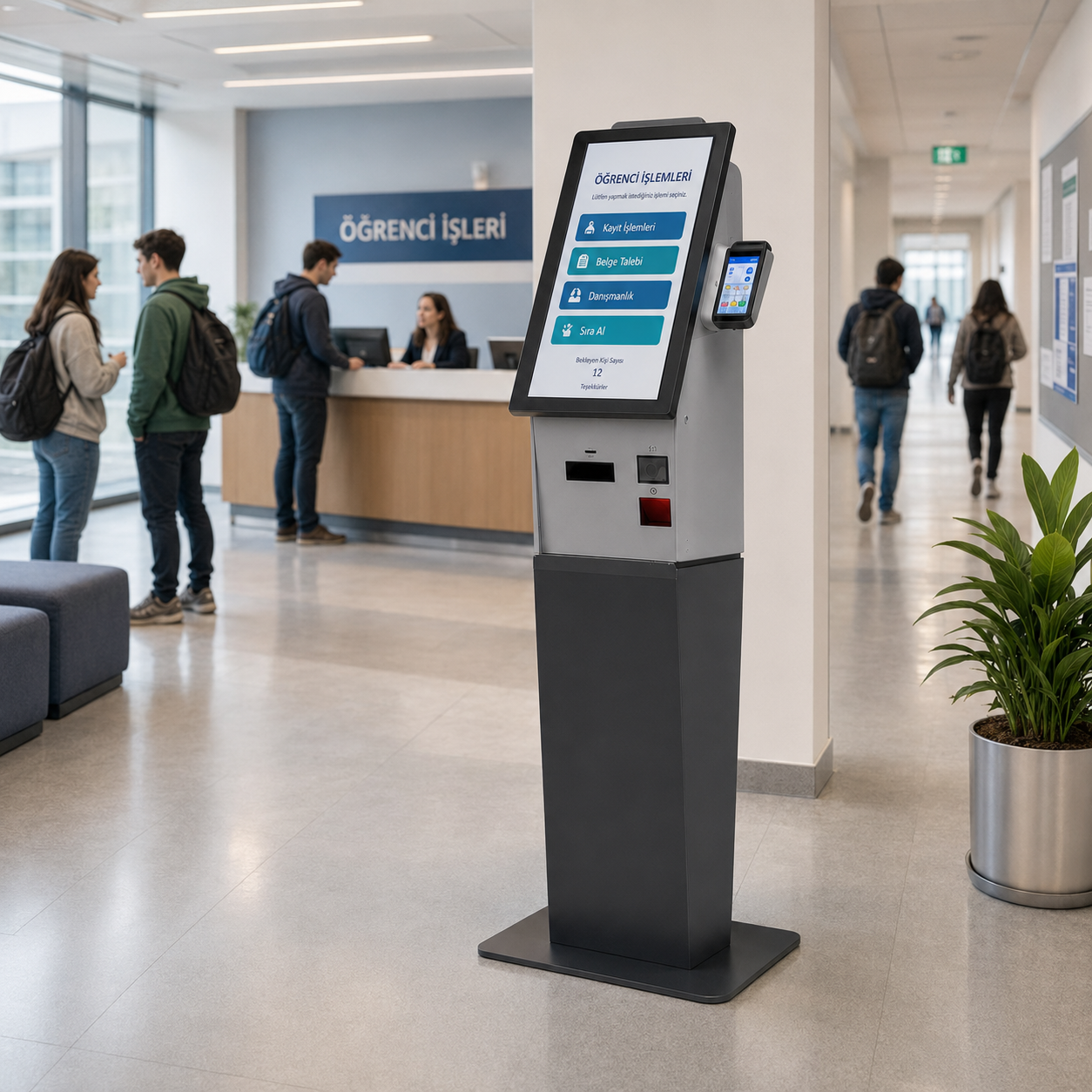 Self Order Kiosk
Big Size Pro Display
Self Order Kiosk
Big Size Pro Display
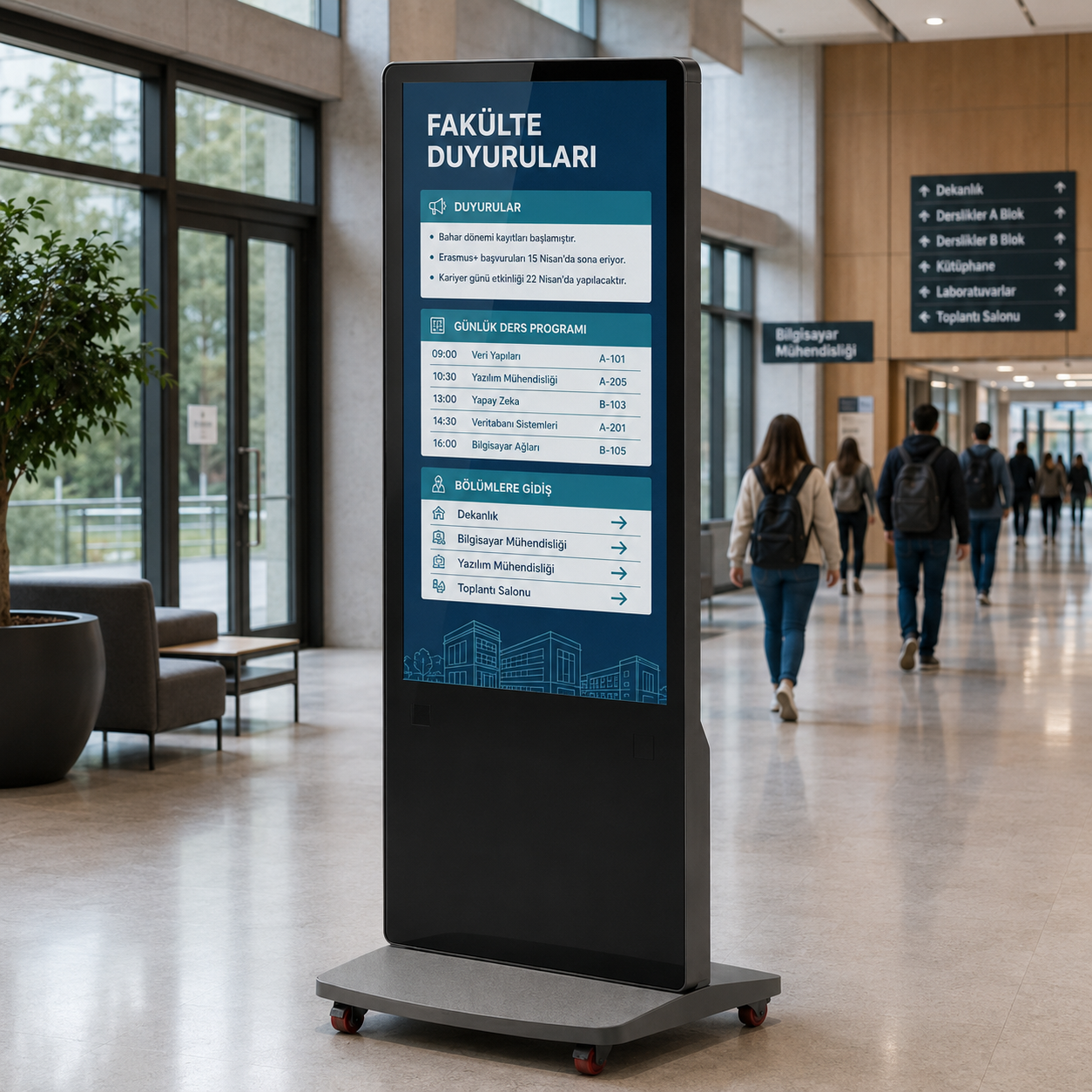 Army Totem
Big Size Pro Display
Big Size Pro Display
Big Size Pro Display
Outdoor LED Module
Army Totem
Big Size Pro Display
Army Totem
Big Size Pro Display
Big Size Pro Display
Big Size Pro Display
Outdoor LED Module
Army Totem
Big Size Pro Display
Frequently Asked Questions
What should campus screens display?
Different areas need different messages: reception welcomes visitors, common spaces show notices and room entrances identify their purpose. Define who owns each message and when it expires.
Can room schedules and emergency notices be linked?
Room schedules need a compatible data feed. Check this with the software provider. For several buildings, agree screen names and publishing roles. Do not treat signage as a certified emergency alert system unless that use is verified.
What information helps plan a campus rollout?
Start with building locations, display positions and examples of information that currently relies on printed notices.
Request a Quote
Briefly share your needs and our expert team will analyze the most suitable solution for you. We can schedule a project-specific demo, prepare a detailed quote, or review your technical questions together. We will contact you as soon as possible.











.png.webp&w=410&h=235 "DSFeed Content Management and Monitoring Service")