English
 Deutsch


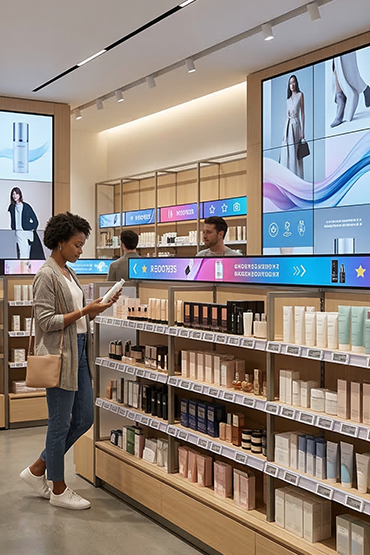
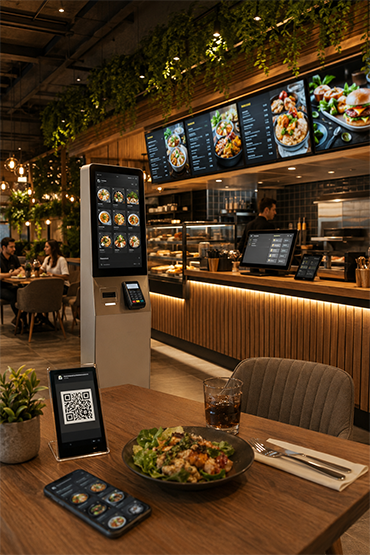
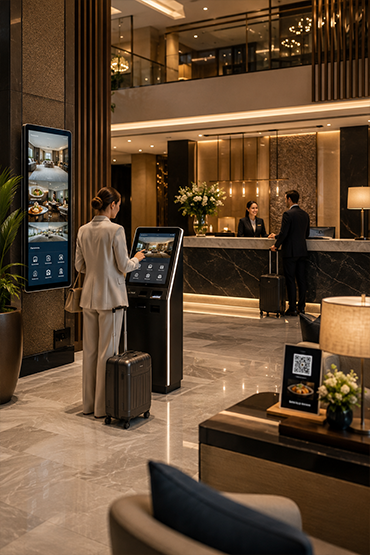
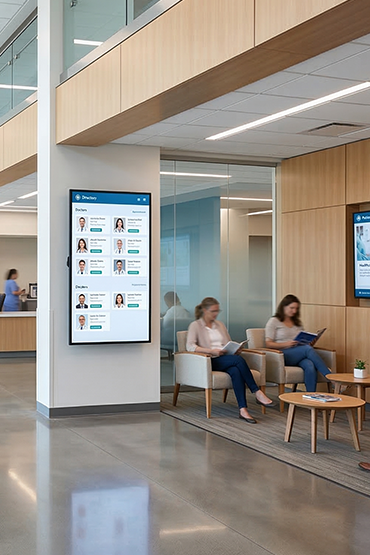







Define product identification, the trigger, comparison content and the return state. Check behaviour when several products are handled or a sensor is unavailable. Confirm hardware, software and reporting requirements for the actual installation.
Explore Related Solutions: Digital Signage Custom Solutions · Retail and Store Solutions · Contact
Lift and Learn RFID
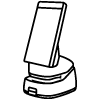
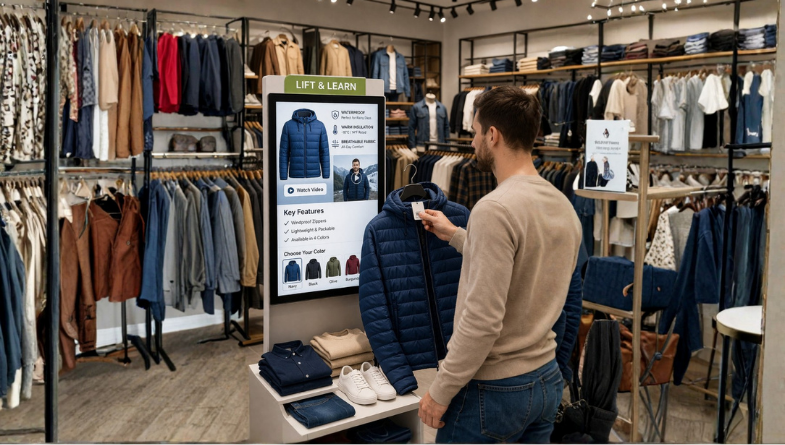
Lift and Learn RFID links a product on a shelf to screen content. When a customer lifts the tagged product, the system can show its details on a nearby display.
Confirm the tags, reader and app for the shelf layout. Map each product to the correct content and test returns to the shelf. Any interaction reports need a defined scope and data-handling plan.
- Instant content triggering via RFID when a product is lifted
- Automatic display of product-specific features, technical details, and campaign information on the screen
- Informative and visually rich content presentation that positively influences purchasing decisions
- Collection of valuable data metrics such as interaction duration and customer interest intensity
- Easy integration with shelf sensor infrastructure
- Reducing the workload on sales staff with a self-service information structure
- Flexible application suitable for retail, electronics, cosmetics, and showroom areas
- Content and shelf strategy optimization through in-store behavior analysis
Lift and Learn Air
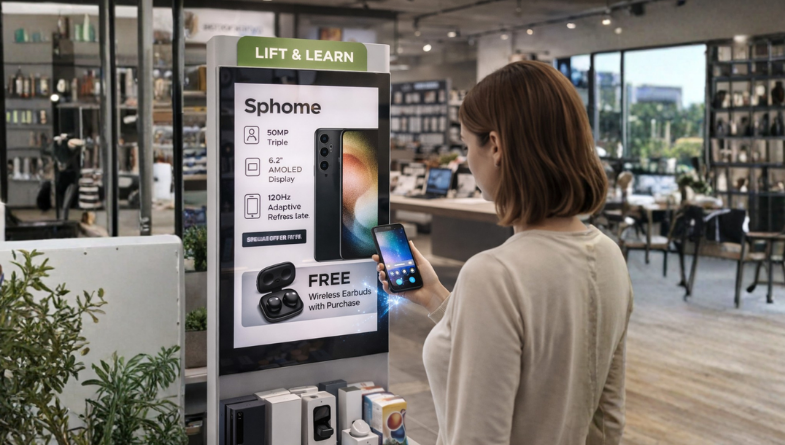
Lift and Learn Air uses RF motion detection to trigger content when a product moves. It provides an option for shelf layouts where a separate shelf sensor is not planned.
Test detection with the real products and display setup. Define the trigger, content and reset behaviour. Confirm any reports and the data they use before making claims about shopper profiles.
- RF motion detection technology requiring no shelf sensors
- Instant and content triggering upon product movement
- Automatic broadcast of feature and promotional content while the product is held
- Fast and fluent interaction experience supporting the purchasing decision
- Smart analytics revealing the most popular products and discovery patterns
- Customer profile-based product interest analysis and behavioral insights
- Flexible and low-cost infrastructure requiring no sensor installation
- Easy adaptation to different shelf layouts and store formats
FAQ
What is Lift and Learn and what is it used for?
Lift and Learn is a professional solution used for retail displays where lifting a physical product automatically triggers related digital content. The correct setup should be defined by evaluating the use case, target users, site conditions and required software/hardware components together.
Where is Lift and Learn used?
Lift and Learn can be considered for retail displays where lifting a physical product automatically triggers related digital content. Viewing or interaction distance, operating hours, physical placement and day-to-day needs should be reviewed before deployment.
How does a Lift and Learn system detect that a product has been lifted?
Detection is handled by the sensor or interaction hardware selected for the project. When the product is lifted, assigned video, features, campaign or comparison content can be triggered on the display.
Can Lift and Learn be centrally managed or integrated with other systems?
With suitable software, network connectivity and integration infrastructure, Lift and Learn can be included in centralized management or third-party data workflows. Supported connections and integrations should be verified against product documentation and the project scope.
What affects Lift and Learn pricing?
Pricing can vary according to model and hardware configuration, display or device size, software/licensing requirements, peripherals, integrations, installation, quantity and support scope. A project-specific quotation is more accurate once the use case is defined.
Briefly share your needs and our expert team will analyze the most suitable solution for you. We can schedule a project-specific demo, prepare a detailed quote, or review your technical questions together. We will contact you as soon as possible.










.png.webp&w=410&h=235 "DSFeed Content Management and Monitoring Service")