English
  Deutsch

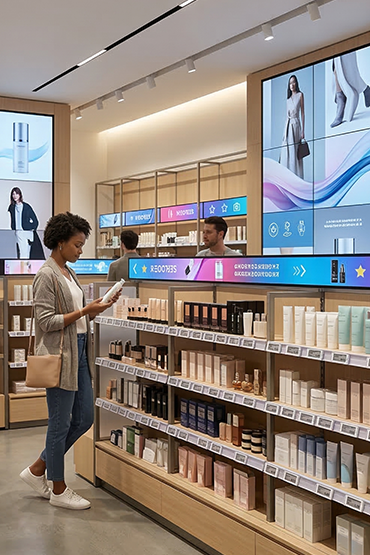
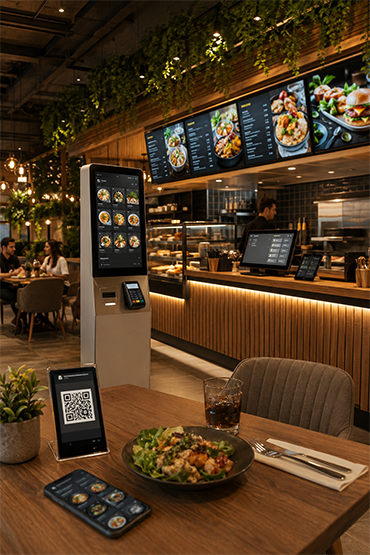
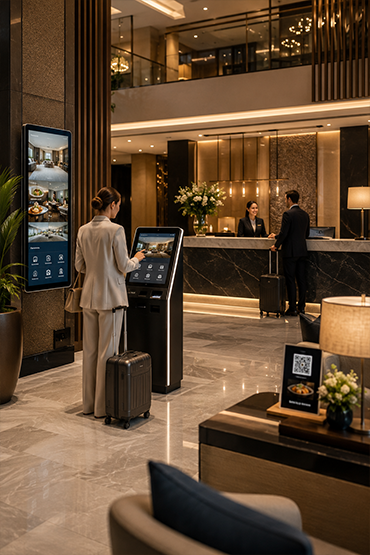
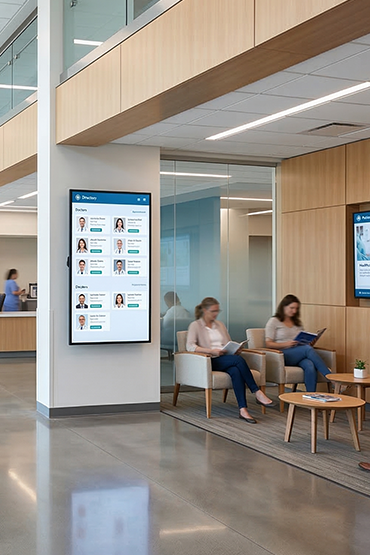














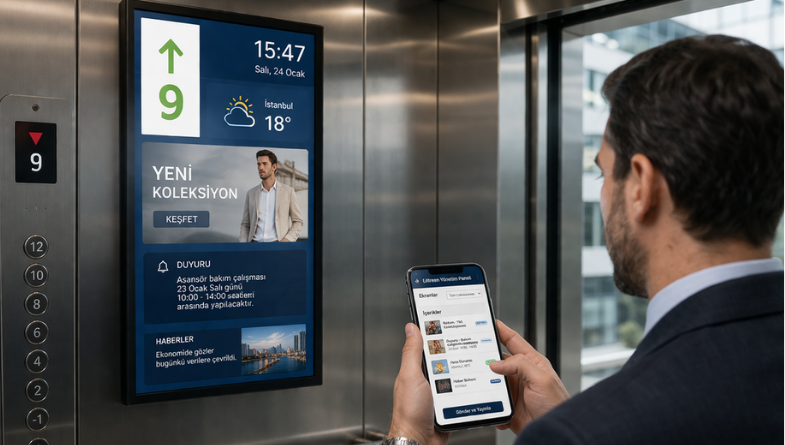
Match screen placement and content length to the short viewing opportunity. Installation inside a lift needs coordination with the responsible lift and building specialists. Define power, networking and service access. A display product alone does not establish lift-system compatibility or approval.
Explore Related Solutions: Liftreen Elevator Information System · Hotel and Hospitality Solutions · Contact
Lift displays for UK building communication
In an office, hotel or residential building, a lift information display should help people understand a short message at a glance. Prioritise useful building notices, directions or timely announcements. Review text size, contrast and the time each message stays on screen from the actual passenger viewing position.
Choose whether the information belongs inside the cabin, at a landing or in an adjoining waiting area. These positions have different space, power and connectivity constraints. Share photographs and dimensions with the project team before selecting the screen size and orientation.
Distinguish information screens from lift floor displays
A lift floor display or destination indicator depends on the relevant lift-system information. A general digital signage screen does not automatically provide that connection. If floor position, travel direction or destination information is required, identify the controller and ask the responsible lift specialist to confirm the interface and permitted installation scope.
Keep ordinary building messages distinct from safety-critical indications. The existing lift and building safety systems remain separate responsibilities; a content screen should not be treated as a replacement for them.
Plan content ownership and ongoing access
For a UK property team managing several buildings, agree who approves notices, how updates reach the screens and when expired messages are removed. Record access arrangements for servicing without assuming every lift or building is the same. Start the quotation discussion with the number of lifts, proposed screen positions, intended content and available network provision.
Ask for the display, content-management software, connectivity, installation and ongoing support scope to be identified separately. This helps the building team compare a proposed lift display system against its operational needs.
Elevator Displays
Lift displays show news, building information and other content near or inside a lift. Select the screen position around the cabin, entrance and viewing distance.
Agree who maintains the content and how updates reach each screen. Confirm any connection to the lift system. General information displays do not replace lift safety or building-control systems.
- Compact design suitable for in-cabin and floor entrance use
- Vertical and horizontal mounting options
- Dynamic broadcasting support for news, weather, announcement, and advertising contents
- Multi-location control with central management system
- Clear image in indoor environment with high brightness and wide viewing angle
- Industrial structure suitable for 24/7 continuous operation
- Easy integration into different elevator types and architectural structures
- Effective communication platform that turns waiting times into value
FAQ
What is Elevator Displays and what is it used for?
Elevator Displays is a professional solution used for floor information, announcements and digital communication in hotels, hospitals, residences, malls and corporate buildings. The correct setup should be defined by evaluating the use case, target users, site conditions and required software/hardware components together.
Where is Elevator Displays used?
Elevator Displays can be considered for floor information, announcements and digital communication in hotels, hospitals, residences, malls and corporate buildings. Viewing or interaction distance, operating hours, physical placement and day-to-day needs should be reviewed before deployment.
Can elevator displays be used for emergency information?
With suitable building-system integration, emergency messages can be displayed. This does not replace certified alarm, fire or building safety systems.
Can Elevator Displays be centrally managed or integrated with other systems?
With suitable software, network connectivity and integration infrastructure, Elevator Displays can be included in centralized management or third-party data workflows. Supported connections and integrations should be verified against product documentation and the project scope.
What affects Elevator Displays pricing?
Pricing can vary according to model and hardware configuration, display or device size, software/licensing requirements, peripherals, integrations, installation, quantity and support scope. A project-specific quotation is more accurate once the use case is defined.
Briefly share your needs and our expert team will analyze the most suitable solution for you. We can schedule a project-specific demo, prepare a detailed quote, or review your technical questions together. We will contact you as soon as possible.












.png.webp&w=410&h=235 "DSFeed Content Management and Monitoring Service")