English
  Deutsch















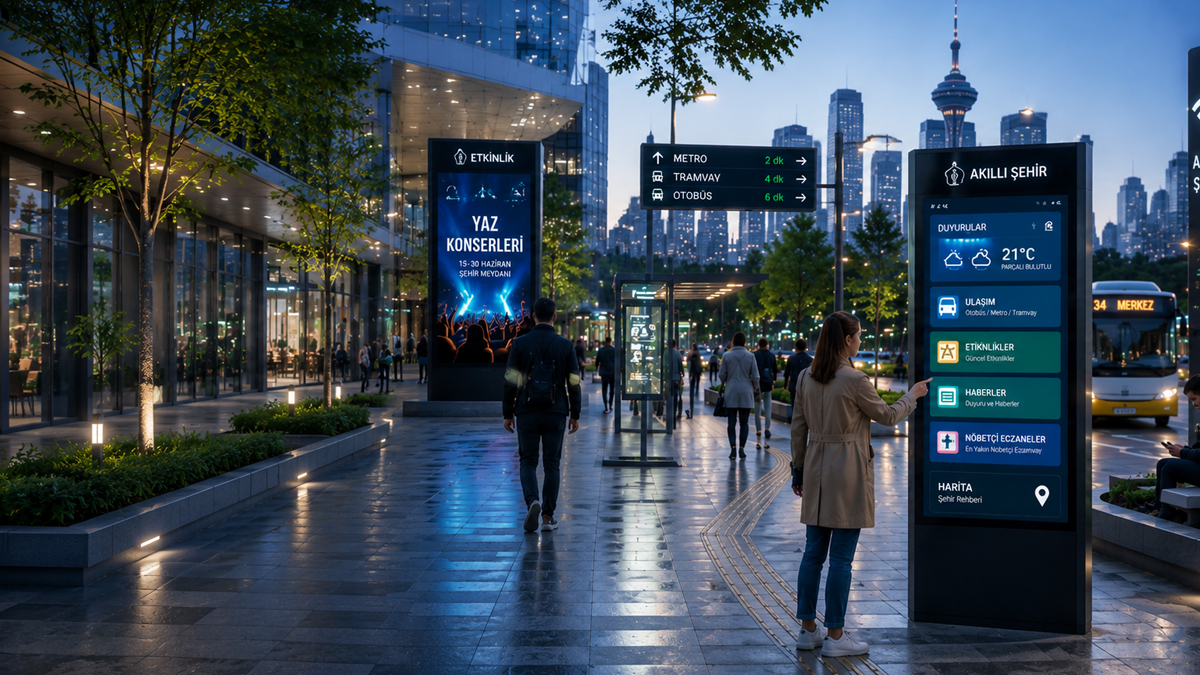
Smart City Technologies
Integrated Digital Experience for Cities
Begin with the audience and the message: directions, service information, opening details or approved public notices. Keep content ownership and review frequency clear.
Explore Related Solutions: Outdoor LCD Totem/Pylon · Outdoor LED Displays · Passenger Information System · Contact
Smart City Ecosystem
Manage City Operations from a Single Center
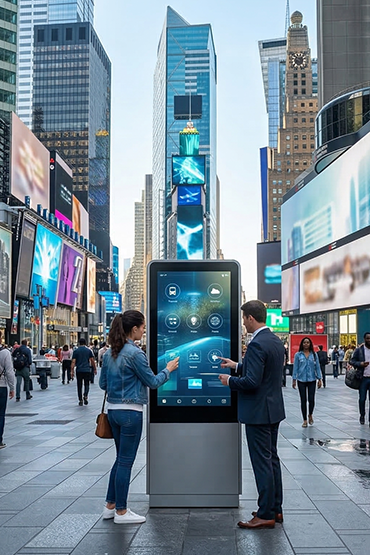
Use public displays for directions, service updates and approved notices. Place them where people need to make a choice or find a service.
Agree who updates each location. Check data feeds and outdoor conditions for the proposed setup. A screen network does not itself run city services.
Smart City Solutions
More Connected Cities with Smart City Technologies
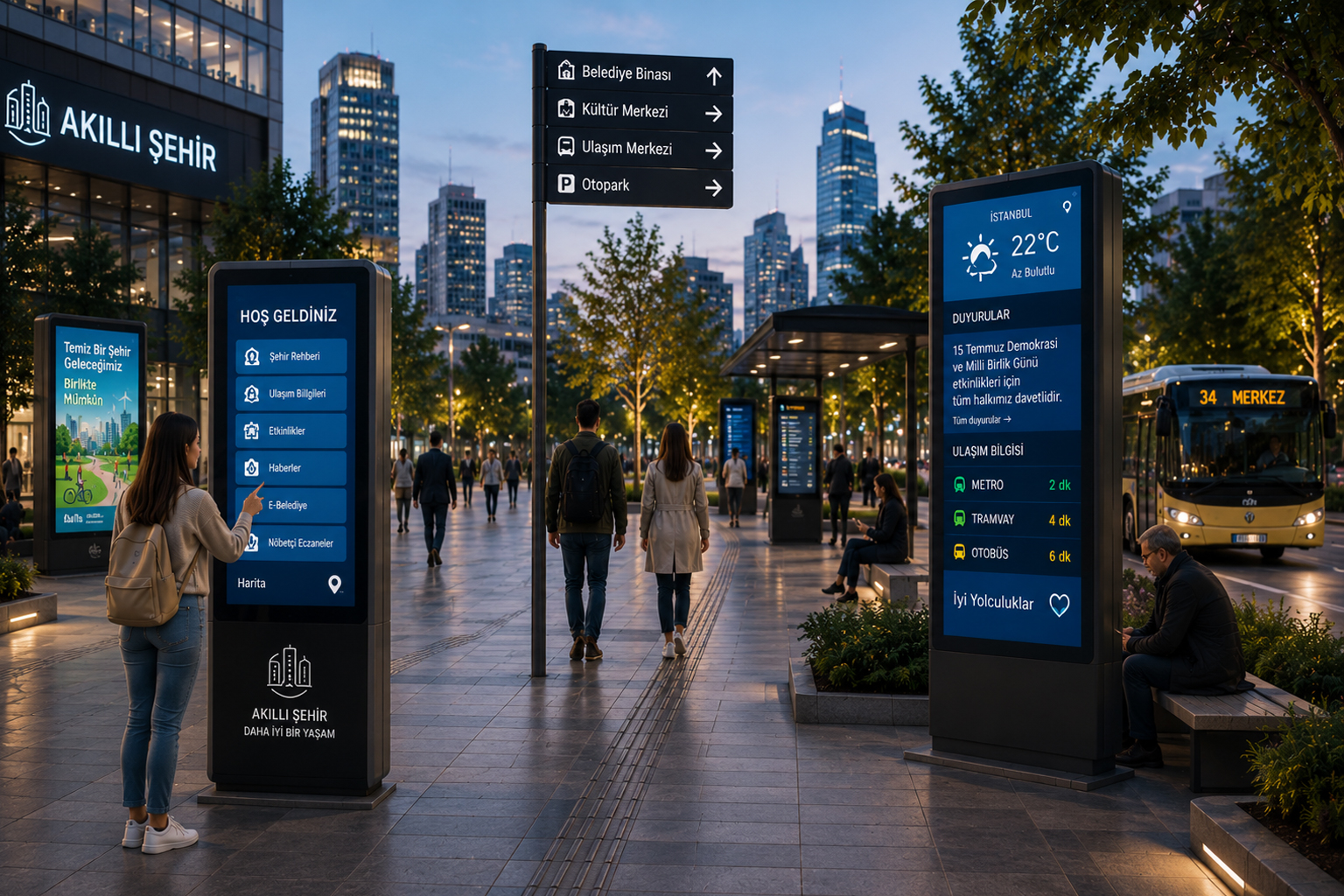
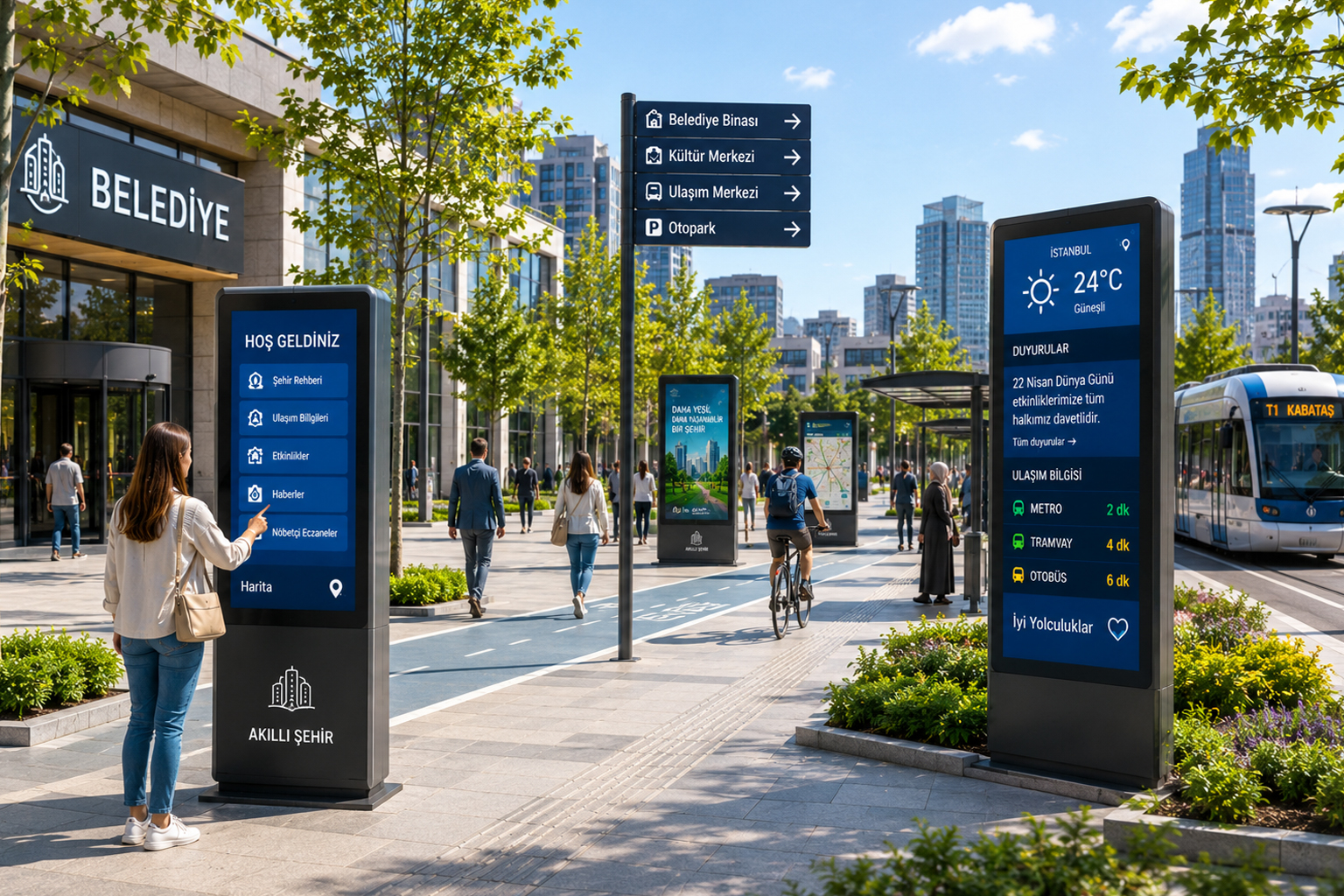
Clear, current messages help people find their way in public spaces. Screens can show directions, opening details and service notices.
Confirm any live feed and plan what happens if it stops. Keep text readable and provide another route to help where needed.
CURRENT SITUATION
 Insufficient guidance and information access
.png.webp "Fragmented announcement and information structure") Fragmented announcement and information structure
Fragmented announcement and information structure
.png.webp "Loss of control in density management") Loss of control in density management
Loss of control in density management
 Inconsistency in citizen experience
Pain Points Complicating the City Experience
Old notices and unclear directions make public spaces harder to use. Different sites may also have different teams and update routines.
List the information people need, who owns it and how often it changes. Use that list to plan the display network.
Impact in the Field
01
Information Chaos
Inconsistent information flow at different points negatively affects the citizen experience.
Inconsistent information flow at different points negatively affects the citizen experience.
02
Operational Inefficiency
Manually progressing processes lead to loss of time in municipal and city operations.
Manually progressing processes lead to loss of time in municipal and city operations.
03
Increased City Density
Lack of real-time guidance complicates human and traffic flow.
Lack of real-time guidance complicates human and traffic flow.
04
Low Citizen Satisfaction
Insufficient digital communication and lack of access weaken the city experience.
Insufficient digital communication and lack of access weaken the city experience.
So, is it possible to make this entire process faster, smarter, and more centralized?
Unisoft Solution
End-to-End Digital Transformation for Smart Cities
Plan each public display around its audience and purpose. A building entrance, service desk and transport stop need different messages.
Agree content approval, updates and maintenance. Check mounting, weather exposure and any data link for the actual site.
Digital Information Solutions
Smart Guidance Systems
Central City Management
All city services under a single smart structure
Unisoft digitizes citizen information, guidance, transportation communication, and city operation processes, making all touchpoints manageable from a single center. Thus, a faster, more orderly, and more connected experience is offered in city life.
Faster access
Clearer guidance
Higher citizen satisfaction
Platform Capabilities
Technologies Empowering Smart City Infrastructure
Digital infrastructures that improve the city experience and accelerate public operations unite all screens, kiosks, and communication points under a centralized structure.
.png.webp "Smart City Integration")
Smart City Integration
Thanks to the infrastructure working integrated with municipal, transportation, and public service systems, city operations proceed seamlessly and in a coordinated manner.
.png.webp "Central Content Management")
Central Content Management
Manage all city screens, kiosks, and digital contents from a single center and update them instantly.
.png.webp "Contactless Service Points")
Contactless Service Points
Accelerate citizen information, guidance, and service access processes with smart kiosk and self-service solutions.
.png.webp "Real-Time Data Management")
Real-Time Data Management
Manage announcement, transportation, event, and city information contents instantly with live data streaming.
Experience
We make the city experience faster, more connected, and smarter.
Unisoft creates a more orderly, accessible, and efficient city experience in public spaces with its digital wayfinding, smart kiosk, city information, and central content management solutions.
20+
Years of Experience
Smart city technologies and digital transformation expertise
3000+
Project Deliveries
Strong implementation experience in different cities, institutions, and public spaces
25+
Country Experience
Global-scale installation and city adaptation capability
24/7
Operations Support
Uninterrupted service and sustainable city infrastructure management
 Outdoor LED Module
Outdoor LED Module
Outdoor LED Module
Outdoor LED Module
Outdoor LED Module
Outdoor LED Module
Outdoor LED Module
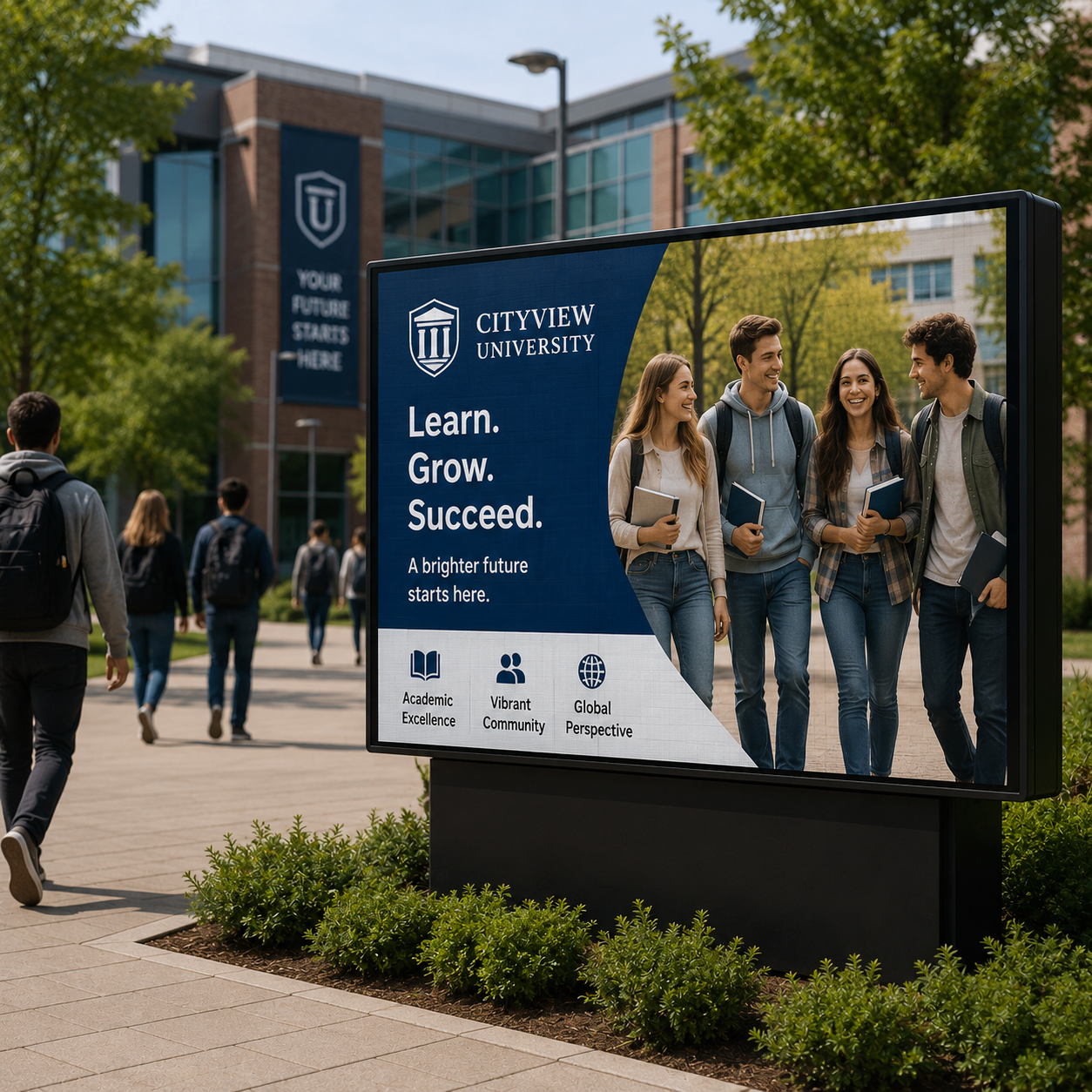 Outdoor LED Module
Outdoor LED Module
Outdoor LED Module
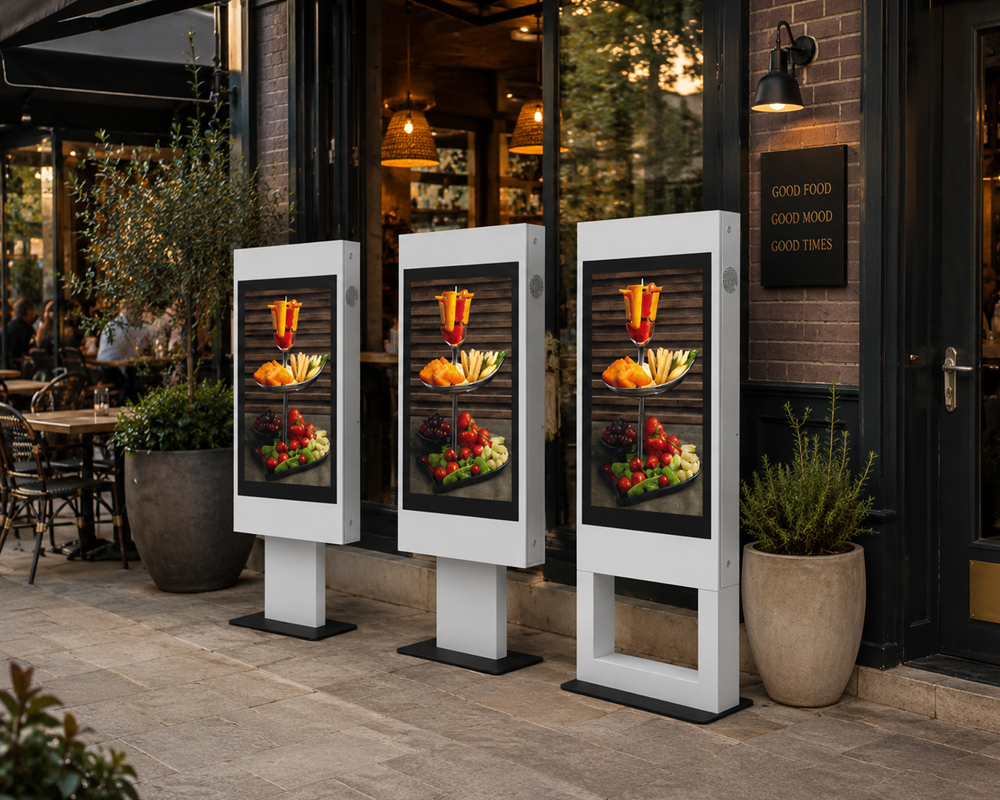 Outdoor V Totem
Outdoor V Totem
Outdoor V Totem
Outdoor V Totem
Outdoor V Totem
 LED Billboard / Wall
Outdoor V Totem
LED Billboard / Wall
LED Billboard / Wall
Outdoor V Totem
LED Billboard / Wall
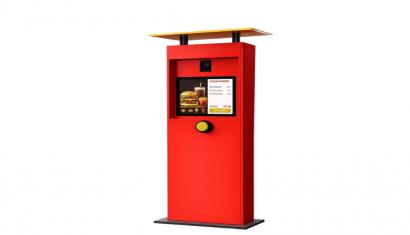
.png.webp "Drivethru (2).png") Drive Thru Order Kiosk
Drive Thru Order Kiosk
Drive Thru Order Kiosk
Drive Thru Order Kiosk
Drive Thru Order Kiosk
Drive Thru Order Kiosk
Drive Thru Order Kiosk
Drive Thru Order Kiosk
Drive Thru Order Kiosk
Drive Thru Order Kiosk
Frequently Asked Questions
Which public information suits shared-space displays?
Begin with the audience and the message: directions, service information, opening details or approved public notices. Keep content ownership and review frequency clear.
What must be checked for outdoor and passenger displays?
Outdoor placement adds requirements for visibility, weather exposure, safe mounting and maintenance access. Any location permissions and specialist installation requirements must be assessed separately. Passenger-information feeds also require a confirmed source and integration.
How should outdated public information be handled?
Define how outdated or unavailable information will be handled before a wider deployment.
Request a Quote
Briefly share your needs and our expert team will analyze the most suitable solution for you. We can schedule a project-specific demo, prepare a detailed quote, or review your technical questions together. We will contact you as soon as possible.













.png.webp&w=410&h=235 "DSFeed Content Management and Monitoring Service")