English
  Deutsch

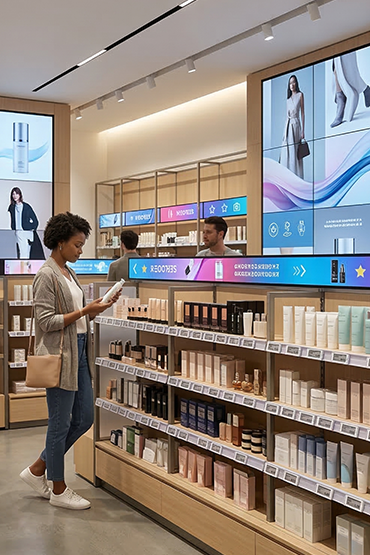
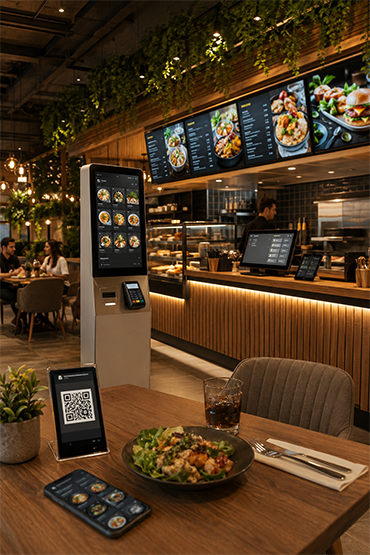
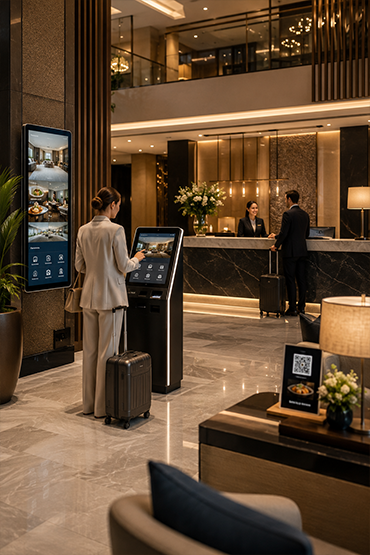
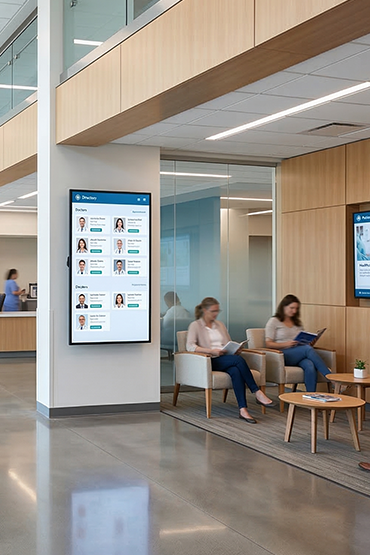
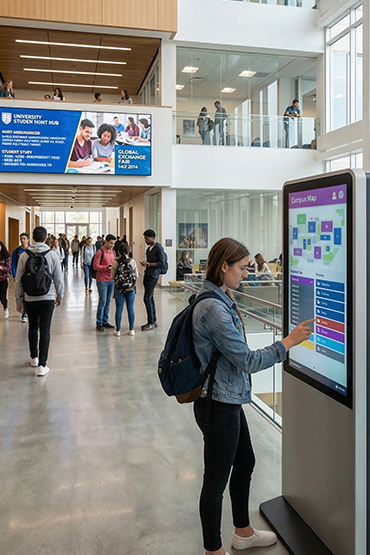
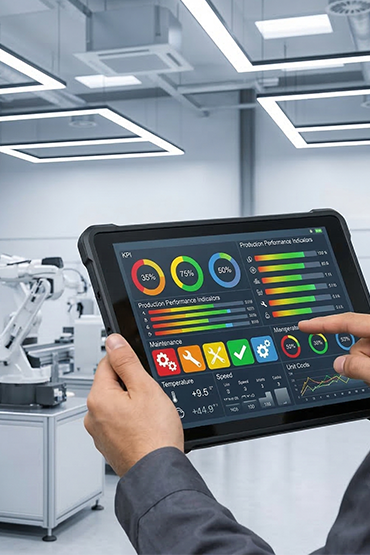
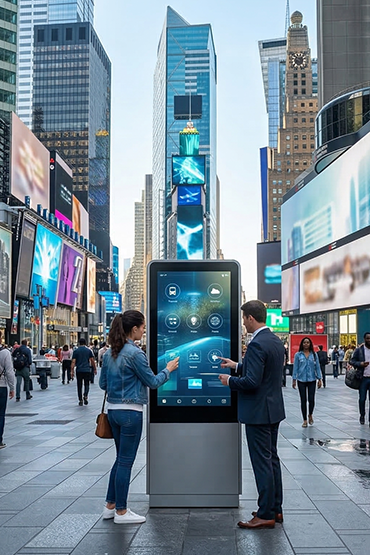













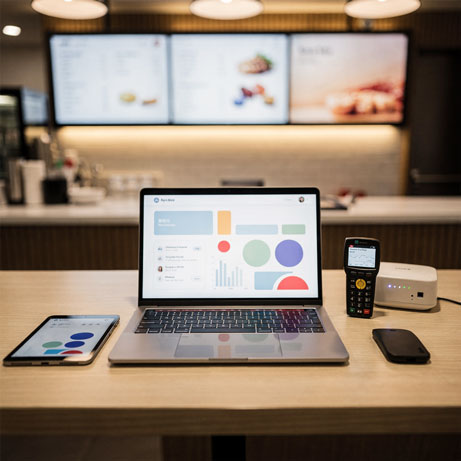
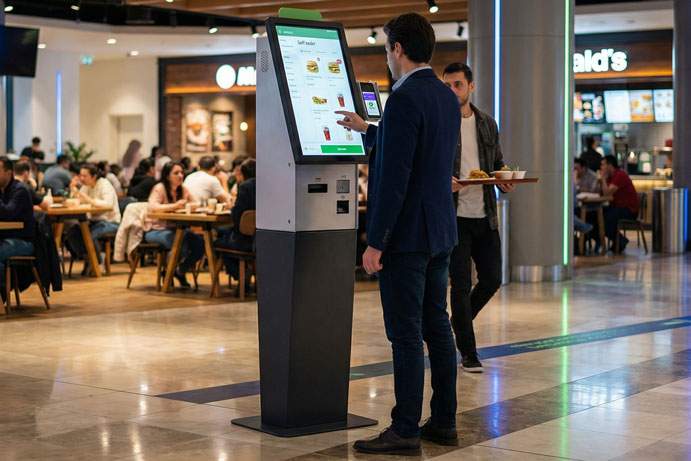
Test the intended interface at the actual screen size. Review reach, readable controls, touch behaviour and a route to assistance. Confirm operating-system and application compatibility as well as mounting and cleaning requirements.
Explore Related Solutions: Interactive Solutions · Standard Kiosks · Contact
Start with what the visitor needs to do
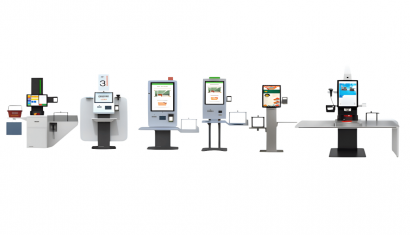
For a UK shop, workplace or campus information point, define the task before choosing an interactive touch display. A customer browsing product information needs a different interface from a visitor looking for a department. Sketch the steps, identify who maintains the information and decide how someone can ask for help if they cannot complete the task on screen.
Interactive display software and display hardware need to be evaluated together. Bring the proposed application to the discussion and test its menus, touch controls and content at the intended screen size. A touch-enabled panel does not, by itself, provide wayfinding, booking or collaboration software. Confirm the application, operating system and any required licences separately.
Choose the right hardware arrangement
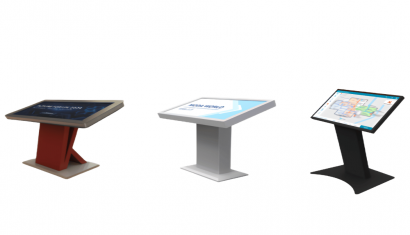
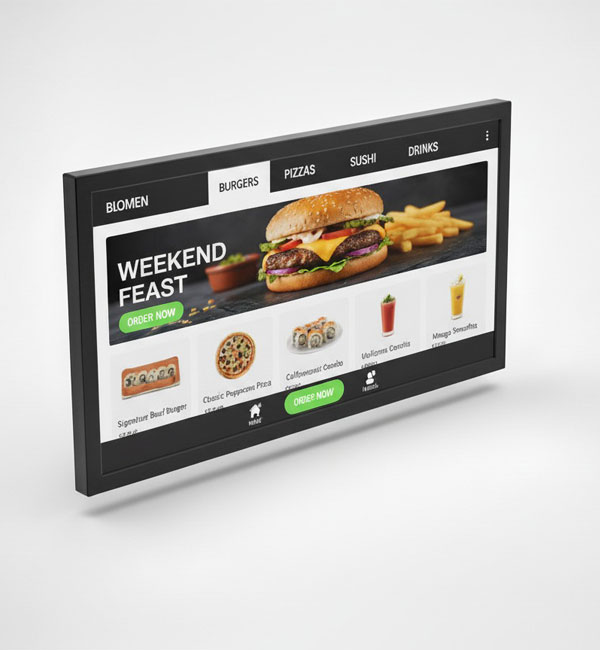
The all-in-one Android display and PCAP touch monitor options below support different installation approaches. Check whether an integrated Android configuration suits the proposed application or whether the project needs a monitor connected to a separate host. Touch is optional on the all-in-one range, so specify the exact model and required interaction when requesting a quotation.
For interactive office displays or a public-facing installation, include screen position, cable access, cleaning and responsibility for updates in the brief. Before expanding to more premises, test a representative setup with the people who will use and maintain it. Share the number of locations, intended content and integration requirements with Unisoft so that the proposed equipment and software scope can be reviewed together.
All-in-One Android Display
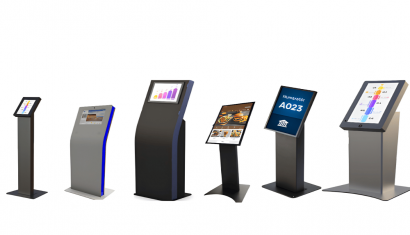
The All-in-One Android Display range runs from 10.1 to 65 inches. It covers small information points and larger display areas. Android is built in, so the agreed content setup can run on the screen.
Wi-Fi and CMS support allow remote updates. Touch is optional. Check the chosen model, app and viewing conditions before installation.
Highlighted Features
- Wide screen size options from 10.1” – 65”
- Full HD resolution support
- Model-based resolution alternatives
- High brightness level
- Clear image performance
- Built-in Android operating system
- All-in-One usage structure
- Remote content management with Wi-Fi connectivity
- Pre-loaded CMS support
- Optional touch screen support
- Industrial structure for 24/7 commercial use
- Compact and modern design
- Wall, kiosk, and desktop mounting support
- Structure suitable for multi-sector use
PCAP Touch Monitor
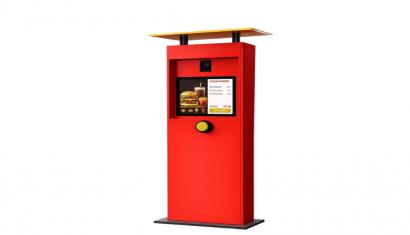
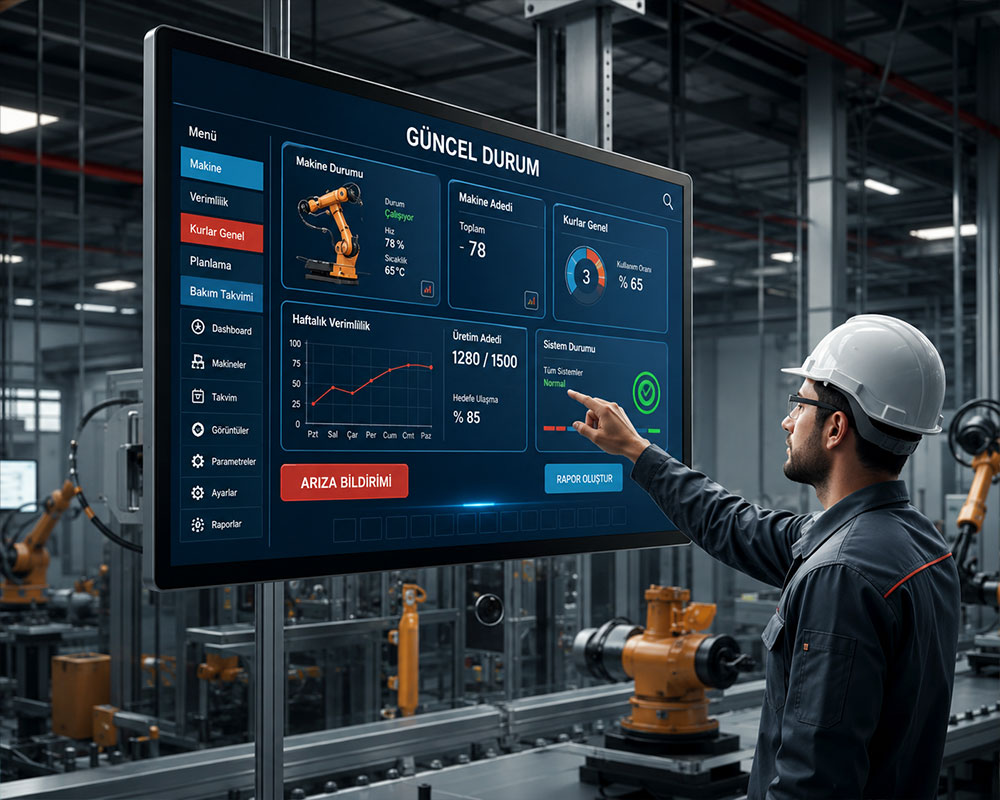
This monitor uses PCAP touch technology for kiosk and self-service tasks. Its glass surface and multi-touch support suit hands-on use.
Compare the available sizes, ports and mountings for the site. Portrait and landscape use offer layout choices. Check that the chosen app and computer support the touch setup.
Highlighted Features
- Wide screen size options from 10.1” – 65”
- PCAP Projected Capacitive multi-touch screen
- High touch sensitivity
- Fast response time
- Industrial durable glass surface
- HDMI, USB, and other connection options
- Plug & play ease of use
- Landscape and portrait usage support
- Structure suitable for 24/7 commercial use
- • Compact and modern industrial design
- Structure suitable for kiosk applications
- Ideal solution for automation and interactive usage scenarios
FAQ
What is Interactive Displays and what is it used for?
Interactive Displays is a professional solution used for retail, education, showrooms, corporate spaces and information points for user-driven digital content. The correct setup should be defined by evaluating the use case, target users, site conditions and required software/hardware components together.
Where is Interactive Displays used?
Interactive Displays can be considered for retail, education, showrooms, corporate spaces and information points for user-driven digital content. Viewing or interaction distance, operating hours, physical placement and day-to-day needs should be reviewed before deployment.
What is the difference between an interactive display and a standard digital signage screen?
An interactive display allows users to control content through touch or another input method. Standard signage is mainly one-way communication; interactive experiences also require suitable software.
Can Interactive Displays be centrally managed or integrated with other systems?
With suitable software, network connectivity and integration infrastructure, Interactive Displays can be included in centralized management or third-party data workflows. Supported connections and integrations should be verified against product documentation and the project scope.
What affects Interactive Displays pricing?
Pricing can vary according to model and hardware configuration, display or device size, software/licensing requirements, peripherals, integrations, installation, quantity and support scope. A project-specific quotation is more accurate once the use case is defined.
Briefly share your needs and our expert team will analyze the most suitable solution for you. We can schedule a project-specific demo, prepare a detailed quote, or review your technical questions together. We will contact you as soon as possible.








.png.webp&w=410&h=235 "DSFeed Content Management and Monitoring Service")