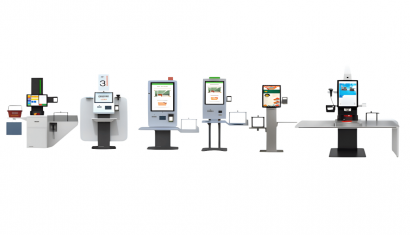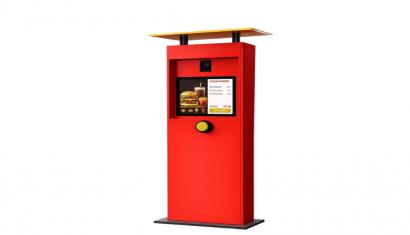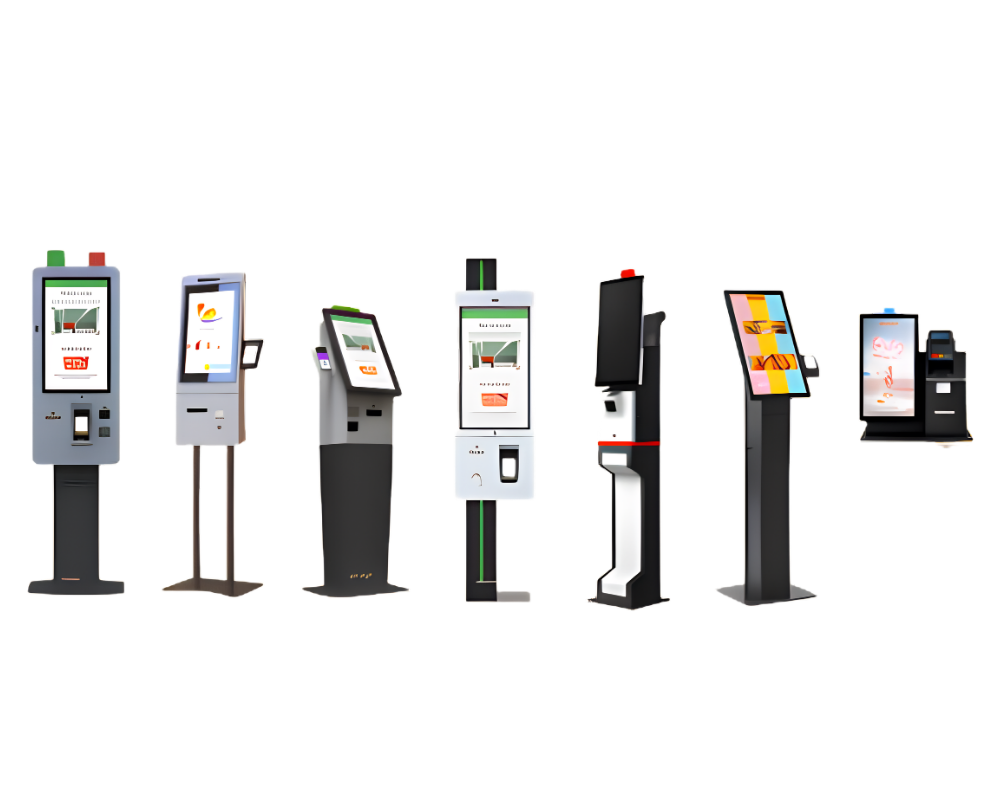
Self-Order Kiosks
Give customers a dedicated place to browse, customise and submit an order. Build the kiosk experience around your menu and service workflow, with hardware and integration requirements considered together.
 English


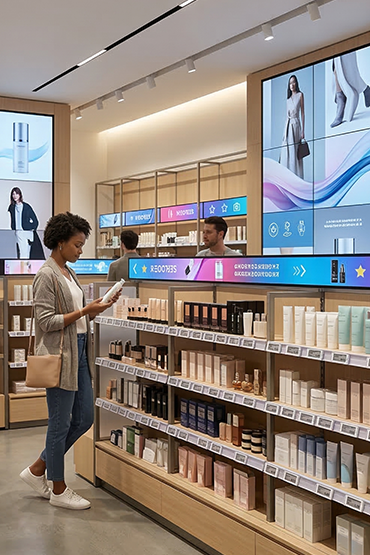
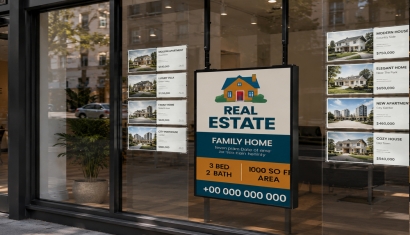
Show products, offers and prices in shop windows and stores. Plan content for each branch. Agree who checks prices and who publishes updates.
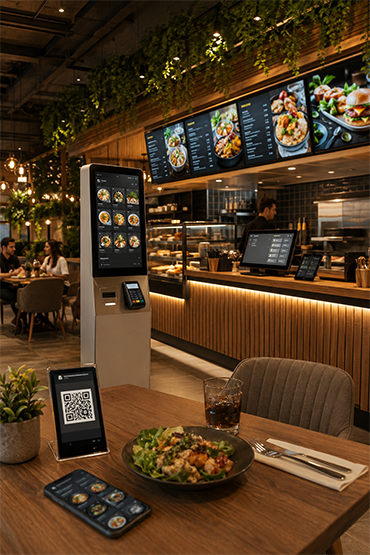
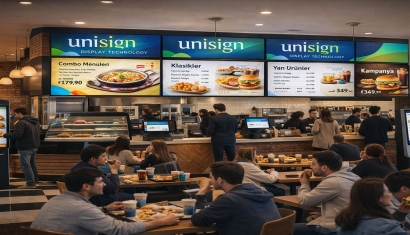
Our digital solutions developed for cafes and restaurants allow businesses to provide a faster, more modern, efficient, and customer-focused experience by controlling order, menu, price, campaign, and screen management from a single center.
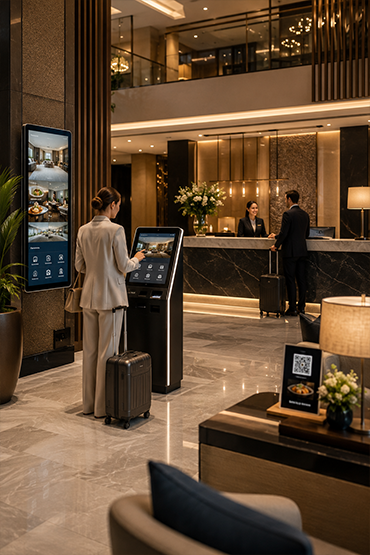
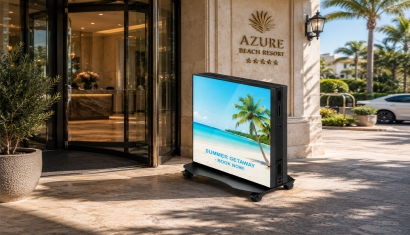
Help guests find their way, view events and read hotel menus. Plan lobby, room and dining screens around each location.
Agree who updates the content and which systems need to connect. Confirm those links for the chosen setup.
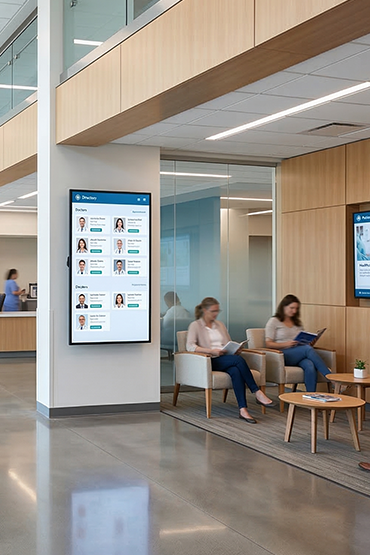
Show directions, ward details and news to hospital visitors. Choose content for each screen location. Any link to patient data needs a separate review.
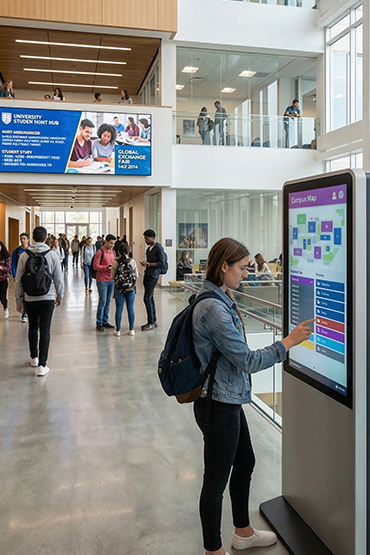
Share room details, events and news across schools and campuses. Help people find their way at entrances and in shared spaces. Plan who approves content and how urgent notices are published.
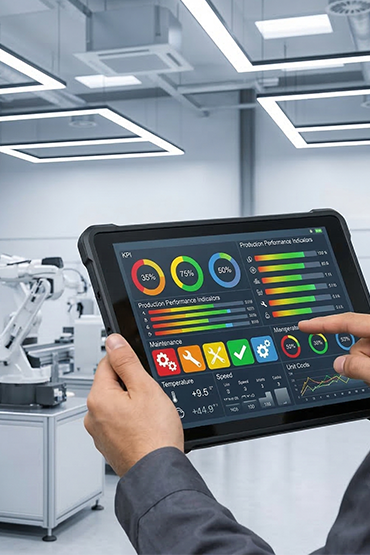
Show targets, shift news and work updates on the factory floor. Define the data source and refresh rate. Machine control and safety alerts need a separate technical review.
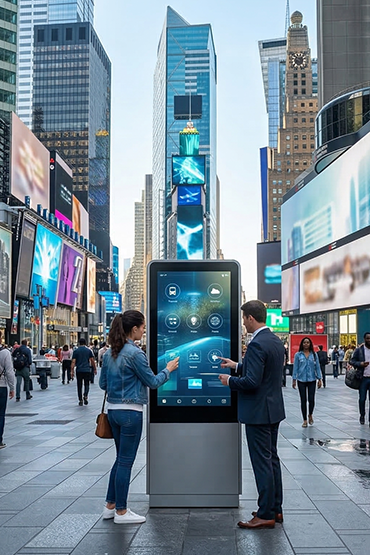
Show news and directions in public buildings and shared spaces. Choose content that fits the site and its users. Agree who owns the content and how updates are checked.

Explore whether a robotic information or service touchpoint fits a defined task in your business.

Define the content and monitoring tasks your business needs help to manage.

Explore ordering touchpoints for counters, restaurants, retail checkouts and drive-thru service.

Plan readable event and meeting information for hotel conference spaces.

Provide a focused point for customers or visitors to find information and complete a defined task.

Compare display formats for indoor spaces, shop windows, outdoor locations and specialist installations.

Explore customer interactions that connect a physical action with relevant digital content.

Choose the appropriate way to display product prices, menu information and point-of-sale details.

Explore connected tracking requirements for objects, products and operational processes.

Build a screen network your team can manage day to day. Start with the publishing tasks, devices and responsibilities that matter to your business, then compare the software configuration that supports them.

Plan a large-format display around the content, viewing position and installation environment.

Plan room and workspace information around how your organisation manages bookings.

Explore people counting and movement analysis around a clearly defined business question.
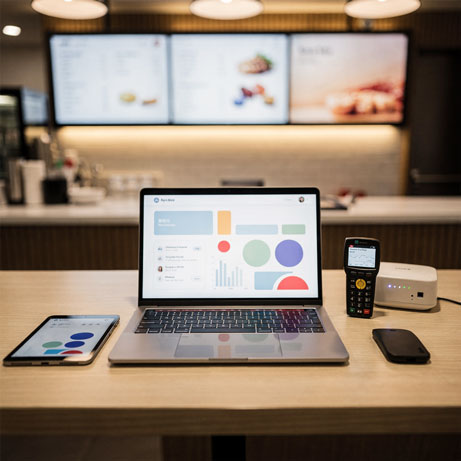
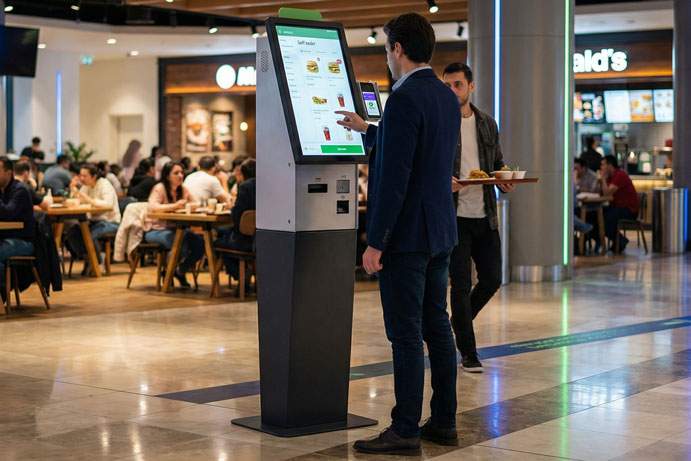

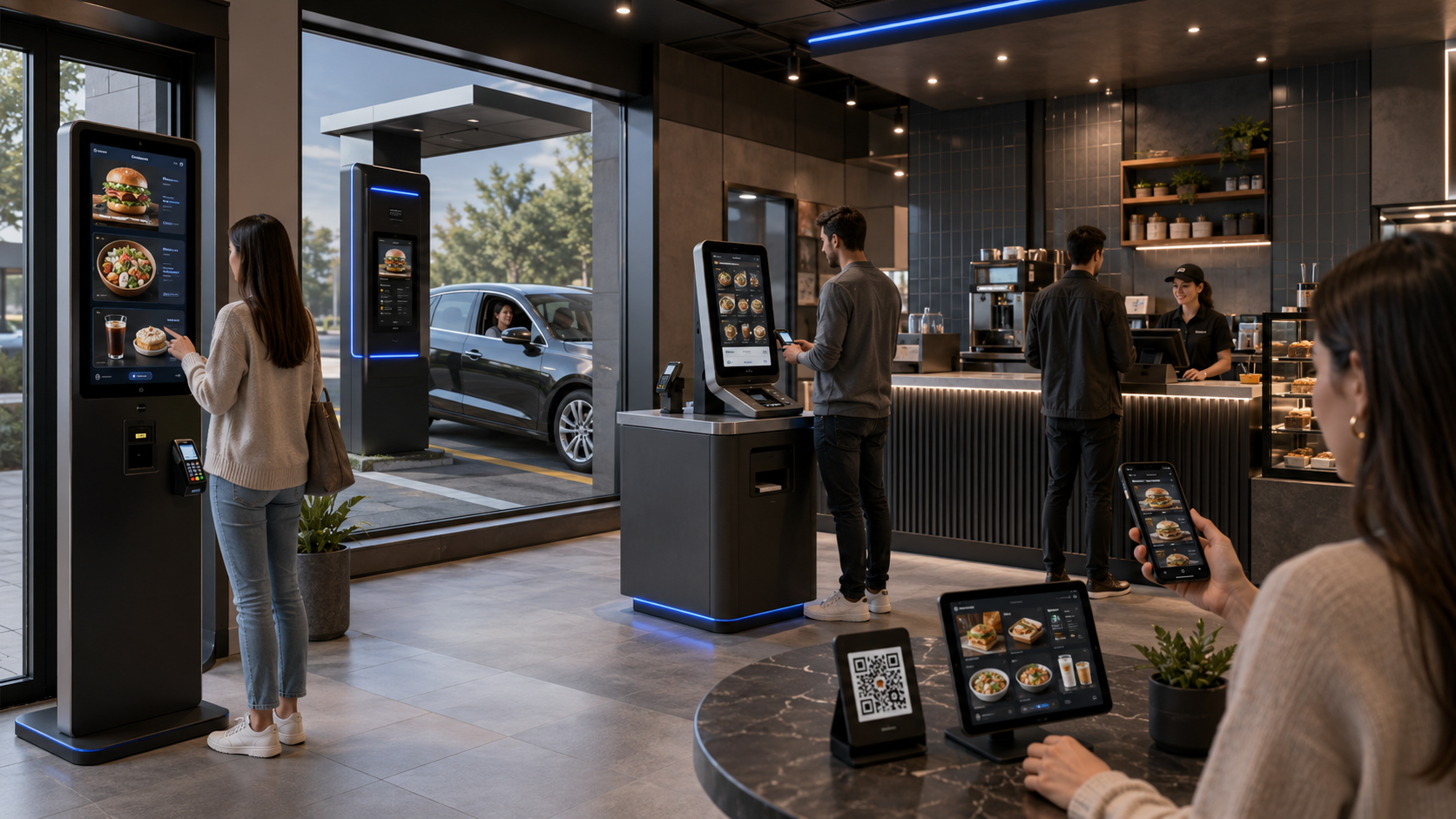
Explore ordering touchpoints for counters, restaurants, retail checkouts and drive-thru service.
Kiosk hardware, ordering software, a printer and a payment terminal are selectable components rather than a fixed bundle in every quotation. Unisoft carries out the initial menu entry. Your team manages later product and price changes, with additional paid assistance available.
Lotus Pecas is among our kiosk integration options. Share the exact system and version you use so the order flow and required connections can be defined for your project. Payment providers, kitchen displays and printers are considered separately in the proposed configuration.
Explore Related Solutions: Self Order Kiosk · Self Checkout Kiosk · Drive Thru Order Kiosk · Mobile Ordering Platform · Contact
Give customers a dedicated place to browse, customise and submit an order. Build the kiosk experience around your menu and service workflow, with hardware and integration requirements considered together.
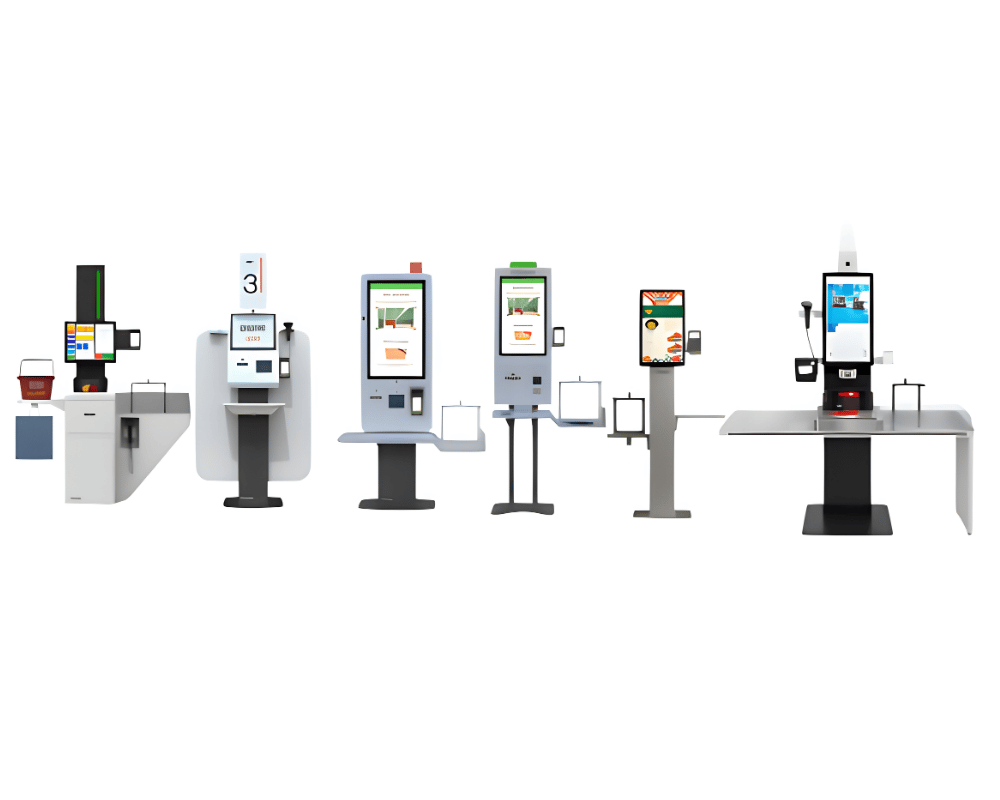
Plan a customer-operated checkout around the store basket, payment process and staff-assistance model.
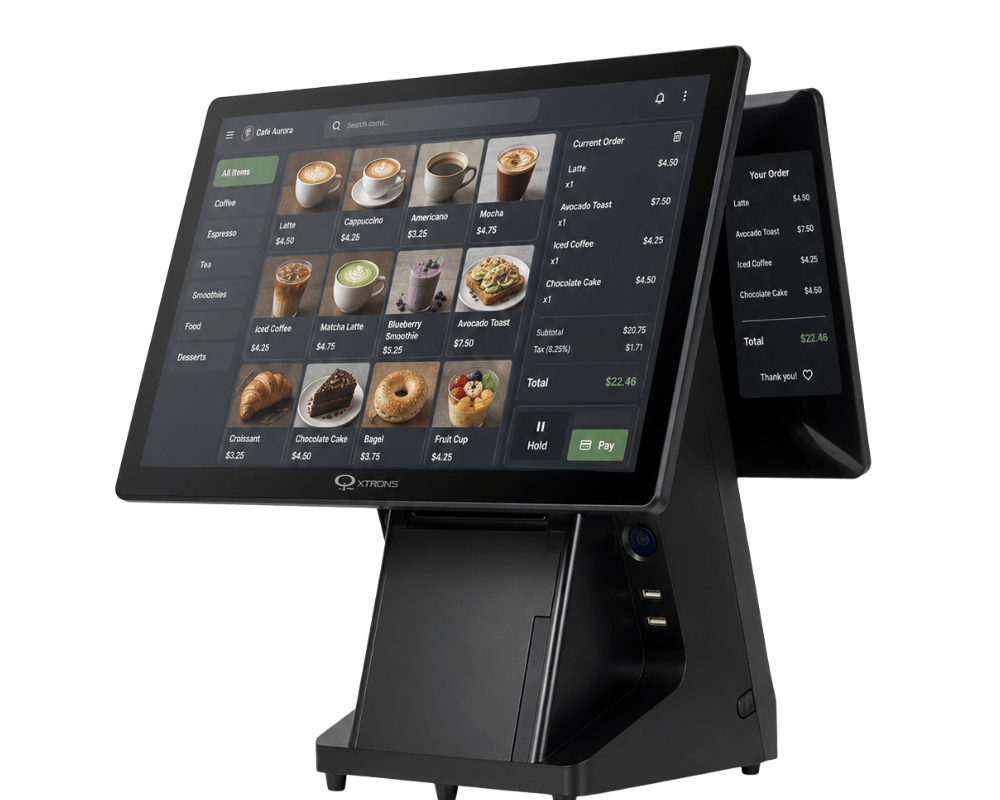
Review the point-of-sale hardware needed for your existing or planned checkout workflow.
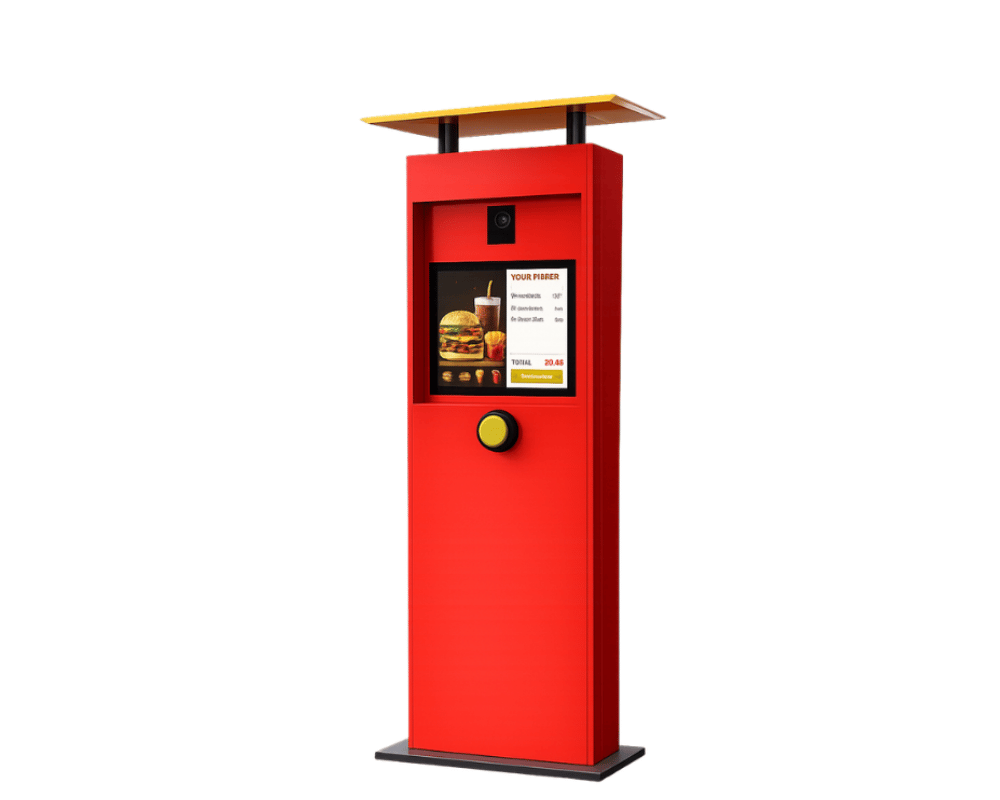
Plan the ordering point around vehicle approach, customer communication and the restaurant workflow.
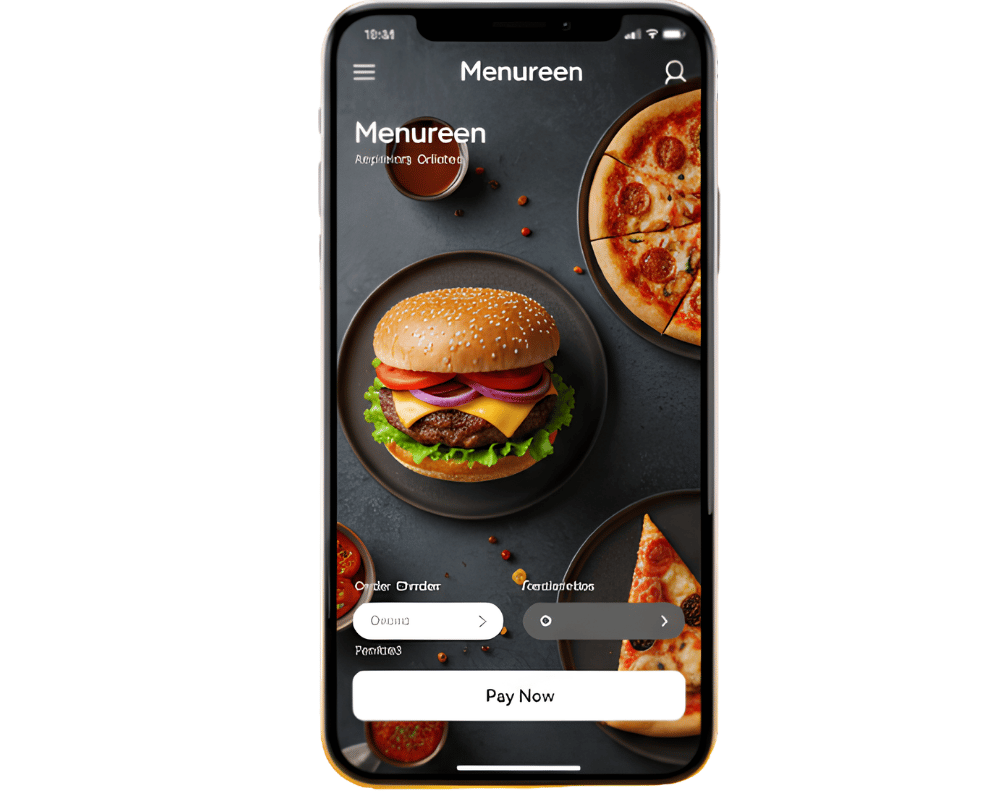
Plan the mobile ordering journey around the menu, service area and fulfilment process.
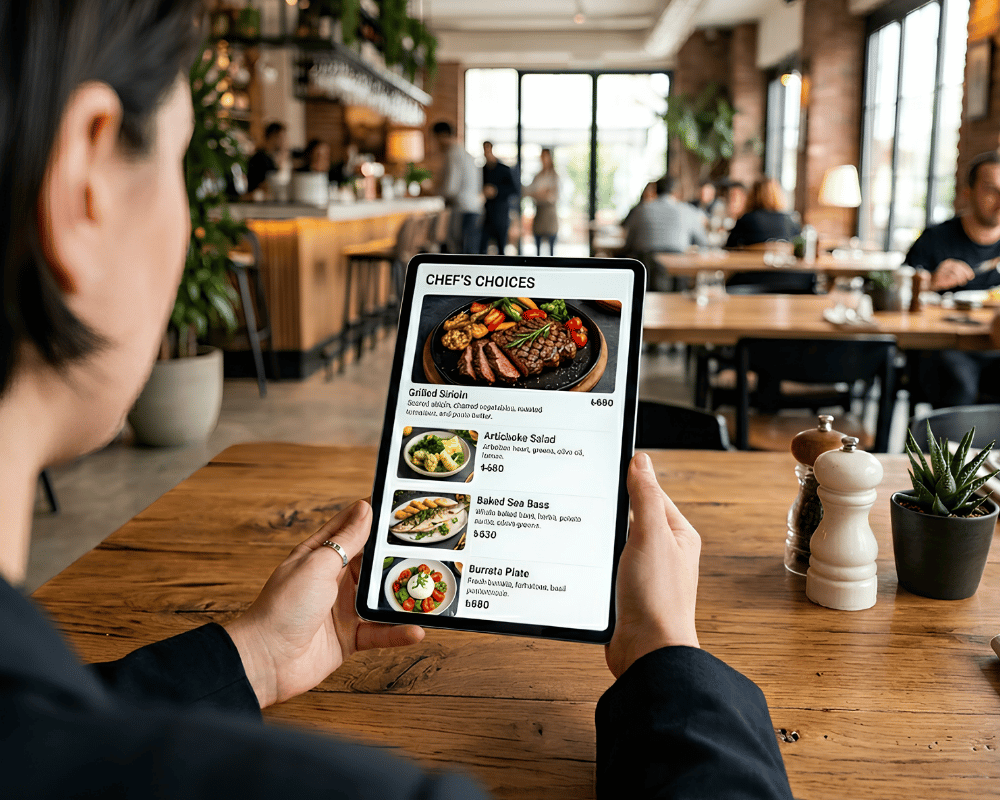
Give customers a readable online version of your menu that works in the intended browser experience.
Self-order kiosks support menu ordering, while self-checkout concerns retail basket and payment workflows. Mobile and web menu experiences may have a different functional scope. Do not assume the same transaction engine powers every device.
Lotus Pecas is among our kiosk integration options. Share the exact POS product and version so the required order flow can be reviewed for your project. This is not a claim of compatibility with every EPOS system.
No fixed bundle is assumed. Kiosk hardware, ordering software, a printer and a payment terminal are selectable components. The quotation identifies what is included in your chosen configuration.
Unisoft carries out the initial menu entry. Later product, price and menu changes can be handled by your team or through additional paid assistance.
No. The confirmed behaviour is that existing content continues while new updates are not received. Offline order handling and payment processing are separate capabilities and must be established for the selected system.
Yes. Demos and pilots are paid services. The proposed configuration, scope and charges are agreed for the project.








.png.webp&w=410&h=235 "DSFeed Content Management and Monitoring Service")