English
  Deutsch














Smart Healthcare Technologies
Integrated Digital Experience for Hospitals
Use the site layout and visitor journey to organise wayfinding, department information and general announcements. Clinical content needs an appropriate owner and review process.
Explore Related Solutions: Professional Monitor · Interactive Displays · JANUS · Contact
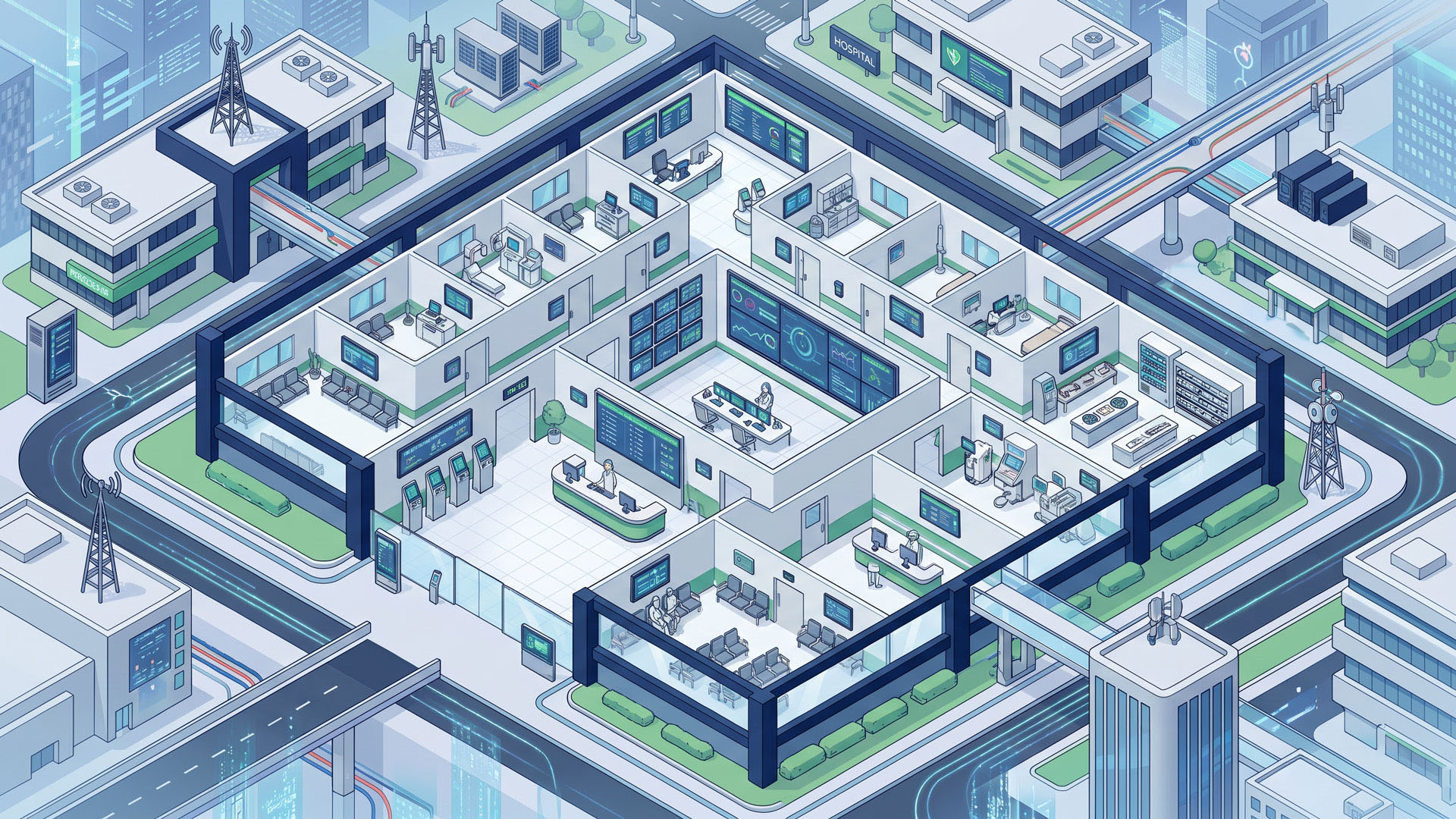
Smart Hospital Ecosystem
Manage Digital Processes in Healthcare from a Single Center
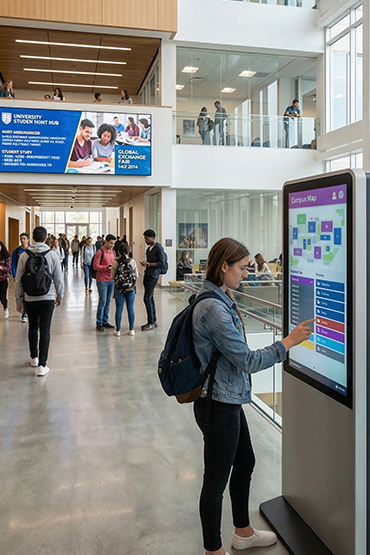
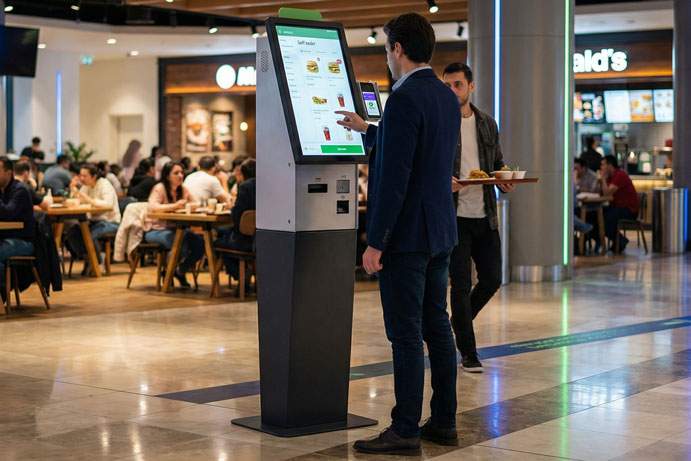
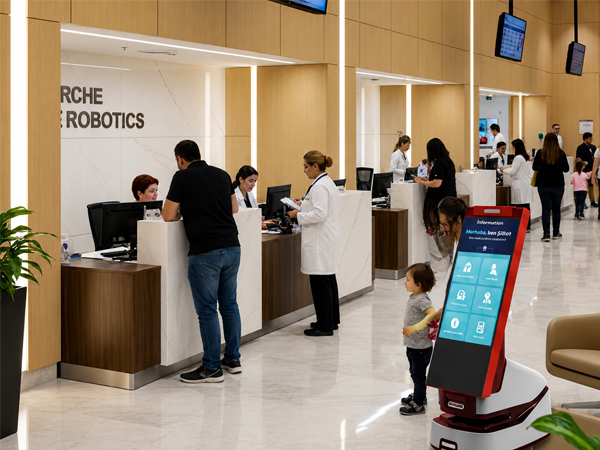
Help people find the right department, read notices and use self-service points. Plan screens, kiosks and robot tasks around the hospital layout.
Agree the content owner and staff support route. Each link to a hospital system needs its own review. A screen network does not itself manage clinical care.
Patient Experience Focused Technology
A Smarter Experience for Patients, Visitors, and Staff
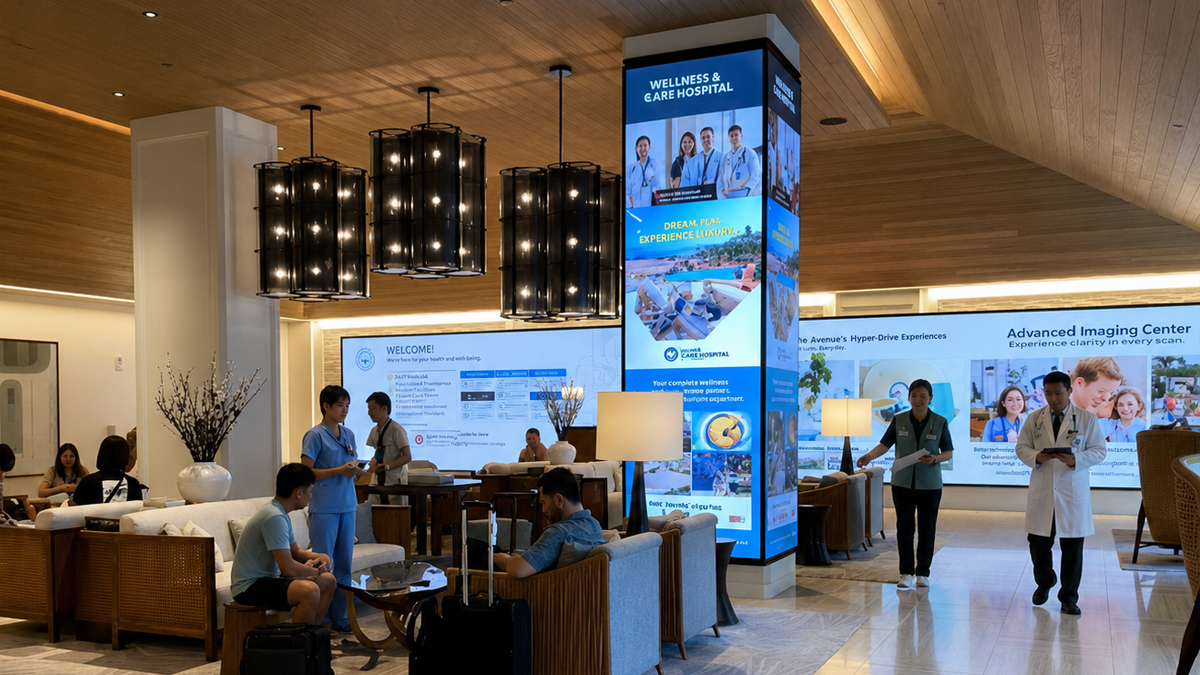
Patients and visitors need clear directions from the moment they arrive. Staff need a way to keep notices current.
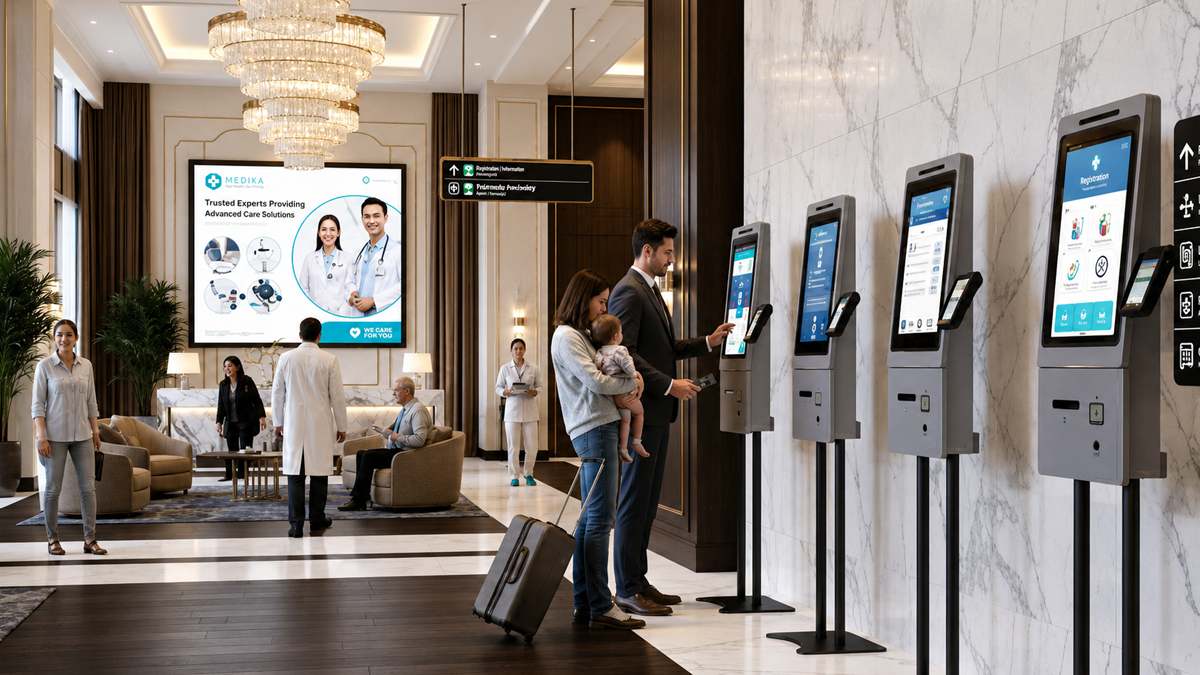
Choose the screen and kiosk tasks that support this journey. Confirm any hospital-system link before use. Review the display of personal information and keep another way for people to get help.
Integrated Digital Platform
Digitize Greeting, Wayfinding, and Information Processes
Start with the information people need at each point in the hospital. Keep messages clear and easy to update.
Choose the screen or kiosk for that task. Agree who checks the content and how visitors can ask staff for help.
Current Situation
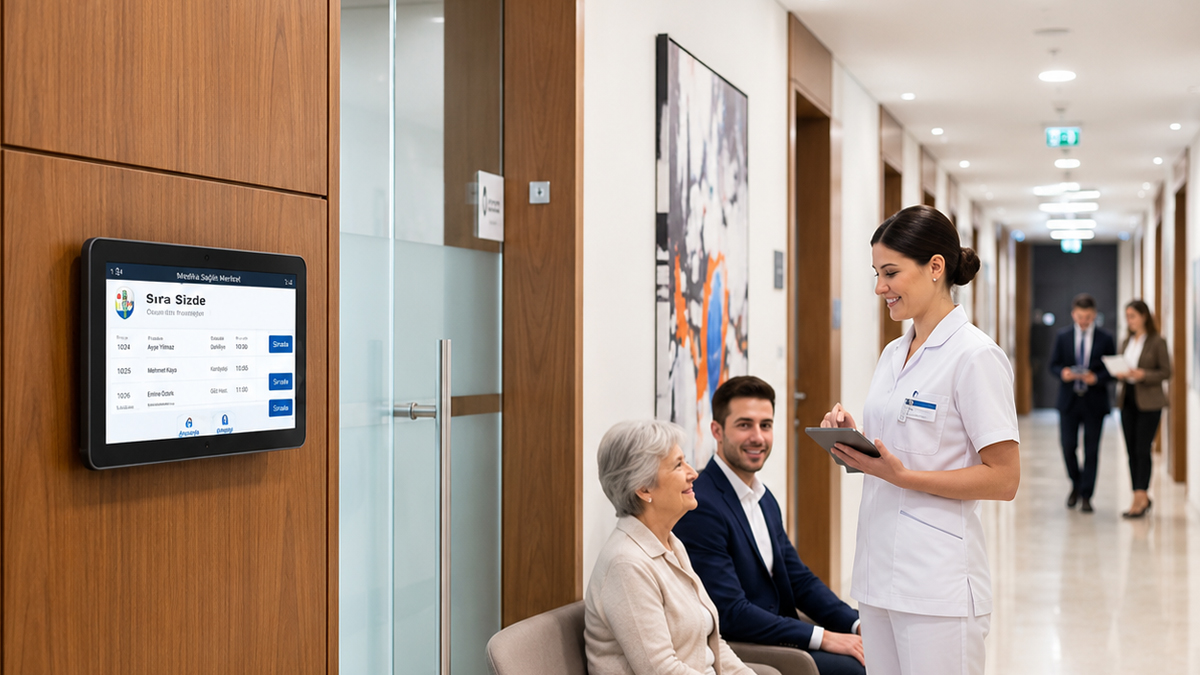
 Prolonged registration and waiting processes
 Complex wayfinding and spatial transitions
 Manual information processes
 Difficult management of density and visitor flow
Pain Points in Healthcare Experience
Hospitals serve patients, visitors and staff with different needs. Unclear signs or old notices can make it harder to find the right place.
Map these points before choosing a display. Assign a person to keep each message up to date.
Impact in the Field
01
Loss of Trust
Uncertainty at the first point of contact undermines patient and visitor trust.
Uncertainty at the first point of contact undermines patient and visitor trust.
02
Operational Slowdown
Manually progressing processes slow down the registration, wayfinding, and information flow.
Manually progressing processes slow down the registration, wayfinding, and information flow.
03
Increased Workload
Repetitive tasks increase the operational burden on staff.
Repetitive tasks increase the operational burden on staff.
04
Low Patient Experience
Inadequate wayfinding and lack of communication negatively affect satisfaction.
Inadequate wayfinding and lack of communication negatively affect satisfaction.
So, is it possible to make this entire process faster, smarter, and more centralized?
Unisoft Solution
End-to-End Digital Transformation for Healthcare Institutions
Plan welcome messages, directions and public notices as one visitor journey. Screens, kiosks and robot touchpoints can each serve a defined task.
Agree the software, data links and staff roles for the proposed setup. Test a small area before a wider rollout.
02 — Self-Service Kiosk Solutions
03 — Digital Signage Systems
04 — Information & Wayfinding Screens
05 — Central Screen Management
06 — Patient Experience Solutions
We Are at Every Point of the Healthcare Experience
We greet, guide, inform, and support. We increase the operational efficiency of healthcare institutions while ensuring that patients and visitors access healthcare services faster.
Digital Signage Screens
Janus Assistant Robot
Digital Wayfinding
Self-Service Kiosks
Camera Analytics
IPTV & Patient Room Systems
Corevo Digital Platform
Platform Capabilities
Technologies Strengthening the Smart Hospital Infrastructure
Digital infrastructures that improve the patient experience and accelerate operational processes combine all screen, kiosk, and communication points under a centralized structure.

HIS Integration
Processes progress uninterrupted thanks to the infrastructure working integrated with hospital information management systems.

Central Management
Manage all screens, kiosk, and digital content from a single center and update them instantly.

Contactless Transaction
Accelerate registration, wayfinding, and transaction processes with kiosk and self-service solutions.

Real-Time Data
Manage announcement, queue, and wayfinding content instantly with live data streaming.
Experience
We make the hospital experience faster, clearer, and smarter.
Unisoft establishes a more organized, controlled, and efficient experience infrastructure in healthcare structures with its wayfinding, self-service, digital information, and central content management solutions.
+
Years of Experience
Digital transformation expertise in healthcare structures
+
Project Deliveries
Strong implementation experience across different sectors and scales
+
Country Experience
Global-scale installation and adaptation capability
24/7
Operations Support
Uninterrupted service and sustainable system management
.png.webp "Bigsize (2).png") Big Size Pro Display
Big Size Pro Display
.png.webp "Videowall (2).png") Videowall Screens
Big Size Pro Display
Big Size Pro Display
Big Size Pro Display
Big Size Pro Display
Videowall Screens
Big Size Pro Display
Big Size Pro Display
Big Size Pro Display
Big Size Pro Display
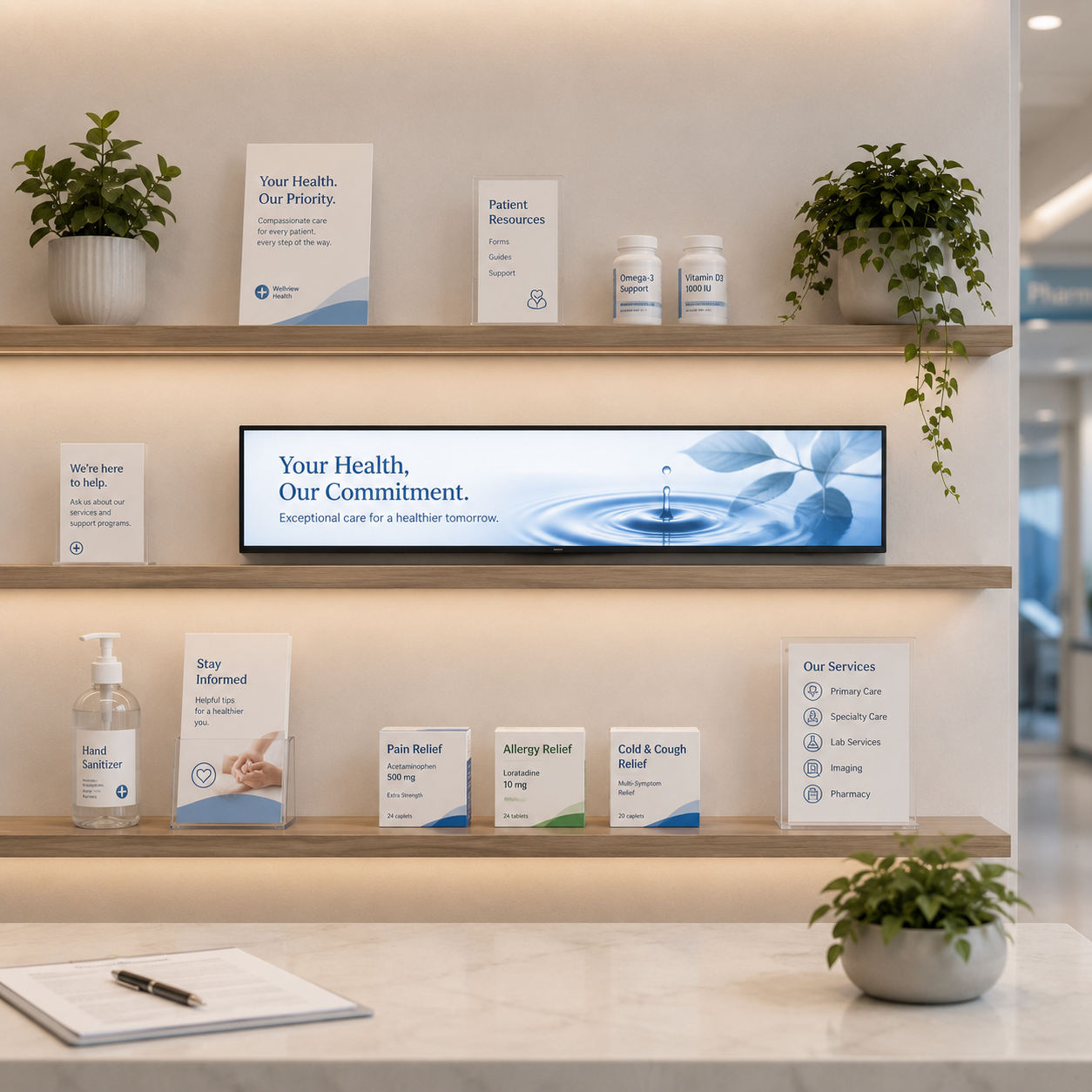 Stretch Screens
Videowall Screens
Videowall Screens
Big Size Pro Display
Big Size Pro Display
Big Size Pro Display
Big Size Pro Display
Stretch Screens
Videowall Screens
Videowall Screens
Big Size Pro Display
Big Size Pro Display
Big Size Pro Display
Big Size Pro Display
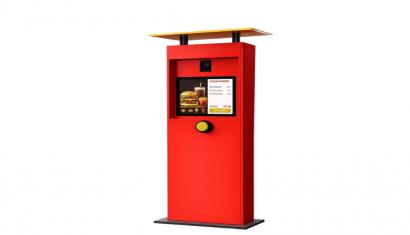
 Van Self Order Kiosk
 Outdoor Z Totem
.png.webp "Led (2).png") Outdoor LED Module
Outdoor LED Module
Big Size Pro Display
Big Size Pro Display
Outdoor LED Module
Outdoor LED Module
Big Size Pro Display
Big Size Pro Display
 Room Info Screens
Categories
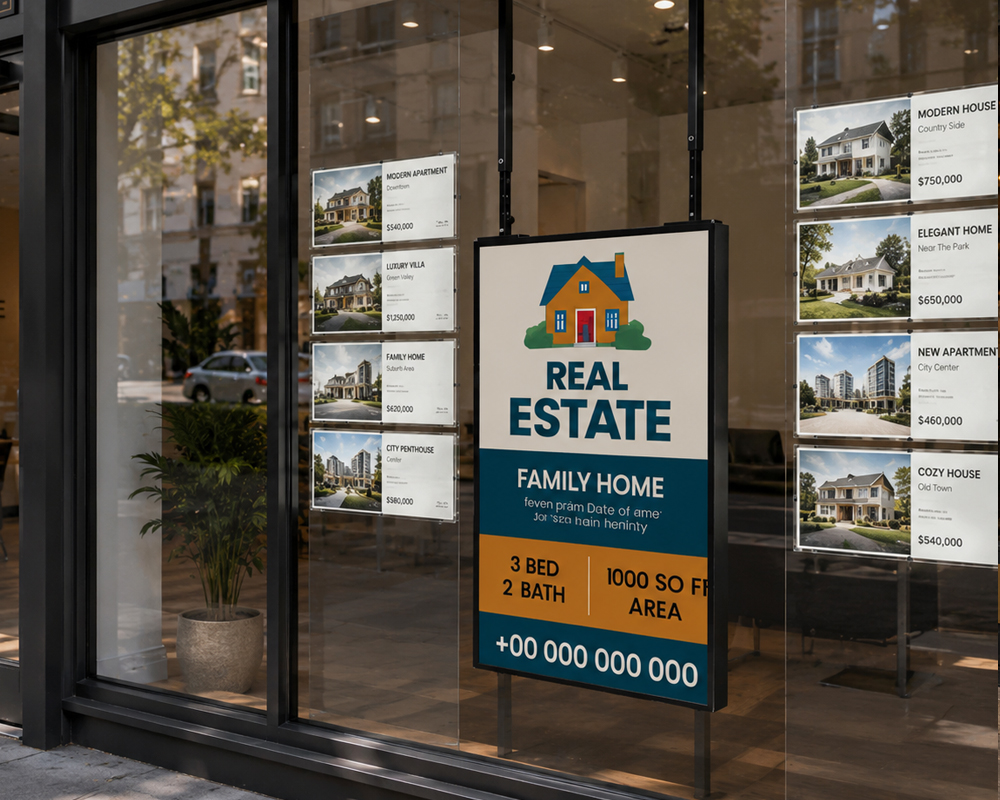
Build Trust at First Contact
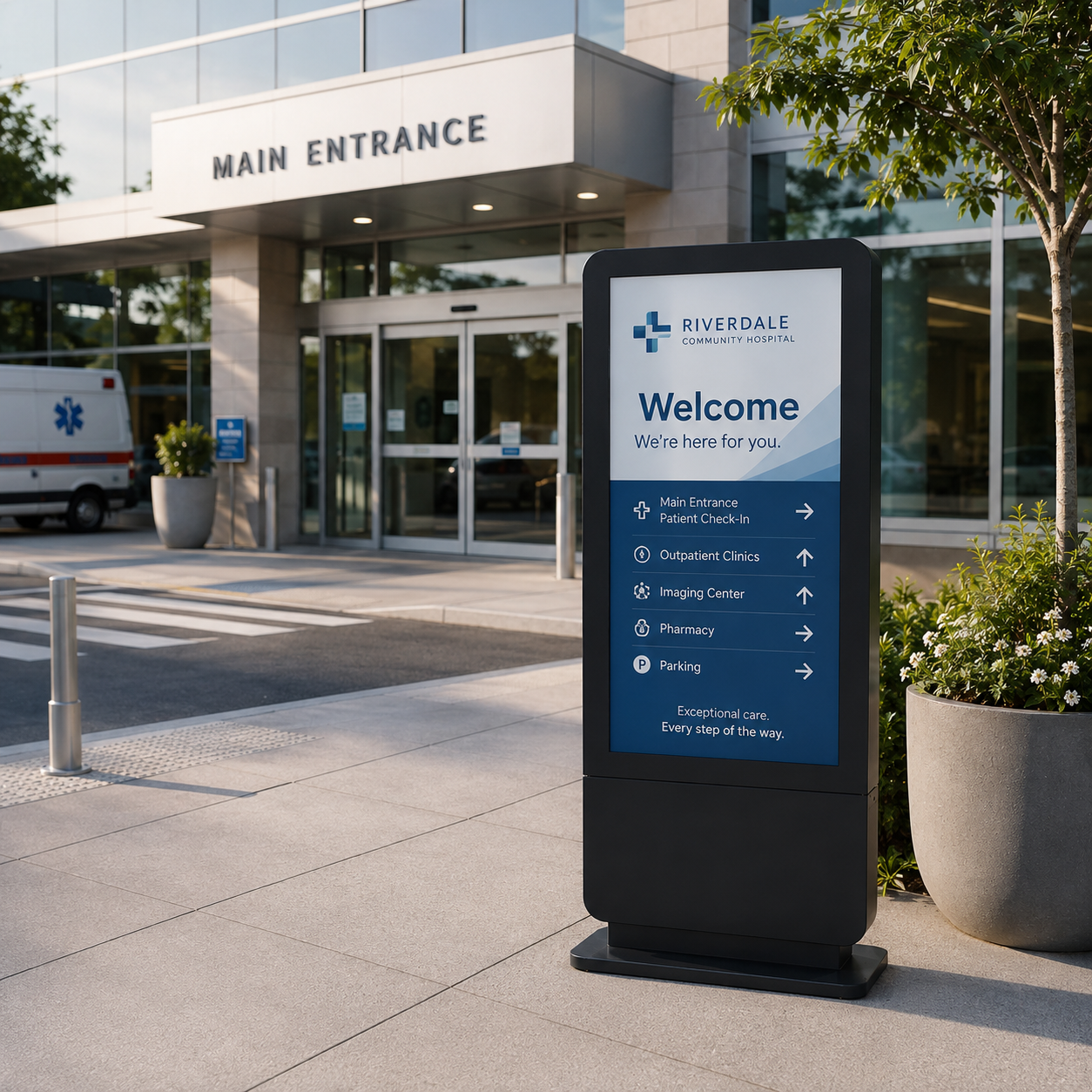
Welcome visitors with clear directions and current notices. Put the first screen where people enter and decide where to go. Choose text size for the viewing distance and agree who updates it.
01
/
03
Categories
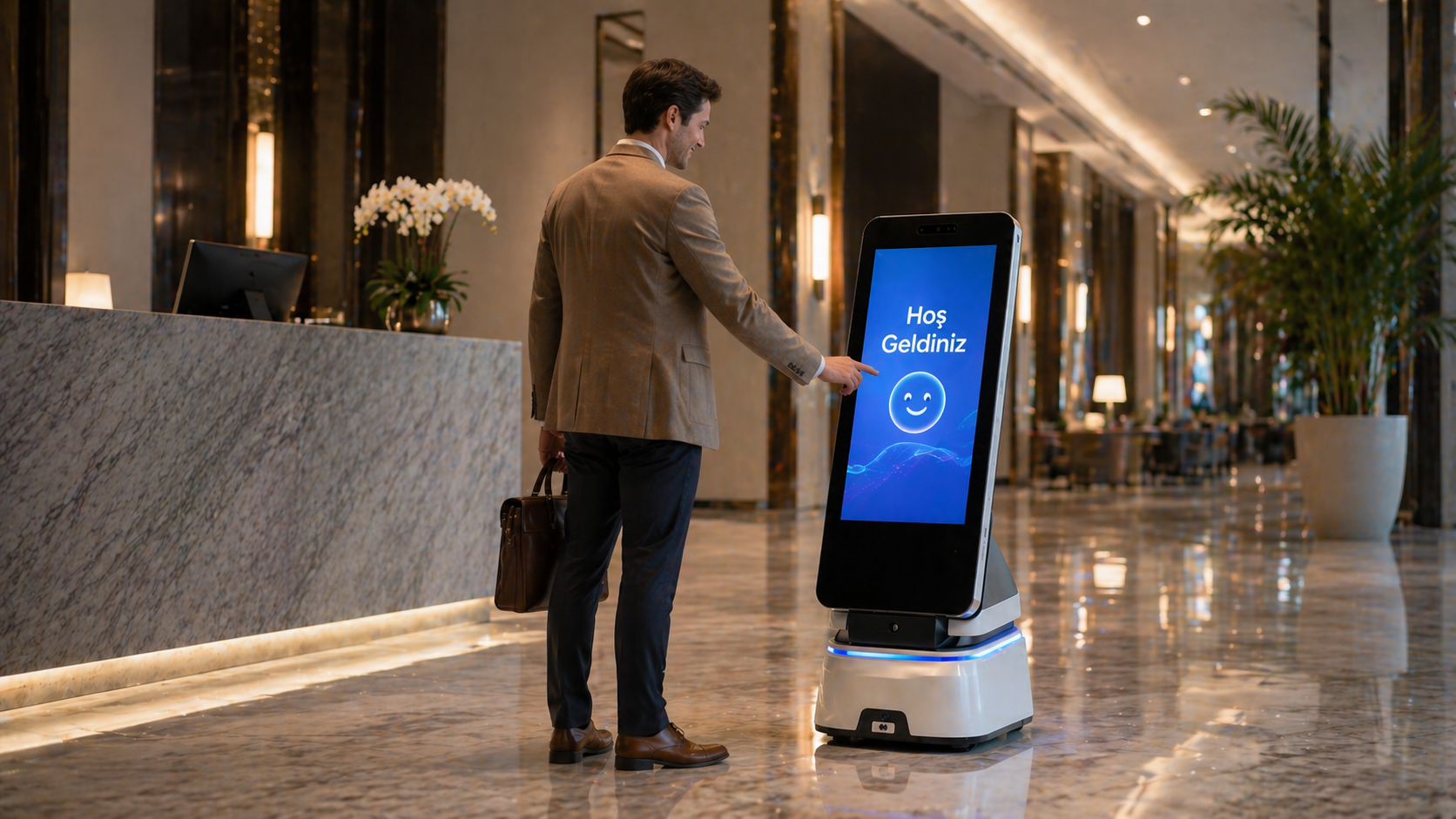
Smart Greeting Experience in Healthcare: JANUS Assistant Robot
Review JANUS for a defined visitor welcome or information task. Test the chosen robot, language and site layout together. Confirm available functions and keep a clear route to a staff member.
01
/
01
Categories
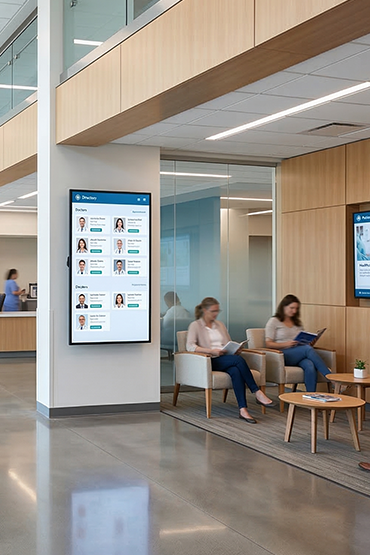
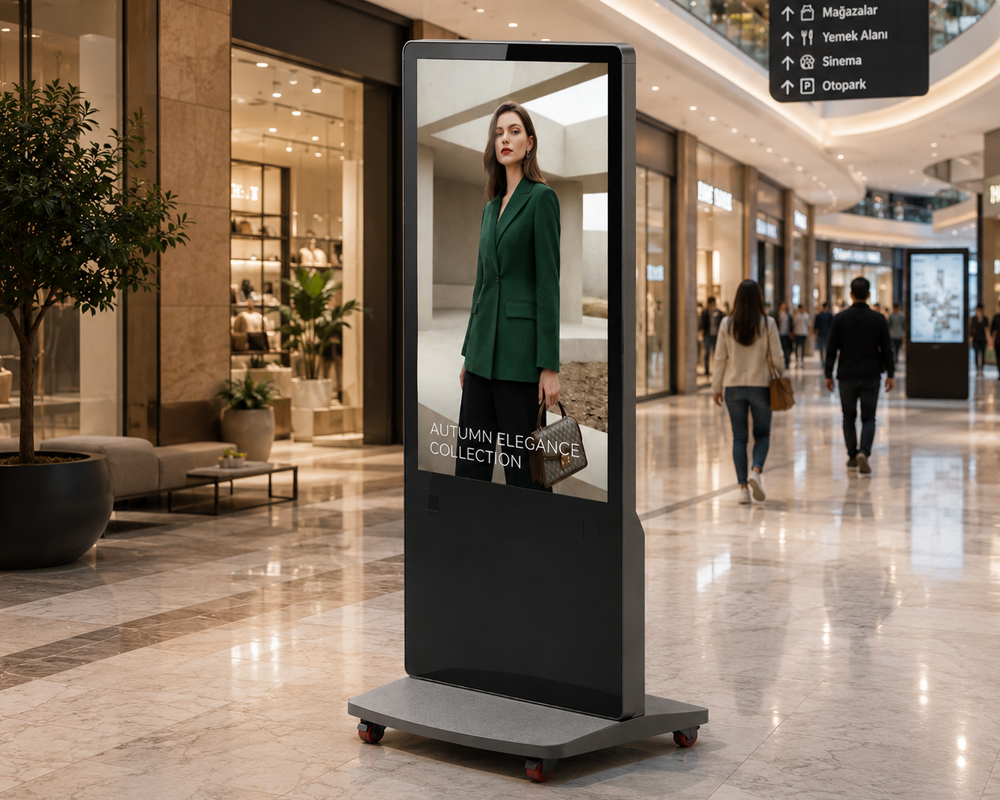
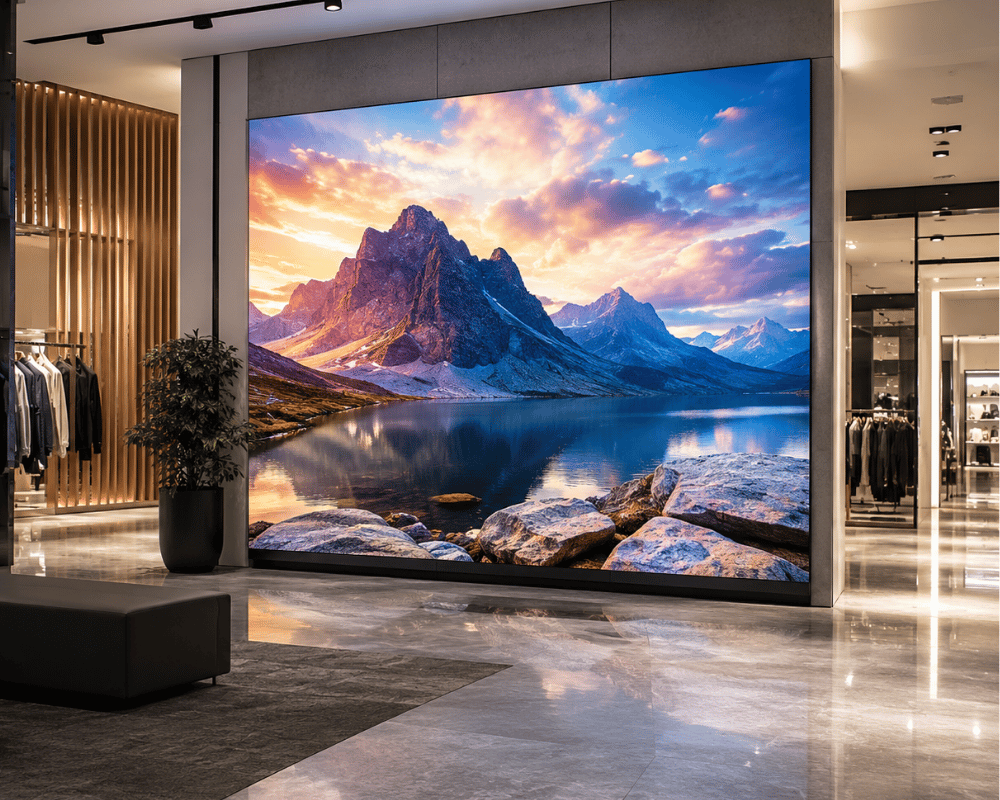
Deliver Information at the Right Time: Indoor digital screen solutions
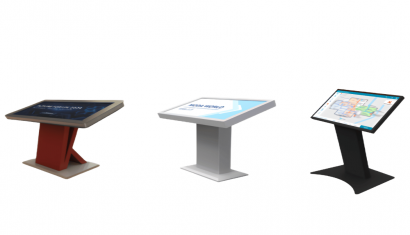
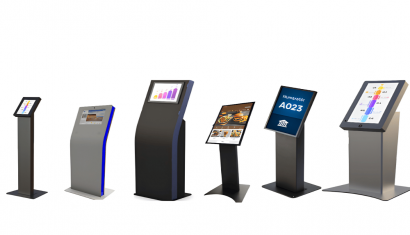
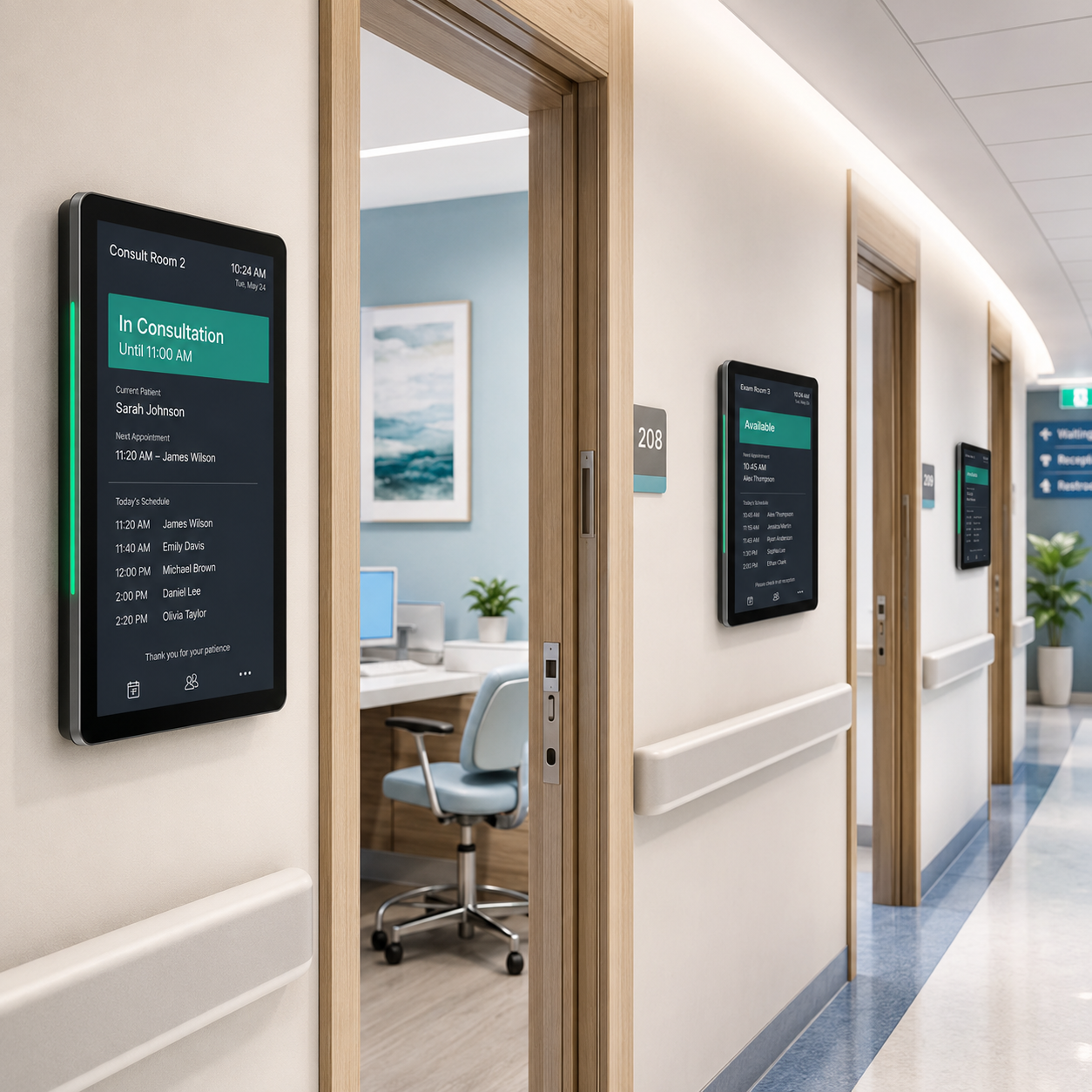
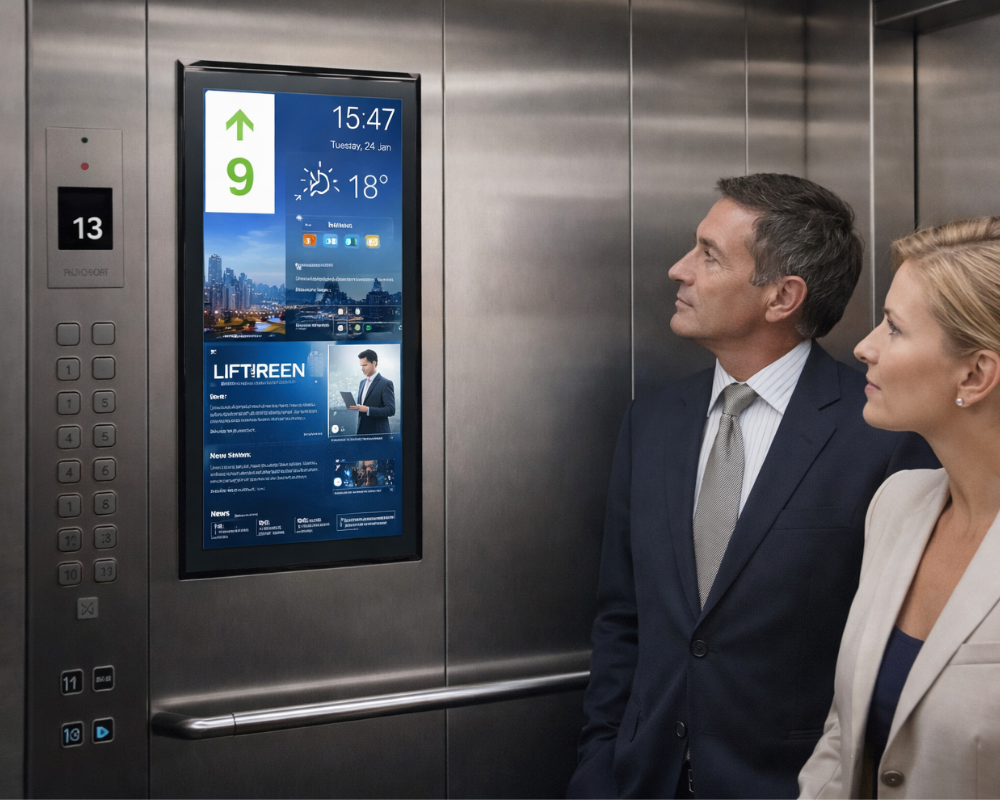
Use indoor screens for directions, department details and waiting-area notices. Group screens by location and audience. Keep a named owner for each message and remove old information promptly.
01
/
09



Categories
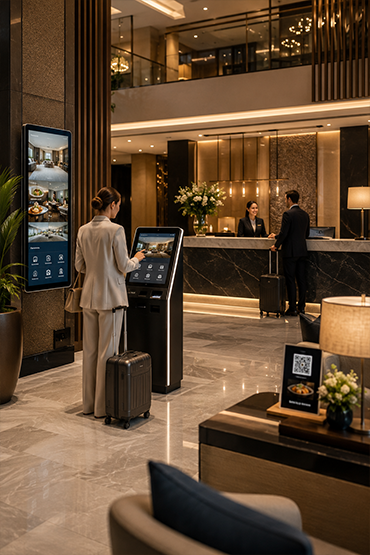
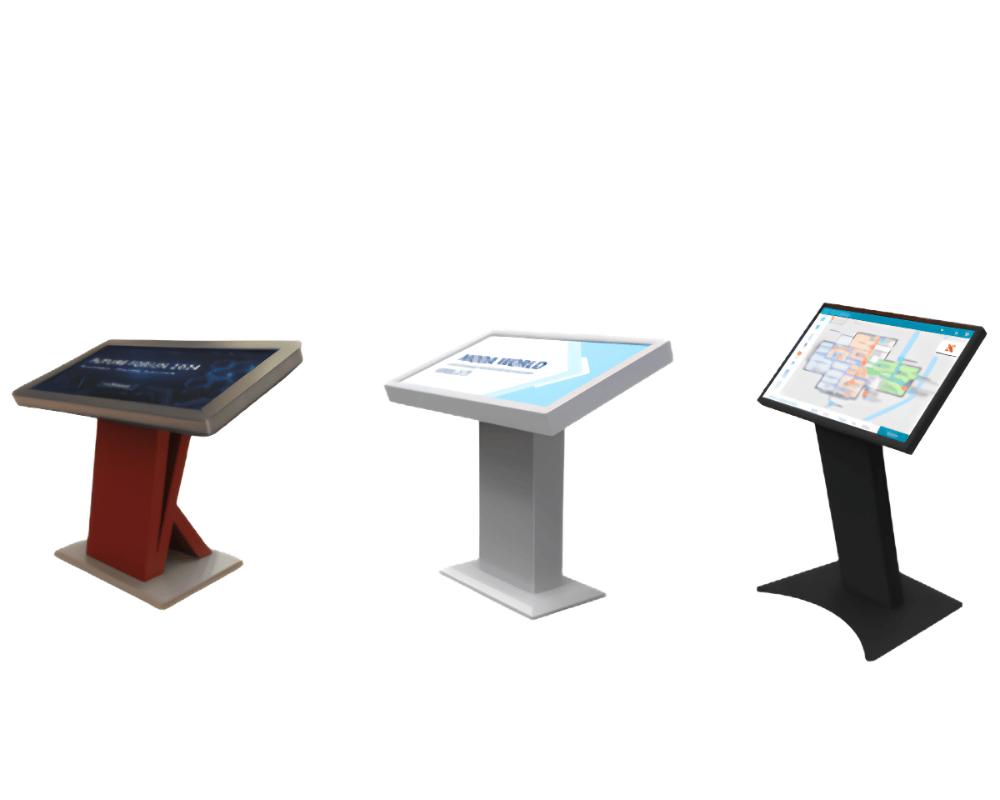
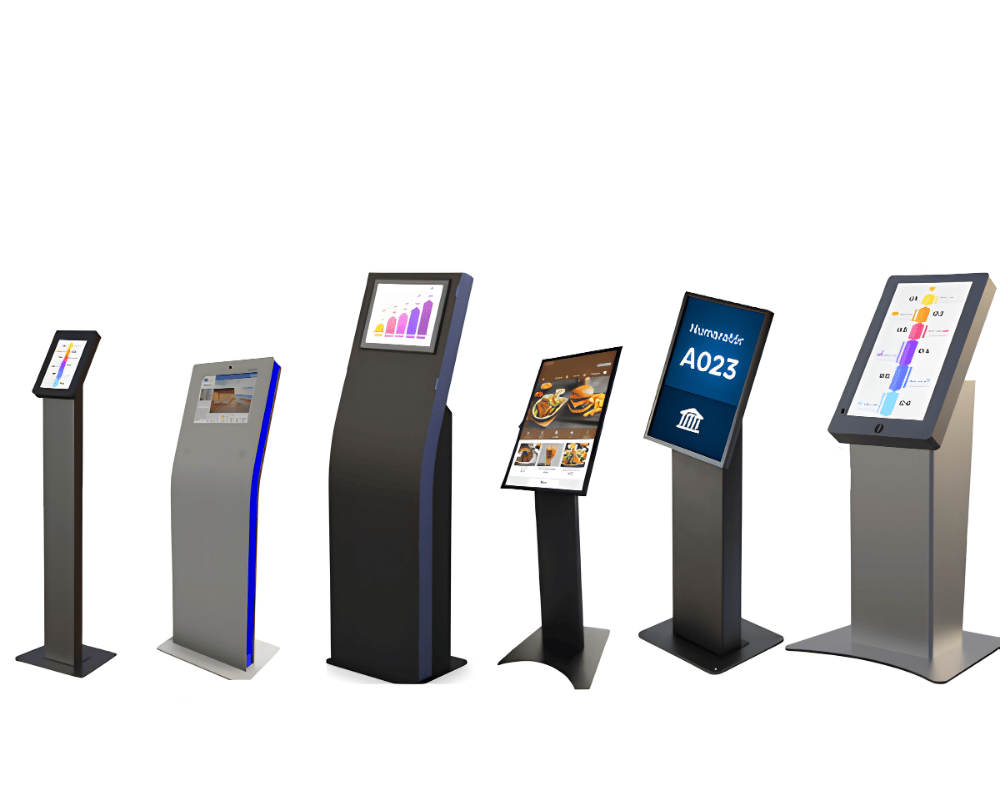
Facilitate Patient Processes with Fast, Contactless, and Smart Service:
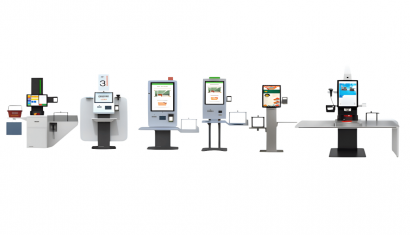
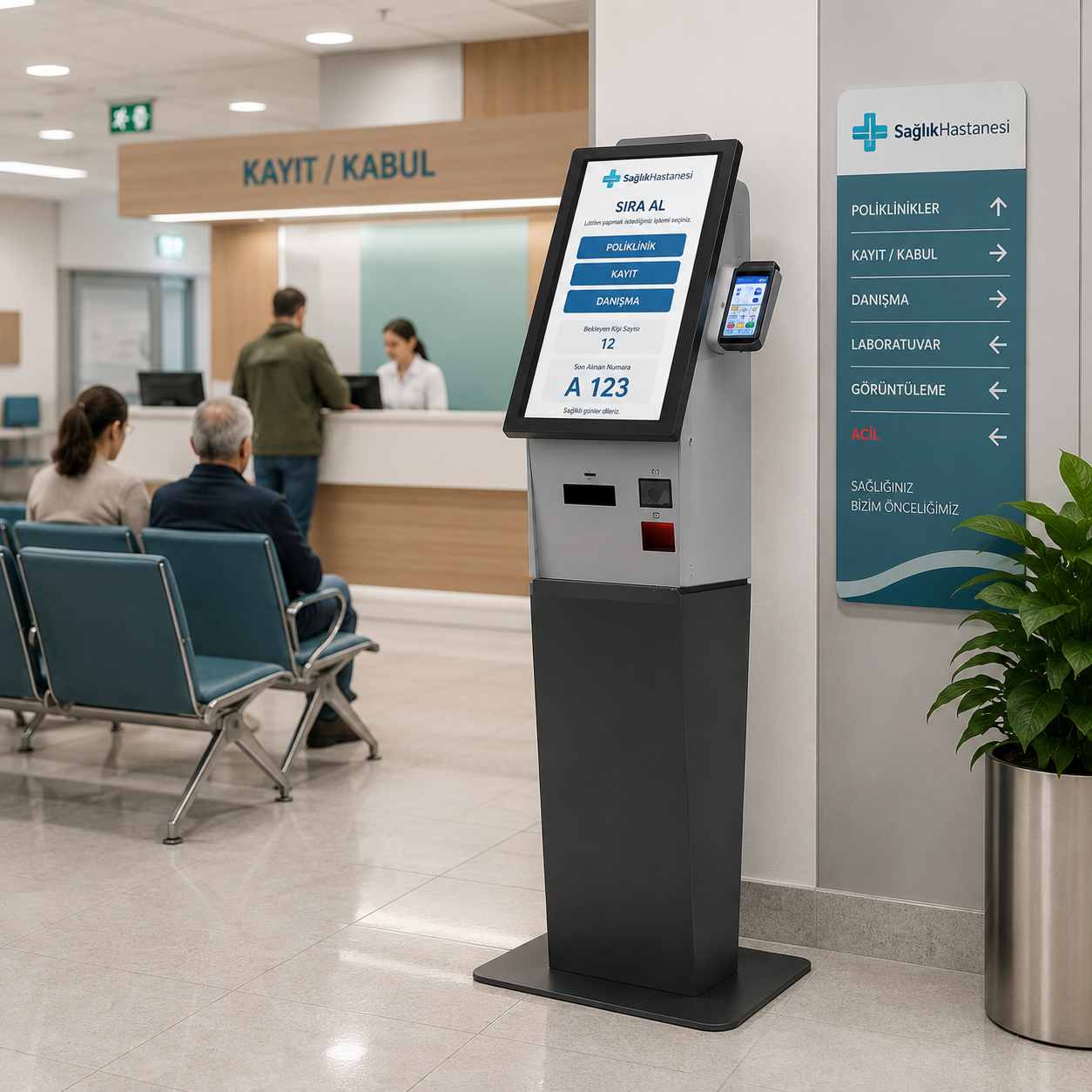
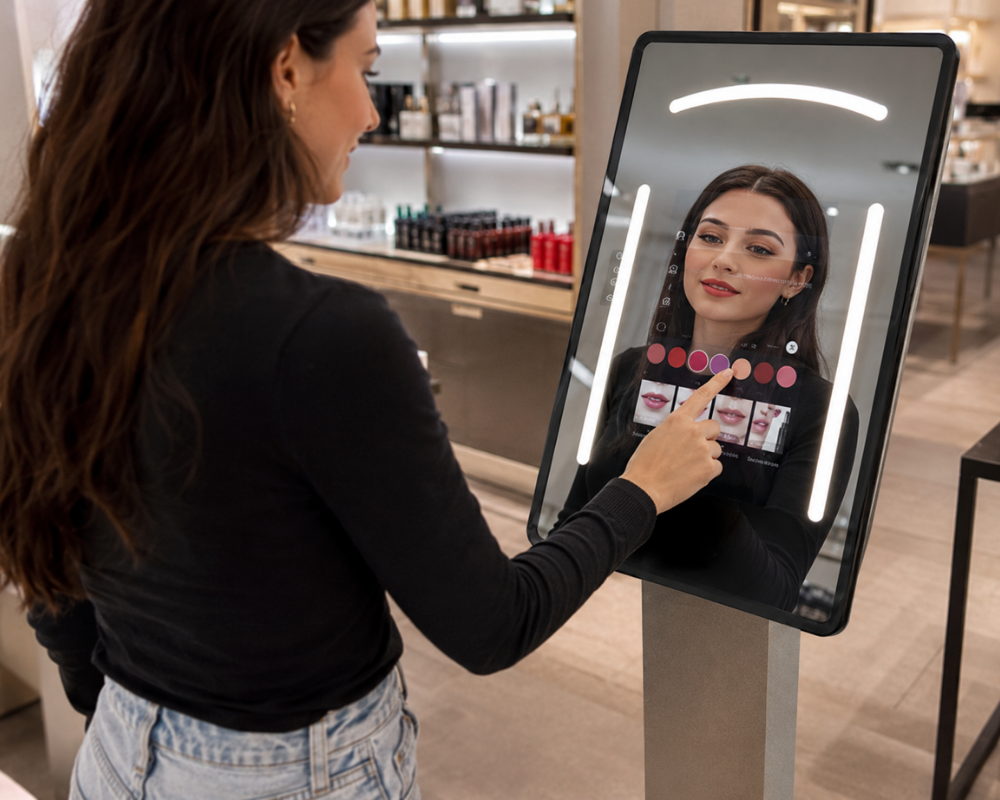
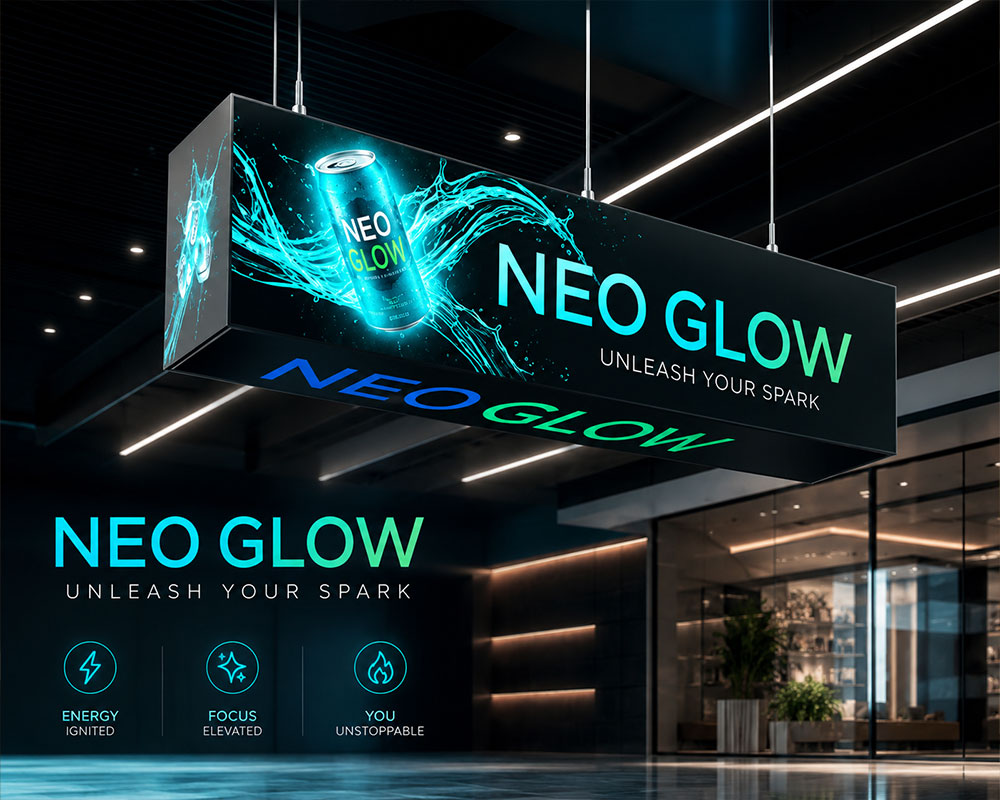
A self-service point can support agreed visitor or patient tasks. Check the kiosk, app and hospital-system interface for the exact use case. Protect personal details and provide staff help when a user cannot complete the task.
01
/
04
Categories
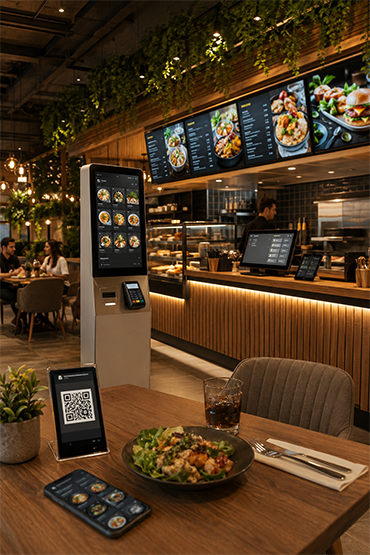
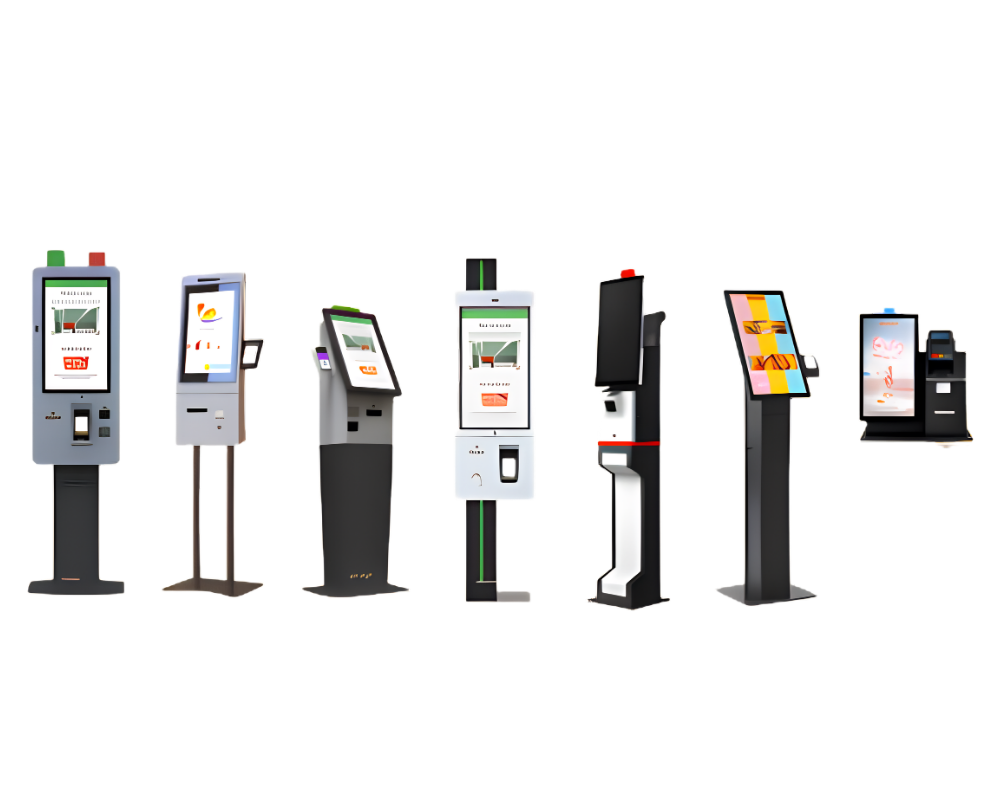
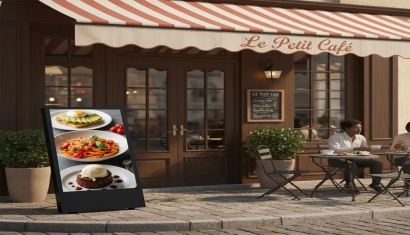
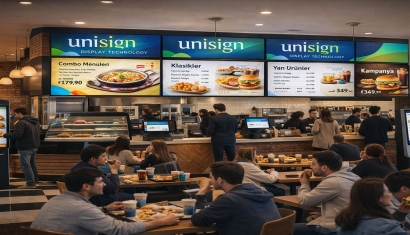
Strengthen the Digital Menu Experience in Hospital Cafes and Restaurants
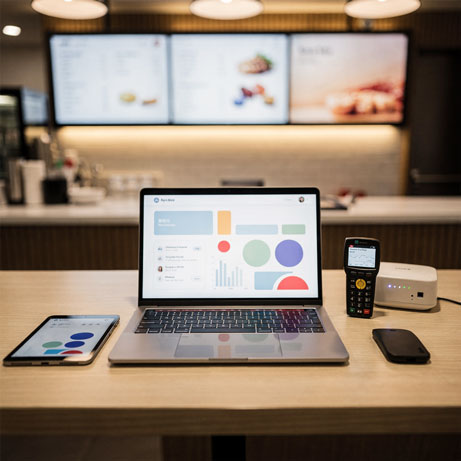
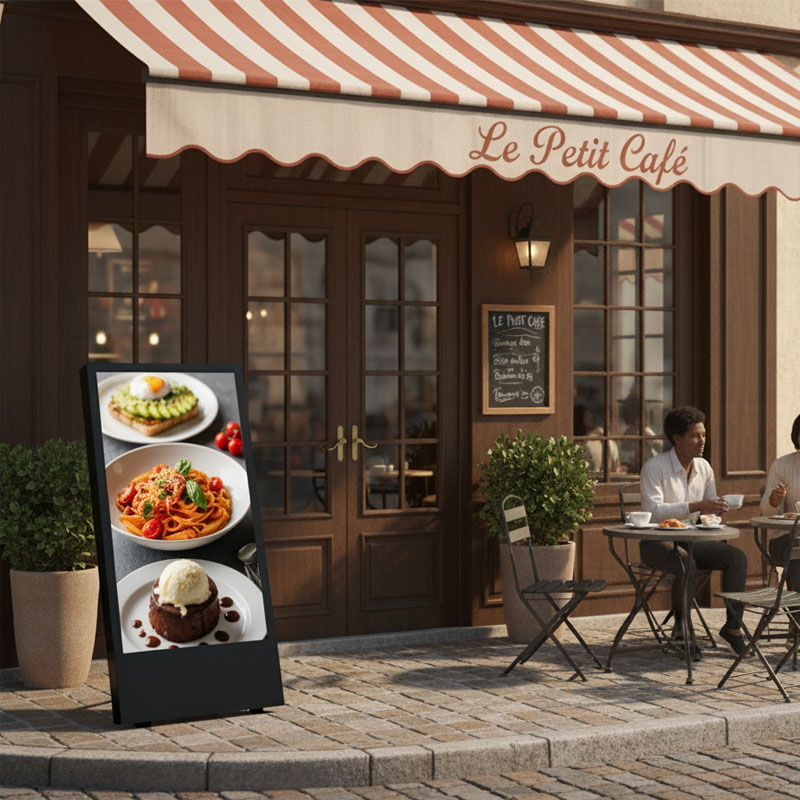
Show food, drink and prices clearly in hospital cafés and dining areas. Plan the menu for the viewing distance. Agree who checks prices, updates items and approves required menu information.
01
/
05

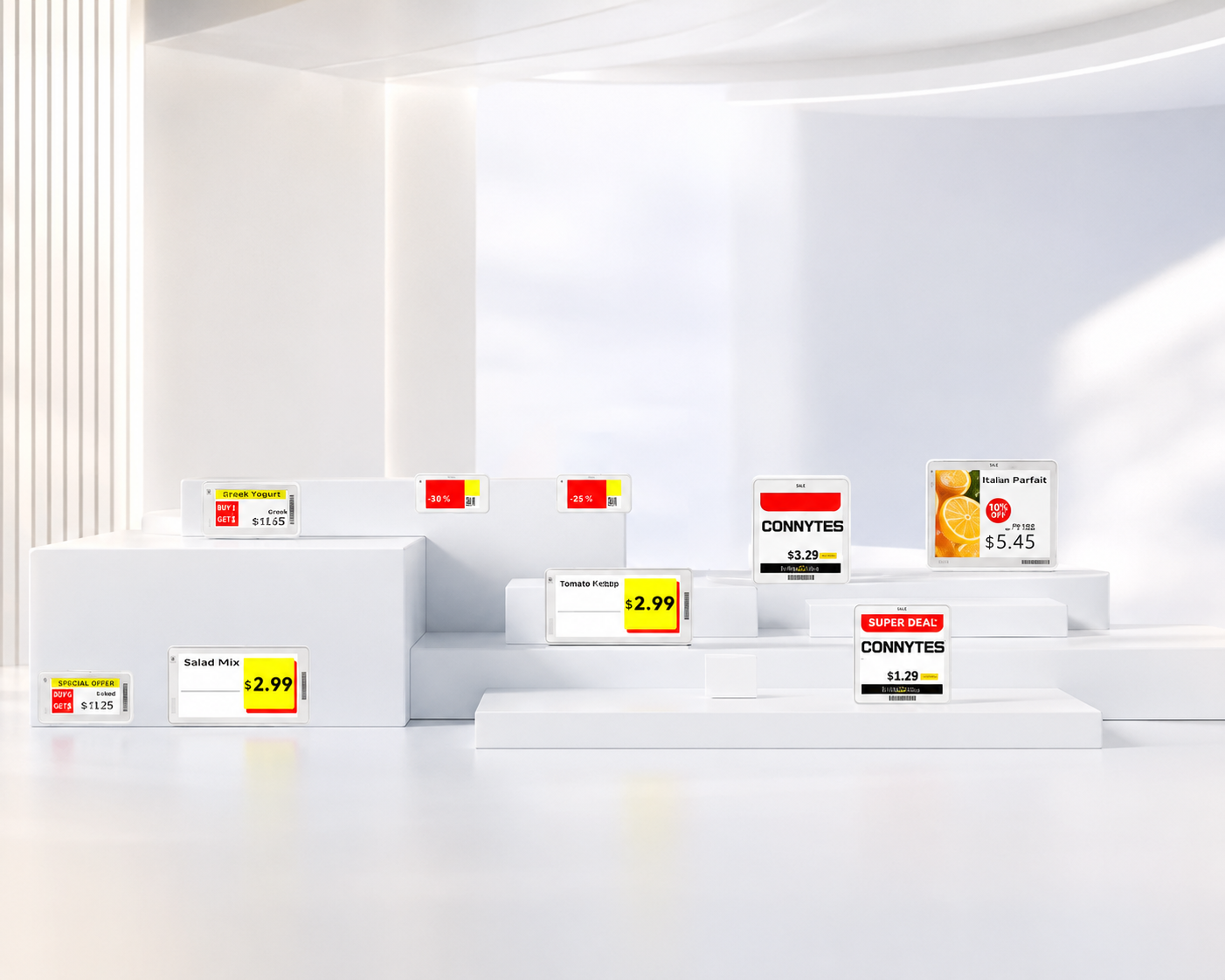
Categories
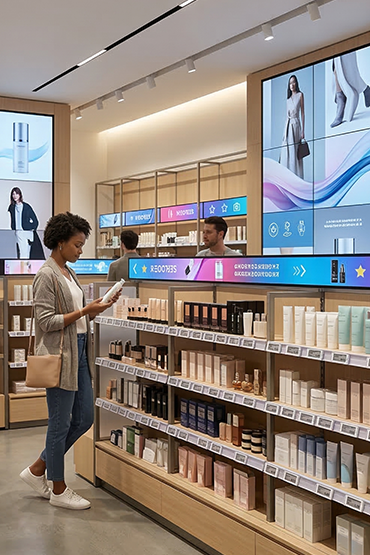
Strengthen the Patient Experience
Help visitors find the right place and understand the next step. Use clear directions, readable notices and suitable touchpoints. Check each proposed booking, queue or other data connection. Public screens should not expose patient information.
01
/
01

Categories
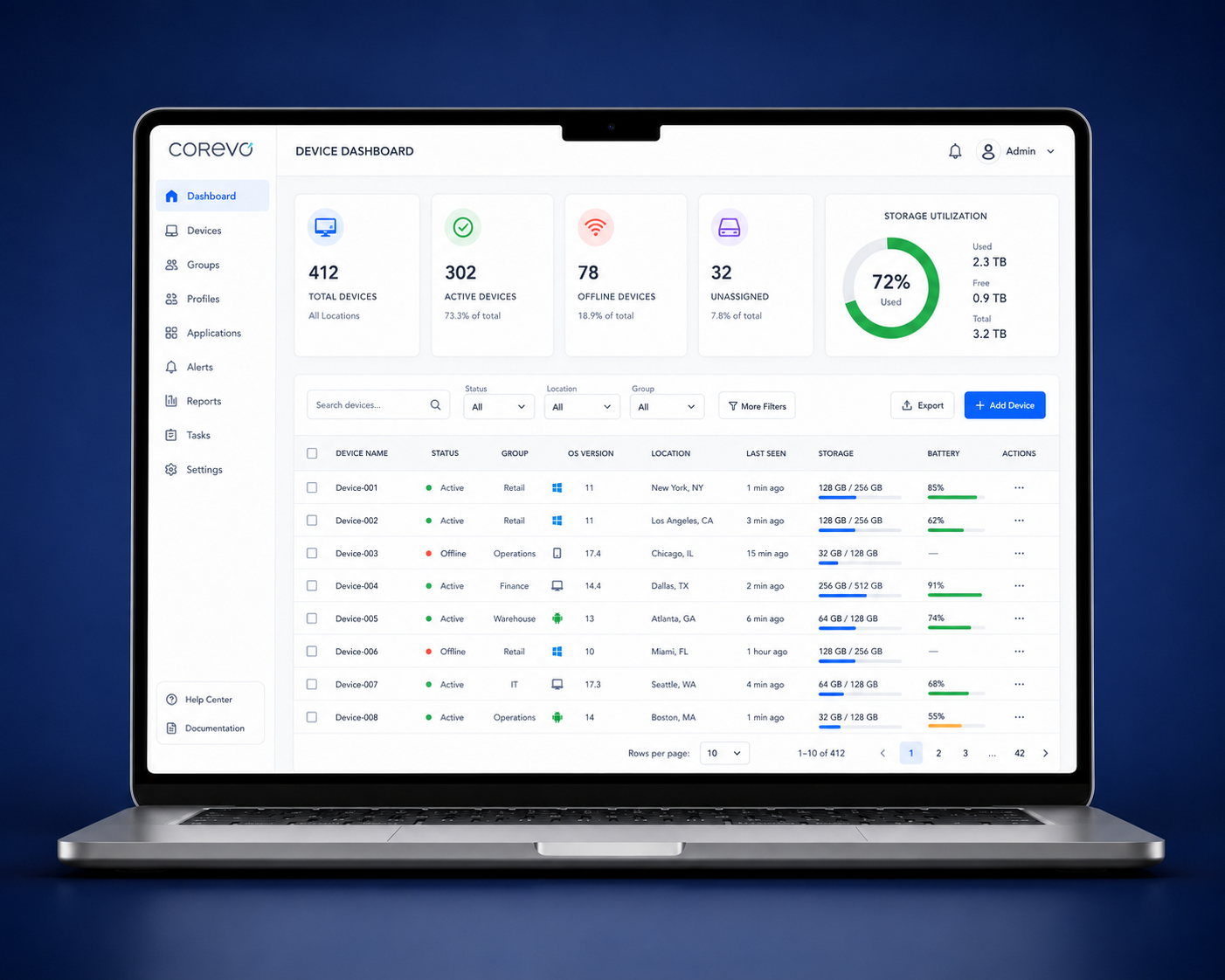
All Digital Communication on a Single Platform
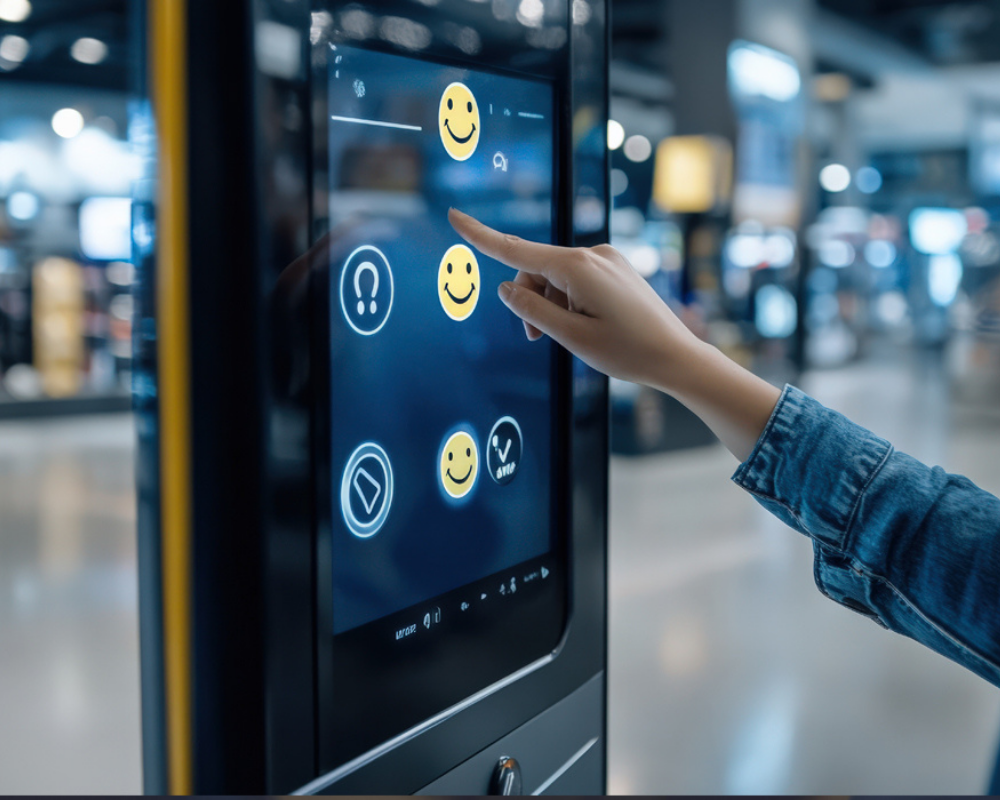
Use Corevo to plan the agreed screen publishing tasks. Define users, screen groups and approval steps. Review surveys and analytics as separate functions with their own scope. Confirm each feature in the proposed software version.
01
/
02
Frequently Asked Questions
What can healthcare information screens show?
Use the site layout and visitor journey to organise wayfinding, department information and general announcements. Clinical content needs an appropriate owner and review process.
Are patient records and clinical systems included?
Do not assume that a display system connects to patient records, appointment systems or clinical infrastructure. Those interfaces require explicit assessment. Avoid public exposure of personal information, and plan readable content and an alternative route to assistance.
What should a healthcare display enquiry include?
For an initial enquiry, share the intended display locations and information types without sending patient records.




.png.webp "Republic of Turkey Ministry of Health")
Request a Quote
Briefly share your needs and our expert team will analyze the most suitable solution for you. We can schedule a project-specific demo, prepare a detailed quote, or review your technical questions together. We will contact you as soon as possible.










.png.webp&w=410&h=235 "DSFeed Content Management and Monitoring Service")