English
  Deutsch


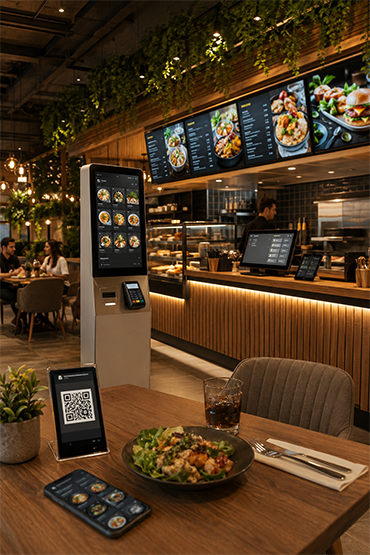















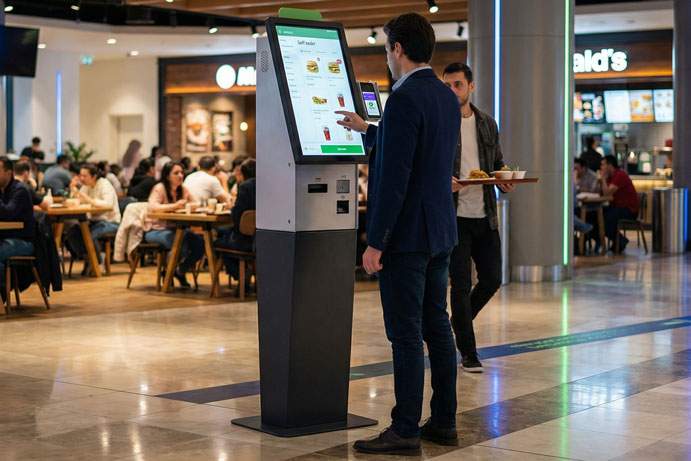

Planning a Self-Order Kiosk and EPOS Integration
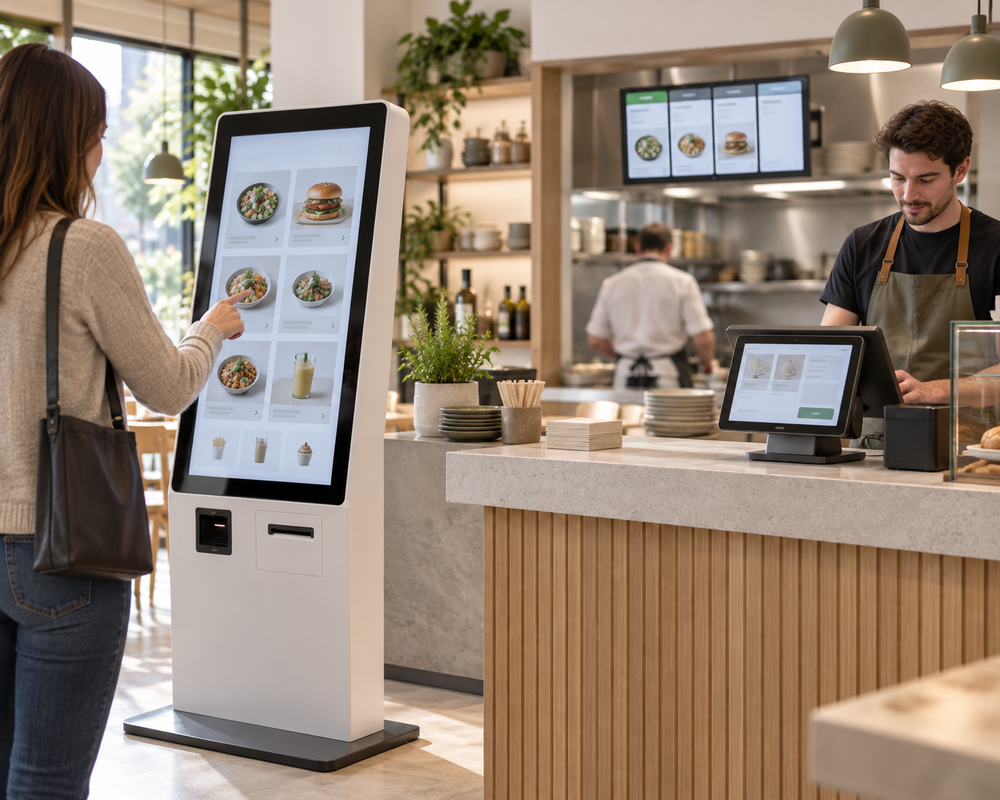
An integration is useful only when the complete transaction works in the configuration your business actually uses.
Record the systems precisely
List the EPOS product and version, payment provider, ordering software and kitchen displays or printers. Identify the party responsible for each connection. A brand logo alone does not confirm compatibility with every version or workflow.
Define the data and handovers
Specify where products, prices, modifiers and availability originate. Document where an order is created, when payment is confirmed and how the kitchen receives the final order. Include refunds and cancellations in the discussion where relevant.
Test the ordinary and the exceptional
A useful acceptance script includes a normal order, product options, an unavailable item, a declined payment, a connection interruption and a request for staff help. Agree what each system should display and which party investigates a failure. Avoid collecting real payment details in a content demonstration. Use the appropriate test environment agreed with the providers.
Confirm responsibilities before rollout
Separate an existing connector from partner configuration or custom development. Record any dependencies, test access and ongoing maintenance responsibilities. Define how a menu change or software update will be checked after launch.
Scope the order flow before choosing the connection
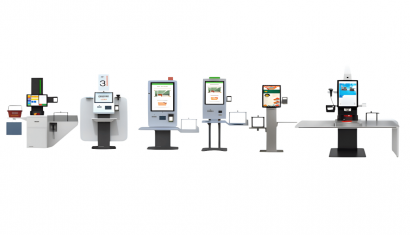
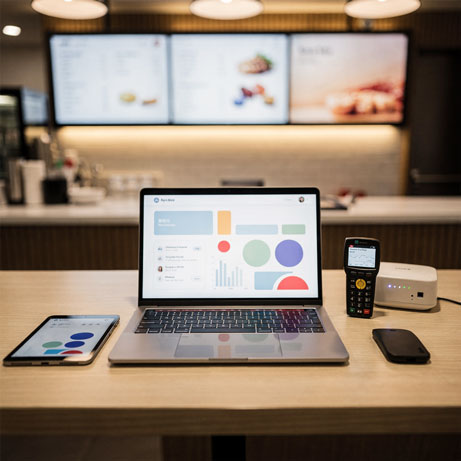
Lotus Pecas is included among our kiosk integration options. Start your enquiry with the exact POS product and version, then list the ordering software, printer and payment terminal required. Treat menu transfer, order delivery, kitchen output and payment processing as separate requirements. The supported combination and any additional work must be established for the proposed project; a general EPOS label is not a compatibility list.
Explore Related Solutions: Self Order Kiosk · Contact
















.png.webp&w=410&h=235 "DSFeed Content Management and Monitoring Service")