English
 Deutsch















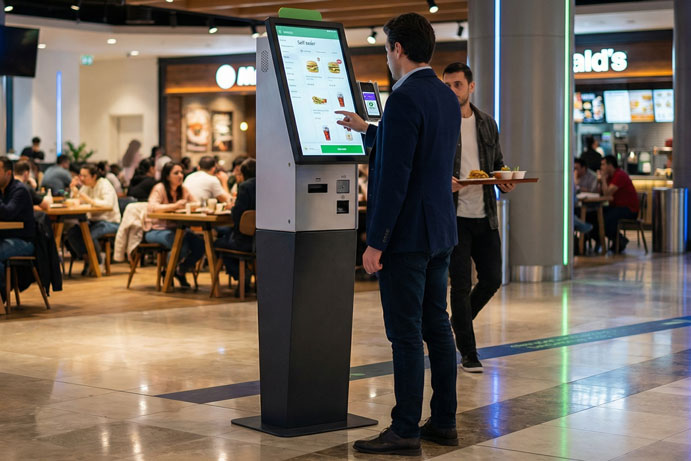

What to Include in a Self-Order Kiosk Budget
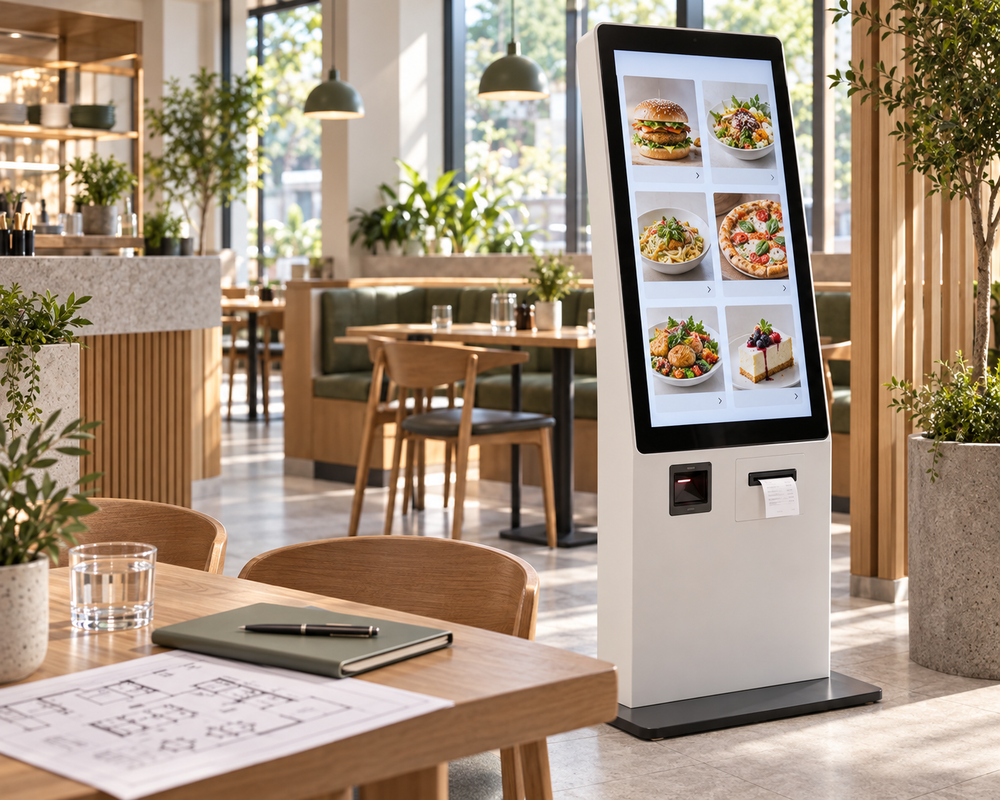
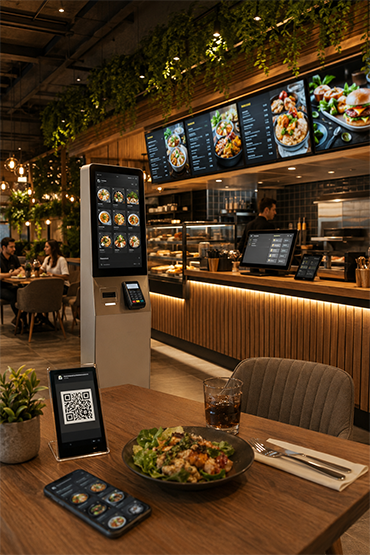
A kiosk budget should describe a complete ordering journey, not just the touchscreen at the counter.
Start with the service model
Record dine-in and takeaway requirements, menu options, order handover and the number of locations. Specify how staff will help customers and how orders will be handled if a device is unavailable.
Build the cost schedule
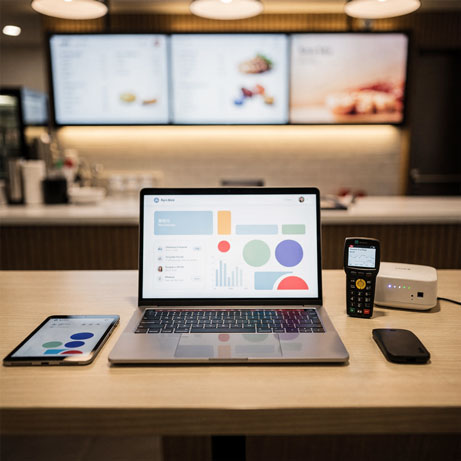
Separate the kiosk enclosure and display from peripherals, ordering software, payment equipment and installation. Identify EPOS or kitchen-system integration, menu setup, testing and staff training as individual items. Record which equipment is supplied and which is already owned.
Keep payment and software fees visible
Confirm licence periods, renewals and support terms. Payment-provider charges are distinct from the kiosk hardware price. Do not assume a terminal, acquiring agreement or supported EPOS connection is included without written confirmation. For UK quotations, state GBP pricing and whether VAT is included. Compare the same device count, contract period and responsibilities.
Evaluate a pilot without promising a sales increase
Before launch, define completed orders, abandonment, payment failures and requests for assistance. Compare results with a suitable baseline and account for operational changes. A kiosk does not guarantee a particular revenue increase or staffing saving.
Compare the full kiosk scope
List the kiosk hardware, ordering software, printer and payment terminal selected for your project. Record the software setup fee and monthly or annual licence payments separately. Unisoft performs the initial menu entry; later updates are managed by your team or through paid assistance. Software updates, technical support and any demo or pilot are additional paid items. Ask for the project-specific integration and installation scope rather than assuming these are included in a hardware price.
Explore Related Solutions: Self Order Kiosk · Costa Coffee Self Order Project · Contact











.png.webp&w=410&h=235 "DSFeed Content Management and Monitoring Service")