English
 Deutsch

















In-store price checkers: how to run a retail pilot
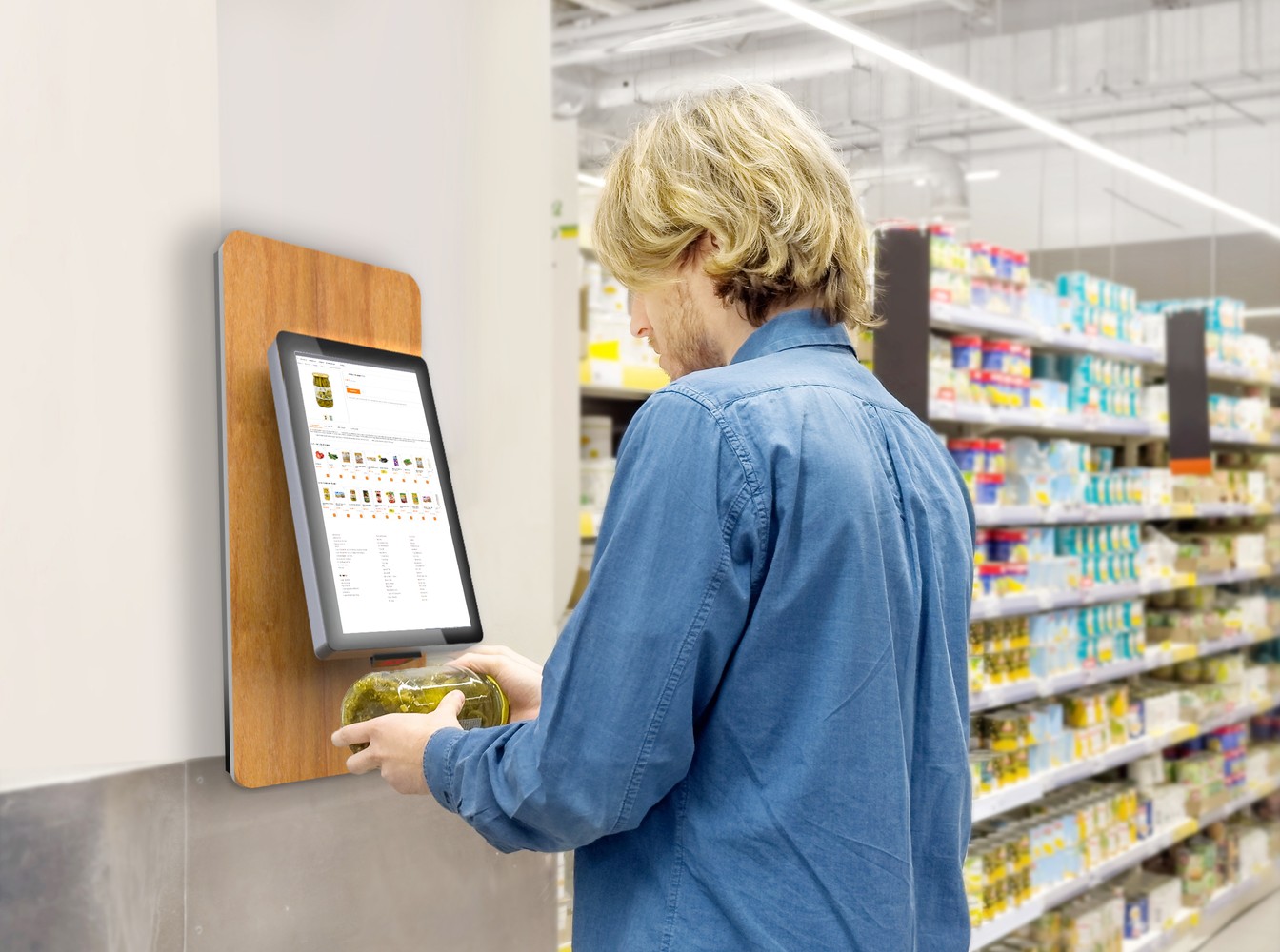
An in-store price checker lets shoppers scan a product barcode and check the price before reaching the till. For UK supermarkets and other retailers, a pilot in one shop is a practical way to check whether the scanner is easy to find, whether prices are consistent and how colleagues handle an exception.
Choose a location shoppers will actually use
Start where shoppers are most likely to have a price question. That might be between seasonal aisles or near a promotional bay serving several departments. Follow the route with a trolley and check that customers can spot the unit and reach the scanner without blocking the aisle. Test the screen from different heights and check for glare under the shop lighting.
Use a short instruction at the unit, such as “Scan your barcode to check the price”. Ask someone unfamiliar with the pilot to find the scanner and use it without help.
Check which price the shopper sees
The Unisoft Price Checker displays price and product information after a barcode scan. It supports integration with point-of-sale (POS) and ERP systems. During the pilot, agree which system supplies the approved price and how branch-specific changes reach that unit.
Scan a standard item, a similar pack size with a different barcode and a product on a time-limited promotion. Where your shop uses member-only or multibuy offers, agree how those conditions will appear. Check the display in pounds and pence and compare it with the shelf label and a test transaction at the till. Repeat around the start and end of a promotion, when timing differences are easiest to spot.
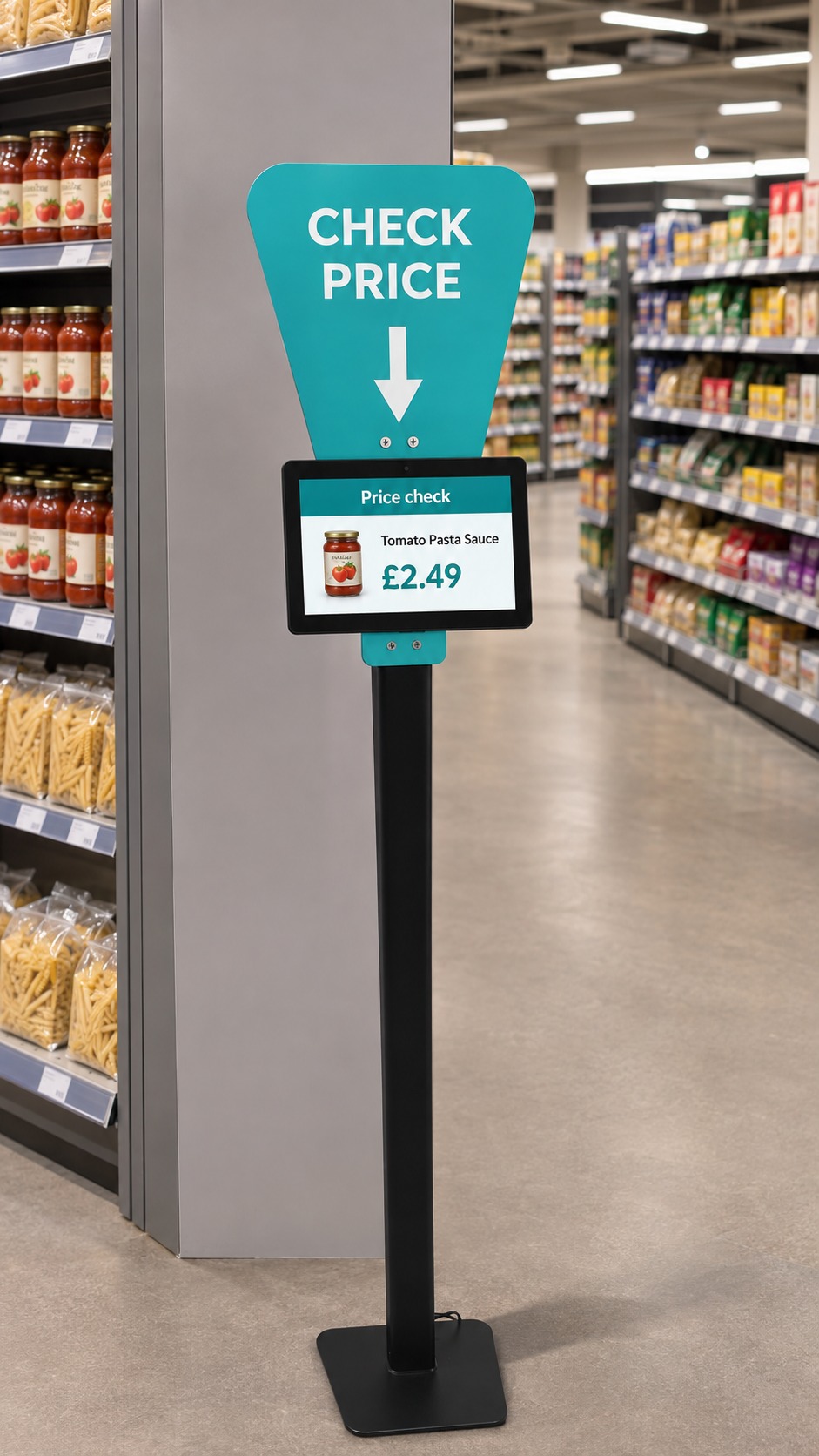
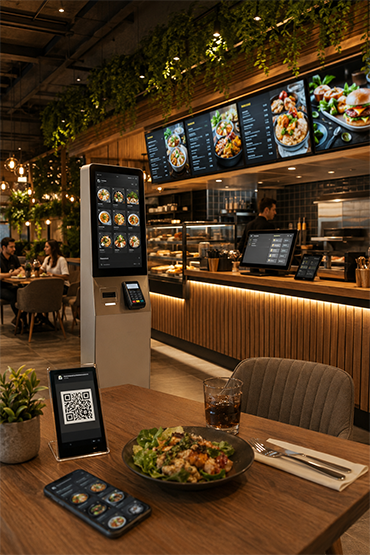
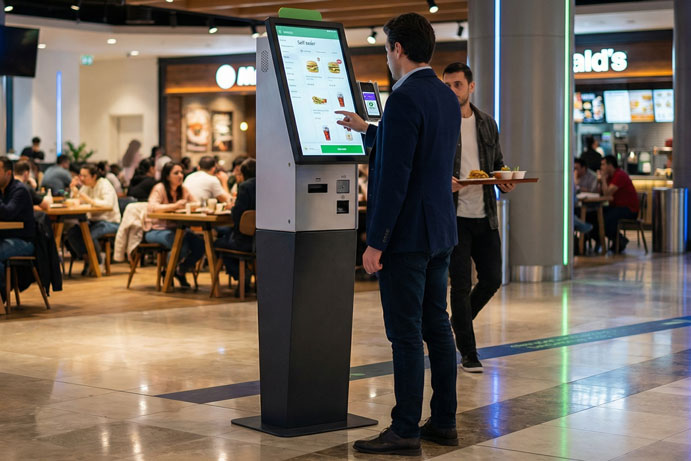
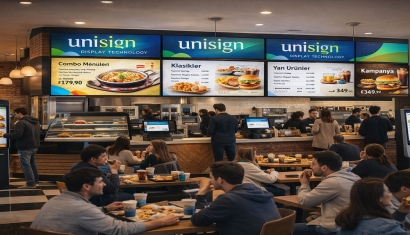
Illustrative supermarket scene with the freestanding Unisign Price Checker and an example price display.
Test faults before shoppers find them
Use a damaged barcode and a product that is missing from the catalogue. Agree what message the unit should display and where it should direct the shopper. Test the behaviour when the network connection drops or a price update arrives late. Give the duty manager a clear route for recording the barcode, branch, time and price discrepancy so the right team can investigate.
Use the pilot to decide where to roll out
Record how often test scans return the expected item and price. Note failed scans, the time it takes an unfamiliar shopper to find the unit, and any queues or repeat questions that colleagues see. Compare results in a busy period and a quieter one. Choose the next shop only once the pilot team can explain the exceptions and reproduce the promotion tests.
Share your till or ERP setup, branch count and proposed scanner location with Unisoft UK to discuss a price checker pilot.












.png.webp&w=410&h=235 "DSFeed Content Management and Monitoring Service")