English
  Deutsch















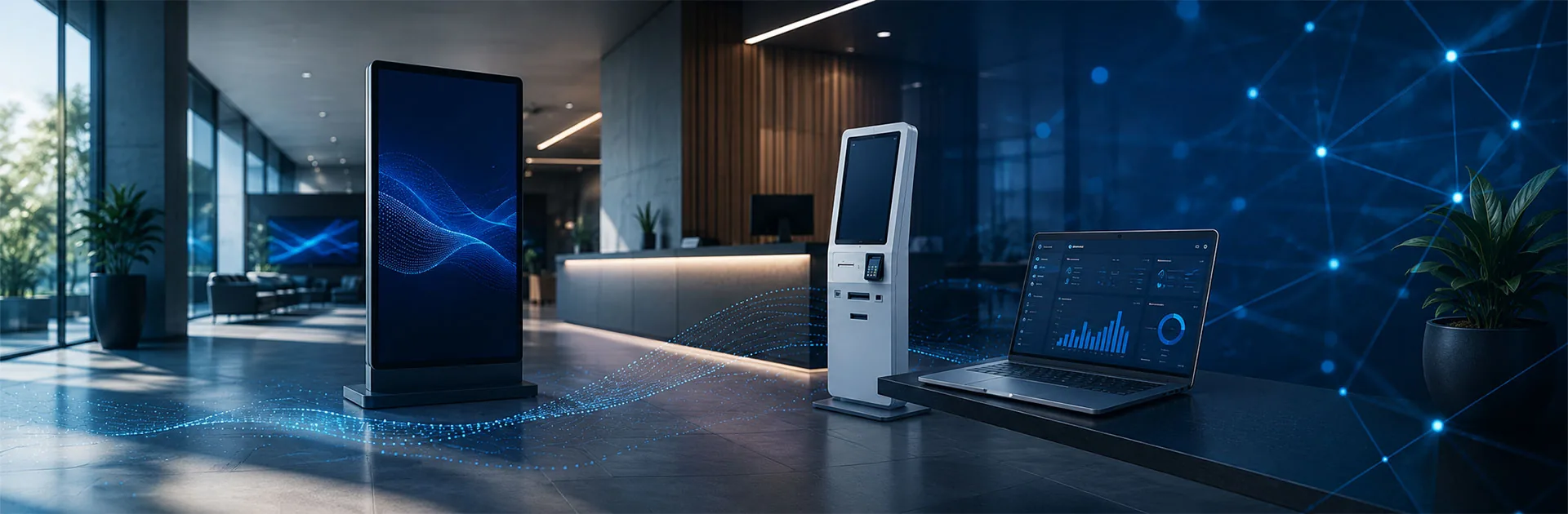
TV or Professional Display for Digital Signage?

Compare the actual model specification with the intended commercial application.
Treating every consumer TV as unsuitable and every professional display as automatically correct is unhelpful. Establish the documented capabilities of the exact device, then test whether those capabilities match the installation and operating workflow.
Why operating hours matter
Not every professional display is specified for continuous operation. Samsung lists 16/7 operation for QB24C and 24/7 for its QMC 85 model. These describe supported operating schedules, not guaranteed freedom from failure or unlimited service life.
Write down how many hours the screen must run. A shop that closes overnight and a continuously staffed information point have different requirements. Ask how the proposed usage relates to warranty terms and maintenance conditions rather than accepting a general commercial label.
Compare the model, not the product name
The words television or monitor are not sufficient classifications. Samsung's Business TV is an example of a television-format product with specifically described business operation and management features. Review the intended application, software and service terms instead of judging by the name.
When testing an existing TV, use the intended content, operating schedule, automatic start-up and recovery process. A successful test means more than seeing the first image. Check whether the correct input returns after a power interruption and whether staff must intervene before normal publishing resumes.
Brightness and real viewing conditions
Assess brightness together with reflections and content design. A screen that appears adequate in a sheltered office may be difficult to read behind glass. Review the same campaign in daylight, after dark and from different approach directions, using the colours and price text intended for production.
Do not assume that greater brightness is always the better purchase. Match visibility requirements and operating conditions to the actual location. A storefront exposed to sunlight needs a separate survey rather than the same assumptions used for an ordinary indoor display.
Portrait use and mounting
Rotating an image in software does not prove that a screen supports physical portrait installation. Check permitted orientation, ventilation clearances and mounting conditions. Professional specifications can state landscape and portrait support explicitly, as in LG's 55VL7F-A documentation.
Review the supporting surface, weight, cable exits and maintenance access before installation. A visually neat arrangement that prevents servicing may create operational difficulties later. Plan structural mounting and electrical work with qualified teams rather than treating the bracket as a decorative accessory.
Content management is not device management
Publishing a promotion and switching a panel on are different functions. Evaluate file distribution, schedules and screen selection in the CMS. Ask separately about power, input selection and device status.
ViewSonic describes power and input control for compatible professional displays.
Where a built-in operating system is available, verify support for the chosen CMS on that exact model. If external playback is needed, test professional media players together with screen inputs and resolution. Do not assume every installation requires an extra hardware box.
Warranty and complete project cost
Request written terms covering business use, static content, mounting orientation and daily operation. Service method, replacement procedures, transport and installation responsibilities matter alongside warranty duration. Do not assume all consumer televisions automatically lose warranty coverage in every business setting. Review the applicable terms.
Compare more than the panel price. Bring players, software, mounting, content preparation and support into an equivalent quotation scope. Only then assess whether a lower purchase price also produces a lower operating cost for the intended installation.
A practical route to the right screen
Test existing hardware against a realistic use case. Consider an appropriate commercial replacement when documented conditions cannot be met or management requirements remain unresolved. Review professional monitor options alongside digital signage software so that the screen is selected as part of a working publishing system, not as an isolated purchase.
Check the conditions, not just the label
Review operating hours, mounting orientation, brightness, content input and warranty terms for business use. Do not assume every professional model supports identical conditions or every television is unsuitable. Include a real content test and the supported player configuration before choosing equipment.
Choose around the site, then compare the specification
Compare the actual model specifications alongside your available space, mounting position and intended use. Screen size, mounting options and peripherals should be shown for the selected model, not assumed from the product family. Share your site layout and existing equipment with your enquiry.
At least two years of hardware warranty
Hardware is supplied with a minimum two-year warranty, with the applicable period depending on the product group. For a fault, contact our local UK team. We provide remote assistance and, where necessary, on-site support. Replacement by shipment is arranged according to the assessment report.
Explore Related Solutions: Professional Monitor · Android Monitor · Media Players










.png.webp&w=410&h=235 "DSFeed Content Management and Monitoring Service")